

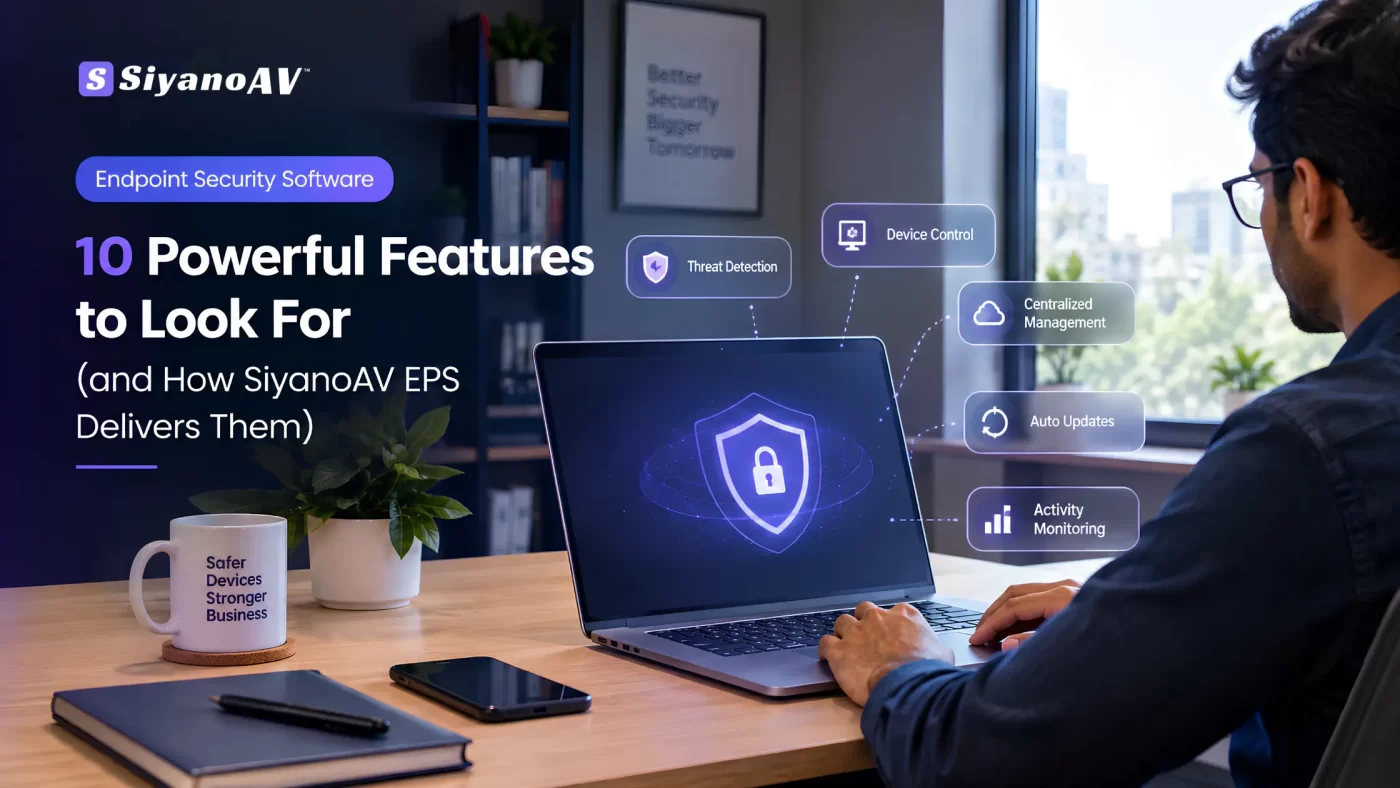

Most businesses don’t buy endpoint security software because they planned to. They buy it after something goes wrong. A laptop gets infected, a USB drive sneaks in ransomware, or someone spends a weekend cleaning up a mess.
Here’s the thing: you don’t need a bad week to justify protection. You need a tool that covers every device and doesn’t make your IT person’s life harder.
So let’s go through what good endpoint security software should actually do, and how SiyanoAV EPS handles each part.
What Good Endpoint Security Software Needs
Forget the buzzwords for a second. Any decent endpoint security software should answer three questions:
- Can it stop threats on every device?
- Can I control what people do with those devices?
- Can I see everything from one place?
If the answer to the third one is “not really,” you’re managing a pile of separate antivirus installs. That gets messy fast.
SiyanoAV EPS is built around that third point: one console for every endpoint decision.
10 Features That Matter in Endpoint Security Software
1. Real-time threat detection
Threats are caught while they try to run, not after the damage is done. This is the base layer, and honestly it should be the least you expect.
2. Behavioral analysis
Signature databases only know yesterday’s malware. Behavior monitoring flags suspicious activity even when the threat is brand new. Zero-day attacks are exactly why this matters.
3. Centralized management
Every protected device shows up in the EPS admin console. You see who’s protected, who’s outdated and who needs attention, without walking to anyone’s desk.
4. Automated updates
Nobody remembers to update 30 machines manually. Automated updates keep protection current in the background.
5. Advanced device control
USB drives are still one of the easiest ways to bring malware in. Device control lets you decide what can and can’t connect.
6. Web and zone control
Restrict risky or non-work websites at the policy level instead of hoping staff make good choices.
7. Policy management
Set rules once, apply them across devices. Different teams can have different policies, which is handy in schools and mixed offices.
8. Activity monitoring and reports
EPS includes visibility features like user session monitoring, print activity monitoring and network activity reporting. When something odd happens, you have a trail to follow instead of guessing.
9. IT asset tracking
You can’t protect devices you don’t know about. Asset tracking gives you a proper inventory of what’s connected.
10. Firewall for privacy and PC optimizer
A firewall layer for privacy plus a PC optimizer means protection and performance are handled together. Nobody likes security software that makes machines crawl.
Ten features, one console. That’s the real pitch.
Alerts That Lead to Action
Reports are useless if nobody reads them. The EPS console turns activity into simple signals: a suspicious executable blocked, a device policy applied, protection updated.
Small things, but they tell you the system is actually working. I like tools that show their work.
How EPS Deployment Works
This is where a lot of security products lose people. Setup sounds like a week-long project.
EPS keeps it to four steps:
- Download the server and client packages from the EPS portal
- Install them on your server and devices
- Configure policies from the admin console
- Monitor everything from one dashboard
You can also explore the EPS admin console before rollout, so you know what you’re getting into. That alone saves a lot of hesitation.
It also supports both modern and legacy Windows environments. Plenty of Indian offices and schools still run older machines, so that’s a practical point, not a small one.
Who Is It For?
Endpoint security software matters most where data is sensitive and devices are many:
- Education: computer labs, staff systems and student data
- Healthcare: patient records on shared machines
- Finance: customer and transaction data
- Manufacturing: office systems connected to production networks
- Small and mid-sized businesses: limited IT staff, real ransomware risk
If you’re an IT reseller, this also gives you a solid corporate offering to bring to clients, with a partner portal for support.
Plans and Support
EPS has flexible plans by team size: Small Business, Enterprise and Corporate. Ask for a quote based on your device count, since that’s what drives pricing.
Support isn’t an afterthought either. There’s sales support, a help center, the EPS console and a partner portal. Good endpoint security software should have people behind it when something breaks.
FAQs
What is endpoint security software?
It’s software that protects laptops, desktops, servers and other devices from malware, ransomware and phishing, and lets you manage them from one place.
Is endpoint security software different from antivirus?
Yes. Antivirus mostly detects and removes threats. Endpoint security software adds central management, device control, web policies and reporting.
Can I try the admin console before buying?
Yes, you can explore the EPS admin console before rollout to see how it works.
Will it slow down my computers?
It’s designed to run without slowing your IT down, and it includes a PC optimizer. Still, test on one machine first before full deployment.
Which industries should use it?
Education, healthcare, finance, manufacturing and any business handling customer data.
Final Thoughts
Good endpoint security software isn’t about having the longest feature list. It’s about covering every device, giving you control and being simple enough that someone actually uses it.
SiyanoAV EPS checks those boxes from one console. Explore the admin console, pick the plan that fits your team size, and get your devices covered before something forces you to.
Ready to try it? Explore the EPS Admin Console or Talk to our team.



1 Comment