

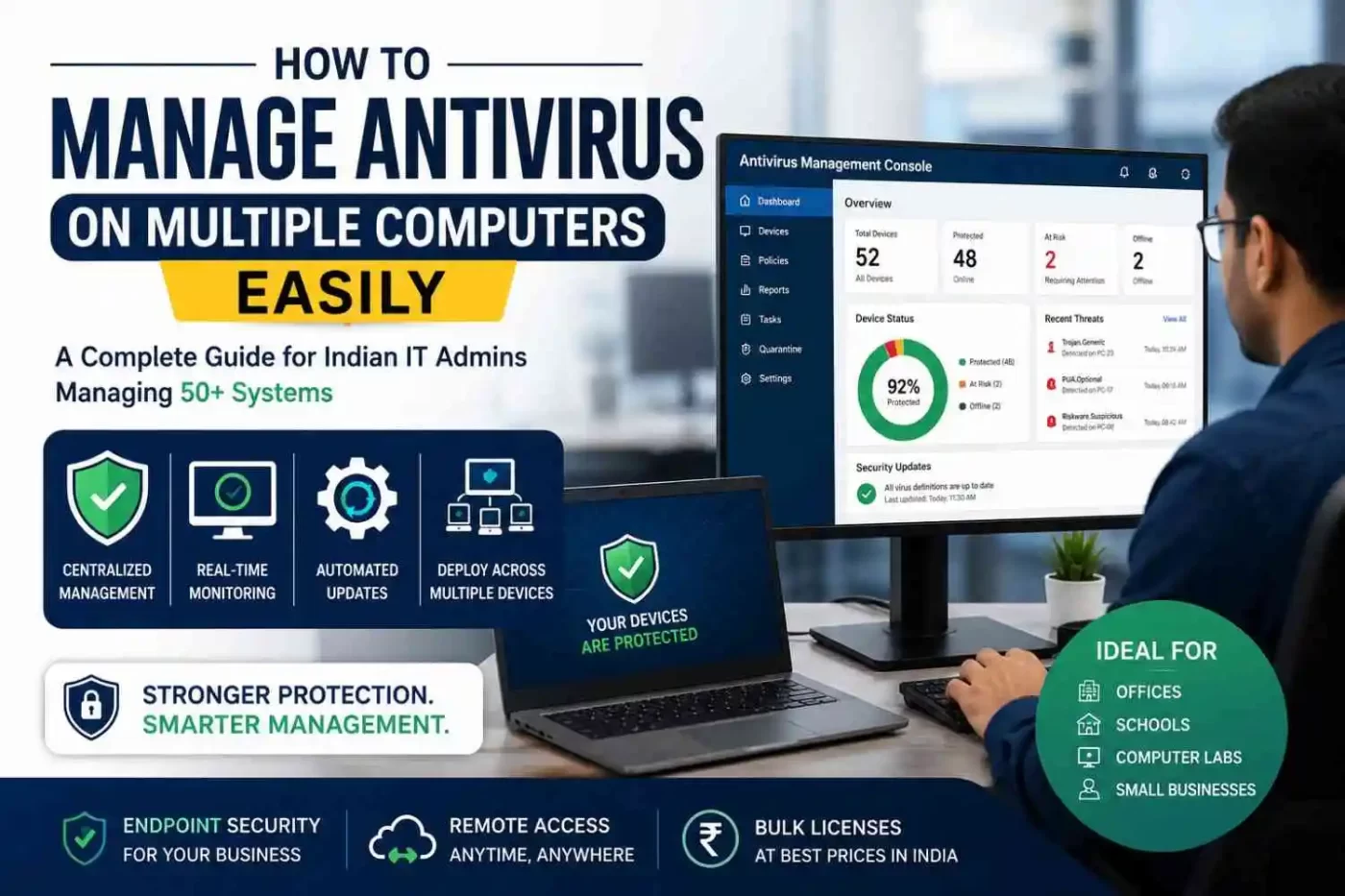

Managing IT security for an expanding office can quickly turn into a logistical nightmare. If you are still walking from desk to desk to check security alerts or manually installing software using a thumb drive, you are losing valuable hours every week.
When your network grows past 10 or 20 devices, tracking security health manually becomes impossible. This comprehensive guide will show you how Indian IT admins can easily handle antivirus management for multiple computers, ensuring your business stays secure without draining your time.
What is Centralized Antivirus Management for Multiple Computers?
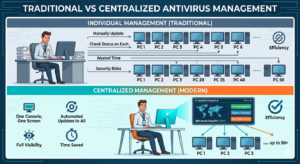
Centralized antivirus management is a system where an IT administrator controls, updates, and monitors the antivirus software of all network connected devices from a single, unified digital dashboard.
Instead of configuring settings on individual laptops, desktops, or servers, you apply a single global security policy. The central server or cloud platform then automatically pushes these settings across your entire network architecture.
Why Businesses Need to Manage Antivirus on Multiple Computers Centrally
When you manage a handful of systems, retail licenses work fine.But using basic home antivirus software in a business environment can leave office systems exposed to serious security risks.
- The Update Bottleneck: Employees frequently postpone system updates. A single computer running outdated virus definitions exposes your entire corporate infrastructure to malware protection for office network breakdowns.
- Visibility Blindspots: If a desktop in a corner cubicle detects a Trojan horse, you will not know about it until the user reports it—or until the malware lateralizes across your network.
- Licensing Chaos: Tracking 50 different retail activation keys with different expiration dates is an administrative headache that leads to accidental coverage lapses.
How to Manage Antivirus on Multiple Computers Efficiently
Transitioning to an enterprise-grade endpoint protection platform does not have to be complicated. By following a structured deployment strategy, you can secure 50+ systems simultaneously without disrupting daily operations.
1. Best Tools to Manage Antivirus on Multiple Computers
Look for an antivirus software for business India that offers a web-based antivirus admin console.
2. Procure a Volume Licensing Plan
Avoid buying individual retail boxes Choosing a volume licensing antivirus plan or a bulk antivirus license package for India makes much more sense for larger setups. You get one license key that covers 50 or more devices, so renewing subscriptions becomes far less of a hassle and your overall costs come down significantly.
3. Automate Your Software Deployment
You do not need to sit at every machine to run an installer file. Modern business antivirus solutions provide light installation packages (MSI packages) that you can deploy across your local active directory using Group Policy Objects (GPO) or unified endpoint management tools. This method lets you install antivirus on multiple computers at once silently in the background while your staff continues working.
Choosing the Best Antivirus for 50 Computers India
Selecting the right security partner depends on your specific infrastructure, budget constraints, and compliance needs.
| Security Feature | Small Business Network | School / Computer Lab |
| Primary Need | Ransomware protection, data encryption | Deep freeze compliance, low system footprint |
| Management Type | Cloud-based console | Local server or cloud dashboard |
| Key Target | Financial data, client records | Student web filtering, USB blocking |
| License Type | Managed antivirus solution for small business India | Best antivirus for schools and colleges India |
If you run a local business or a government office India, choose a provider that offers localized technical support teams within Indian business hours. Platforms like SiyanoAV provide localized dashboard features tailored perfectly for domestic IT compliance needs.
Enforcing Robust Antivirus Policy Enforcement
Software is only as effective as the rules you configure. Once your centralized antivirus dashboard for IT teams is live, implement these strict baseline configurations:
- Automate Antivirus Update Management: Set antivirus updates to run automatically every day during quieter office hours, like early mornings or lunch time, so your internet speed stays smooth during work hours.
- Restrict User Overrides: Limit employee access so regular users cannot turn off antivirus protection or make changes to security settings without IT admin approval.
- Enforce Device Control: Block unauthorized USB flash drives across your network antivirus system. Rogue storage drives are one of the most common ways malware bypasses external firewalls in Indian offices and cyber cafes.
Securing Your Network Against Ransomware
Ransomware attacks targeting Indian small businesses have surged significantly. A single employee clicking an infected email attachment can encrypt your entire office database within minutes.
To achieve robust ransomware protection for business environments, your platform must feature behavioral analysis. Traditional antivirus software looks for known signatures; modern endpoint security tracks suspicious behavior. If a program suddenly attempts to modify and encrypt dozens of files at once, the system kills the process instantly and isolates the machine from the network.
Summary: The IT Admin Checksheet
Before you purchase your next round of corporate security software, ensure your selected solution checks these vital operational boxes:
- Includes a unified centralized dashboard.
- Offers bulk licensing price reductions for Indian enterprises.
- Supports silent, automated remote installations.
- Features built-in behavioral anti-ransomware scanning.
- Disallows end-user tampering or disabling.
Frequently Asked Questions
What is centralized antivirus management?
Centralized antivirus management is a security workflow where an IT administrator oversees, updates, and configures the antivirus software of all network endpoints from one central dashboard, eliminating the need to manage devices individually.
Which antivirus is best for office network India?
The best antivirus for an office network in India is an enterprise endpoint protection platform that offers cloud management, built-in ransomware protection, and local tech support. Top choices include customized enterprise solutions like SiyanoAV or major global business endpoint suites.
Can one antivirus license cover multiple computers?
Standard retail licenses only cover one to five devices. For business networks, you must use volume licensing for antivirus, which provides a single master license key to legally cover 50 or more computers under one enterprise account.
How do IT admins manage endpoint security?
IT administrators manage endpoint security by installing a small management agent on every office computer. This agent connects back to a central admin console, allowing the IT team to deploy updates, run scans, and view real-time threats remotely.
Is there antivirus software for computer labs?
Yes, specialized software exists for educational environments. The best antivirus for schools and colleges India includes central lab management features that reset configurations upon reboot, block USB storage drives, and restrict student access to unauthorized websites.


Leave a Comment