

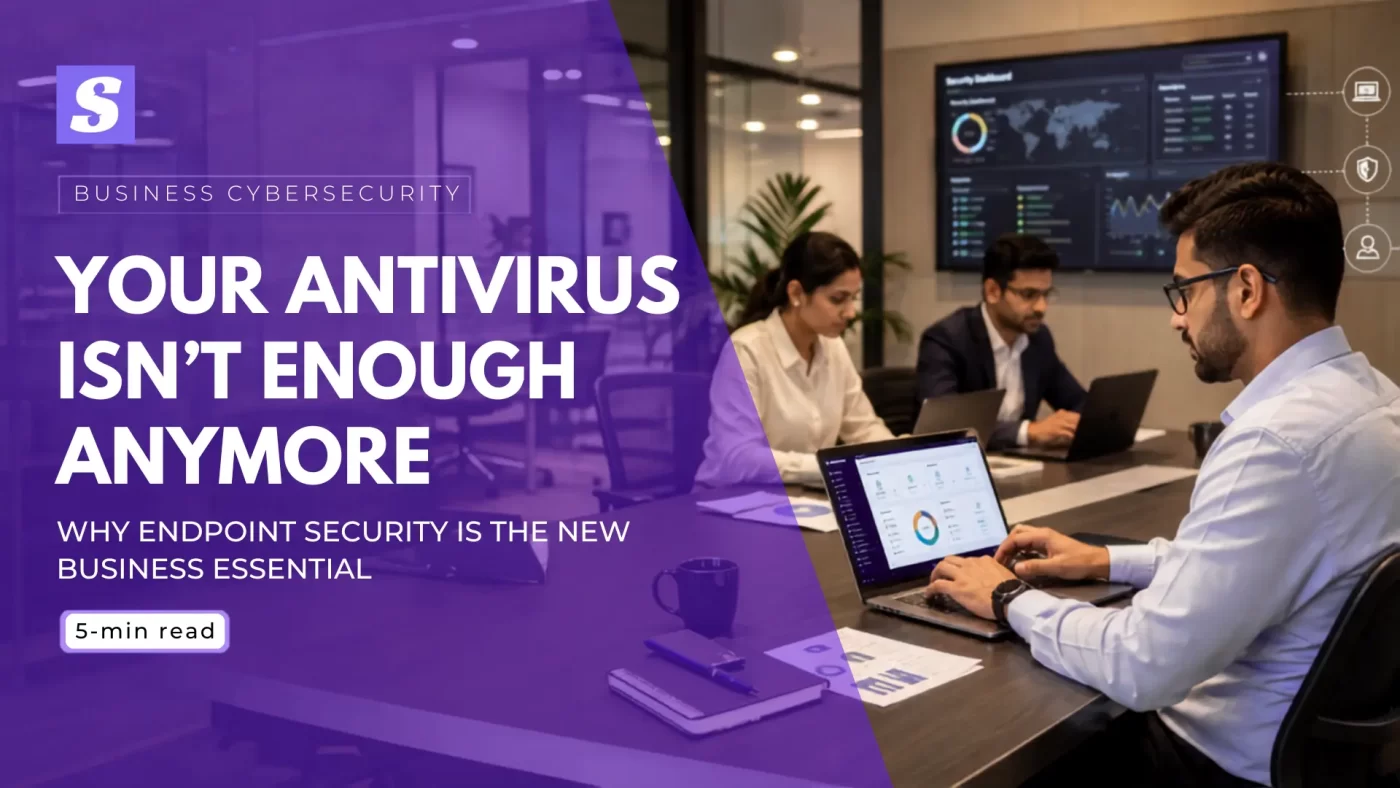

Why Endpoint Security Is Essential for Every Growing Business
Every laptop, phone, and server connected to your network is a door. Endpoint security is what keeps that door locked. It monitors, protects, and controls every device employees use, not just the files an old-school antivirus scans. For businesses running remote teams, shared logins, or bring-your-own-device policies, one unprotected laptop is enough to bring down an entire network. This guide breaks down what endpoint security actually does, why plain antivirus falls short, and how to know if your business needs it now.
What Is Endpoint Security?
Endpoint security is a system that protects every device connected to a business network — laptops, desktops, phones, and servers — under one centralized console. It combines antivirus, firewall control, device management, and behavior-based threat monitoring, so IT teams can spot and stop an attack on any device before it spreads to the rest of the network.
Endpoint Security vs Antivirus: What’s Actually Different
People often use antivirus and endpoint security as if they mean the same thing. They don’t.
Antivirus sits on a single device. It scans files against a list of known virus signatures and removes what matches. That’s useful, but it only reacts to threats it already recognizes.
Endpoint security vs antivirus comes down to scope and control. Endpoint security includes antivirus functions but adds device management, behavior-based threat detection, firewall rules, USB and peripheral control, and a single dashboard to manage every connected device — laptops, desktops, and mobile phones — from one place.
If a hacker breaches one laptop in a 50-device office, antivirus on that one machine won’t tell your IT team what happened on the other 49. An endpoint security console will. It flags the infected device, isolates it from the network, and shows your admin exactly where the attack started.
For any business running more than a handful of devices, that visibility is the real difference. Antivirus protects a machine. Endpoint security protects the business.
Why Antivirus Alone Isn’t Enough Anymore
Traditional antivirus was built for a different era: one device, one user, mostly offline threats.
Today’s attacks don’t work that way. Ransomware spreads across shared drives. Phishing emails target employees, not files. Attackers use stolen logins instead of malware signatures antivirus can catch.
Independent testing labs like AV-TEST record hundreds of thousands of new malware samples every day — far more than signature-based antivirus can realistically keep pace with.
This is why antivirus is not enough on its own for a business network:
- It can’t isolate an infected device from the rest of the network automatically
- It has no central view — your IT admin can’t see what’s happening across 20 or 200 machines at once
- It struggles against fileless attacks and zero-day exploits that don’t match any known signature
- It doesn’t control what gets plugged into company laptops — USB drives, external hard disks, personal phones
None of this means antivirus is useless. It’s still the base layer. But a business running only antivirus is protecting individual machines while leaving the network itself exposed.
Who Needs Endpoint Security the Most
Endpoint security isn’t only for large enterprises with dedicated IT departments. In India, the businesses most exposed to endpoint attacks are often the ones with the least protection in place.
Small and Medium Businesses
Endpoint security for small business India needs is often treated as optional, until a ransomware attack locks every file on the office network. SMBs usually run mixed devices, shared logins, and no dedicated security staff, which makes them an easy, low-effort target for attackers looking for quick payouts.
IT Companies and Resellers
Endpoint protection for IT companies India operations matters even more, since resellers and service providers manage client devices and data. A single compromised laptop inside an IT firm can expose every client account it touches, not just the company’s own systems.
Schools and Colleges
Educational institutions handle student records, staff data, and increasingly run computer labs and administrative systems on shared Windows machines. Weak endpoint control here isn’t just a data risk — it’s a compliance and privacy problem waiting to happen.
Signs Your Business Needs Endpoint Security Right Now
Not sure if your business has already outgrown basic antivirus? These are the clearest signs your business needs endpoint security:
- Employees work from home, a café, or client sites on personal or company laptops
- You manage more than 10 devices and have no central view of their security status
- Staff use USB drives or external devices without any restriction
- You’ve had a phishing email, suspicious login, or a slow or infected machine in the last six months
- Your business handles customer payment data, health records, or other sensitive information
- IT support finds out about a problem only after a device is already infected
If two or more of these sound familiar, plain antivirus is no longer covering your actual risk.
Key Benefits of a Business Endpoint Security Solution
A proper business endpoint security solution changes how your IT team works, not just how devices are protected.
Centralized endpoint management means one dashboard for every device — no walking to each desk to check for updates or run a manual scan. Your admin sees threats, patch status, and device health in one place.
Remote workforce security becomes practical instead of theoretical. Devices are protected the same way whether they’re in the office, at home, or on a client site.
Real endpoint detection and response (EDR) capability means threats get caught by behavior, not just by matching a known virus signature, which matters against ransomware variants that change daily.
Device-level security extends to USB ports, external drives, and peripheral devices, closing a gap plain antivirus never covered.
And because everything runs through one console, reporting for audits, insurance, or client compliance requirements takes minutes instead of a week of manual checks.
For a growing business, these aren’t extra features. They’re the operational difference between finding out about a breach from a customer complaint, and finding out from your own dashboard before it spreads.
How Endpoint Security Stops Ransomware and Data Breaches
Ransomware doesn’t usually announce itself. It sits quietly on one device, then spreads through shared folders and network drives before anyone notices a problem.
Endpoint security interrupts that chain at the first device. Behavior-based detection flags unusual file encryption activity before it spreads, not after your files are already locked.
Centralized alerts mean your IT admin, or your outsourced provider, sees the warning in real time, not three days later when a second department reports the same issue.
Device isolation is the key step most antivirus tools skip entirely. A proper endpoint security console can automatically cut an infected device off from the network the moment it’s flagged, containing the damage to one machine instead of your entire file server.
India’s national cyber agency, CERT-In, regularly issues advisories on exactly these attack patterns — one more reason endpoint-level containment matters for Indian businesses.
This is data breach prevention that works during an attack, not just cleanup after one. For any business handling customer data, that difference decides whether an incident is an inconvenience or a disaster.
Choosing the Right Endpoint Protection for Business
Not every endpoint protection for business tool is built the same way. Before choosing one, check for:
- A single console covering Windows PCs, servers, and mobile devices
- Real-time threat detection, not just scheduled scans
- Device isolation and remote lockdown capability
- Clear reporting for audits, clients, or cyber insurance
- Support that understands Indian business environments, from CERT-In advisories to local compliance needs
- Pricing that scales with your device count, not a flat enterprise-only cost
SiyanoAV’s Endpoint Protection Suite (EPS) is built around exactly this: one admin console covering every device on your network, real-time threat and policy monitoring, and plans sized for teams from a handful of PCs to a few hundred. You get visibility into every endpoint without needing a dedicated security team to run it.
If your business is still relying on antivirus installed device-by-device, this is the point where it’s worth making the switch.
CTA button: “Explore SiyanoAV Endpoint Protection Suite“
Every device connected to your network is a potential way in for an attacker, and antivirus alone was never built to manage that at a business scale. Endpoint security gives you the visibility, control, and response speed a modern threat landscape actually requires: one console, every device, real-time protection.
Whether you’re running a 10-person office or managing devices across multiple client sites, the question isn’t whether you need endpoint security. It’s how much risk you’re carrying every day without it.
CTA button: “Get Started with SiyanoAV EPS“
Endpoint security is a business-wide protection system that covers every laptop, desktop, server, and mobile device connected to a company network. Unlike traditional antivirus, which scans a single machine for known malware signatures, endpoint security combines antivirus, firewall control, device management, and behavior-based threat detection under one centralized console. This lets IT teams monitor every connected device, isolate compromised machines instantly, and stop ransomware or data breaches before they spread across the network. For businesses managing more than a handful of devices, especially SMBs, IT resellers, and schools, endpoint security has become essential rather than optional.
| Feature | Traditional Antivirus | Endpoint Security (SiyanoAV EPS) | Why It Matters |
| Protection scope | One device at a time | Every laptop, desktop, server & mobile on the network | Stops one infection from becoming a network-wide breach |
| Threat detection | Known virus signatures only | Signature + behavior-based (EDR) detection | Catches ransomware variants antivirus has never seen |
| Management | Manual, device-by-device | One centralized admin console | Saves IT hours and gives real-time visibility |
| Device control | None | USB, peripheral & remote device control | Blocks a common entry point for malware |
| Incident response | Manual cleanup after infection | Automatic device isolation during an attack | Contains damage before it spreads |
| Best fit | Home users, single PCs | SMBs, IT resellers, schools, growing businesses | Matches protection level to actual risk |
FAQs
Q: What is endpoint security?
A: Endpoint security is a system that protects every device connected to a business network — laptops, desktops, phones, and servers — using centralized monitoring, threat detection, and device control instead of protecting just one machine at a time.
Q: How is endpoint security different from antivirus?
A: Antivirus scans a single device for known malware. Endpoint security covers every device on the network from one console, adding behavior-based detection, device control, and the ability to isolate an infected machine instantly.
Q: Why do businesses need endpoint security instead of just antivirus?
A: Because a business network is only as safe as its weakest device. Antivirus can’t tell your IT team what’s happening across 20 or 200 machines — endpoint security gives that visibility in real time.
Q: How does endpoint security stop ransomware?
A: It detects unusual file activity, like mass encryption, as it starts, then isolates the affected device from the network automatically, containing the attack before it spreads to shared drives.
Q: Is endpoint security worth it for a small business?
A: Yes, especially if you manage more than a handful of devices or have staff working remotely. One infected laptop can cost far more in downtime and data loss than a year of endpoint protection.



1 Comment