

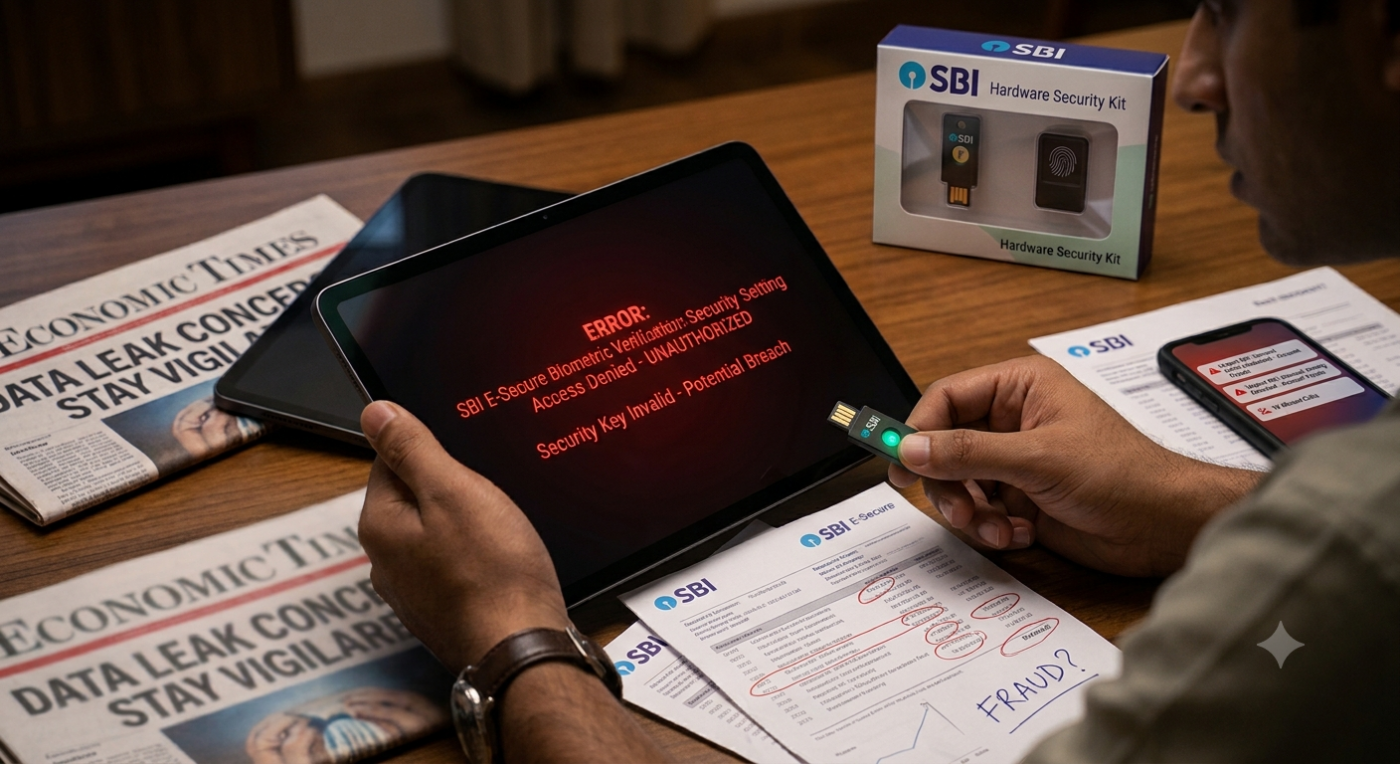

If your WhatsApp family group has been buzzing with “SBI data leaked, change your password right now,” you are not imagining things. An SBI data leak claim has been doing the rounds since 16 October 2026, and a lot of what is being forwarded is more panic than fact. So let us slow down. In this post we will sort out what is actually known, what nobody has proven yet, and what you should do today, whether the claim turns out to be true or not.
What is the SBI data leak claim?
A threat actor using the name “Siriusim” posted on BreachForums, a well-known cybercrime forum, saying they hold customer data linked to State Bank of India and possibly some of its subsidiaries. The numbers they quote are about 3,75,000 rows of customer data in CSV format and 2,722 PDF files. According to the claim, the material includes personal details as well as loan applications and supporting documents.
The post was picked up by a cybersecurity account on X called CyberPulse56, and from there it spread to news sites. The poster also put up four sample records to make the claim look believable. That is a common tactic: show a small free taste so buyers and followers take the rest seriously.
What is verified and what is not
This is the part most forwards skip, so read it carefully.
- Some sample data looks real. A news outlet that tried the sample records found that the phone numbers were active, and in one case a WhatsApp profile photo matched the passport-size photo attached to the person’s KYC papers. So at least a few of those records point to real people.
- The whole dataset is not confirmed. Checking four samples does not prove that 3.75 lakh records exist, that they are fresh, or that they came from SBI itself.
- The source is unclear. The data could be old and recycled from earlier leaks. It could also have come from a loan partner, a vendor, or some other third party instead of the bank’s own systems.
- SBI has not confirmed it. At the time of writing, reporters who contacted the bank had not received a reply, and we have not seen an official statement.
So the honest summary is this: it is a serious claim, it is not proven, and it is not something to ignore either.
Is your SBI account safe right now?
There is no evidence so far that anyone has logged into customer accounts or moved money because of this claim. What the claim describes is documents and personal details, not passwords or PINs. That matters, because a person with your name, number and KYC copy still cannot simply walk into your net banking.
But “your money is not directly at risk” is different from “you are fine.” The real danger from a leak like this, true or not, usually arrives a few days later as a phone call, an SMS or a WhatsApp message.
Why a data leak claim is a gift to scammers
Think about it from a fraudster’s side. When people are worried about their bank, they are far more likely to click, reply and share details. A scam works even if the leak is fake. The headline alone is enough to make their fake messages work.
Here is what usually follows a story like this:
- Fake “security alert” SMS telling you to verify your account through a link.
- Calls from a “bank officer” who already knows your name and asks for an OTP to “stop the breach.”
- Fake KYC update messages with a link to a copycat website that looks almost exactly like the bank’s page.
- WhatsApp messages with an APK file pretending to be a new SBI security app. Installing it can hand over control of your phone.
- Loan and refund offers that use details from your real loan papers to sound trustworthy.
If your name, phone number or loan details were part of any leak, these messages will feel personal. That is exactly why they work.
How to spot a fake SBI message
Before you tap anything, run the message through this quick check.
- Does it create urgency? “Your account will be blocked in 2 hours” is a pressure tactic. Real banks do not work like that.
- Does it ask for an OTP, PIN, CVV or password? Your bank already has what it needs, so a real SBI officer has no reason to ask you for any of this over a call or text. Never share them with anyone, including someone who says they are from SBI.
- Look at the link carefully. The official sites end in sbi.co.in or onlinesbi. Anything with extra words, odd spellings or a shortened link is a red flag.
- Is it asking you to install an app from a link or file? Only download banking apps from the official Play Store or App Store listing.
- Does the sender look strange? Genuine bank SMS usually comes from a named sender ID, not from a random 10-digit mobile number.
When in doubt, do not reply. Close the message, open the official app yourself, and check there.
What to do right now: 7 simple steps
You do not need to panic, but a few minutes today can save you a lot of trouble.
- Change your net banking and YONO passwords. Use a fresh one that you have not used anywhere else.
- Turn on every alert. SMS and app notifications for every transaction mean you notice a problem quickly.
- Check your last few statements. Look for small, unfamiliar debits, because fraudsters often test with tiny amounts first.
- Set sensible transaction limits on UPI and cards, especially if you rarely make big payments.
- Do not click “verify” links that reach you by SMS, email or WhatsApp. Go to the official app or website directly.
- Keep your phone and apps updated, and uninstall anything you do not recognise.
- Report anything suspicious. If you lose money or get a suspect call, tell your bank immediately and call the national cybercrime helpline 1930, or file a complaint on cybercrime.gov.in. The sooner you report, the better the chance of freezing the money.
The guidance from the Reserve Bank of India and CERT-In on safe digital banking is also worth a read if you want the official word on staying careful.
Why people trust SiyanoAV Antivirus for everyday protection
Let us be straight about something first. An antivirus cannot stop a bank’s server from being breached, and no honest security company will tell you otherwise. What it can do is protect the device in your hand, which is where most of the damage from a phishing attack actually happens.
That is where SiyanoAV comes in, and here is why many users keep it running.
It watches the layer scammers attack. Most bank frauds begin with a link or a file, not with some movie-style hacking. Web protection and anti-phishing features are built to flag risky sites and suspicious downloads before you hand over details. Check the feature list of your chosen edition, such as Internet Security or Total Security, to see exactly what is included.
It is made with Indian users in mind. SiyanoAV is an Indian brand, so the threats it focuses on, like fake KYC pages, UPI scams and copycat bank sites, are the ones people here actually face.
There is a plan for different needs. Antivirus Pro suits a single Windows PC, Total Security offers broader protection, there is a Mac Antivirus for Apple users, and a Corporate/Endpoint Edition for small businesses, schools and offices that need many devices covered.
It stays out of the way. Security you can forget about is security you will actually keep switched on. A tool that slows your system down tends to get disabled, which defeats the whole point.
It adds a second pair of eyes. On the day you are tired, distracted and a convincing “SBI” message lands in your inbox, a warning from your security software can be the thing that makes you stop and think.
If you do a lot of online banking, UPI payments or shopping, a good antivirus with phishing protection is one of the cheapest safety layers you can add. Pair it with good habits, and you have covered most of the ways ordinary people lose money online.
Frequently asked questions
Is the SBI data breach confirmed?
No. As of now it is an unverified claim made by a threat actor. Some sample details appear to match real people, but SBI has not publicly confirmed a breach, and the full dataset has not been independently verified.
Is my SBI account safe?
There is no sign so far that accounts have been accessed or money has been taken. The claim talks about personal details and documents, not login credentials. To be safe, update your passwords, switch on transaction alerts, and think twice before trusting any message that asks you to act fast.
What should SBI customers do right now?
Change passwords, enable transaction alerts, check recent statements, ignore unknown links and calls, and only use the official SBI app or website. Report any suspicious activity to the bank and to 1930.
How do I know if an SBI message is fake?
Fake messages create urgency, ask for OTPs or PINs, use odd-looking links, or push you to install an app from outside the official store. If you are unsure, do not reply and check inside the official app.
Can antivirus protect me from phishing after a data leak?
An antivirus cannot undo a leak, but it can help block malicious links, fake websites and harmful downloads that scammers send afterwards. It works best when paired with simple habits, like keeping your OTP to yourself no matter who asks.
The bottom line
The SBI data leak claim is a reminder, not a reason to panic. Until the bank or the authorities say more, treat it as unproven but take the precautions anyway, because they cost you almost nothing. Change your passwords, switch on alerts, never share an OTP, and think twice before you click. Add a reliable antivirus like SiyanoAV on top, and you are in a much stronger position, whatever turns out to be true.

Leave a Comment