

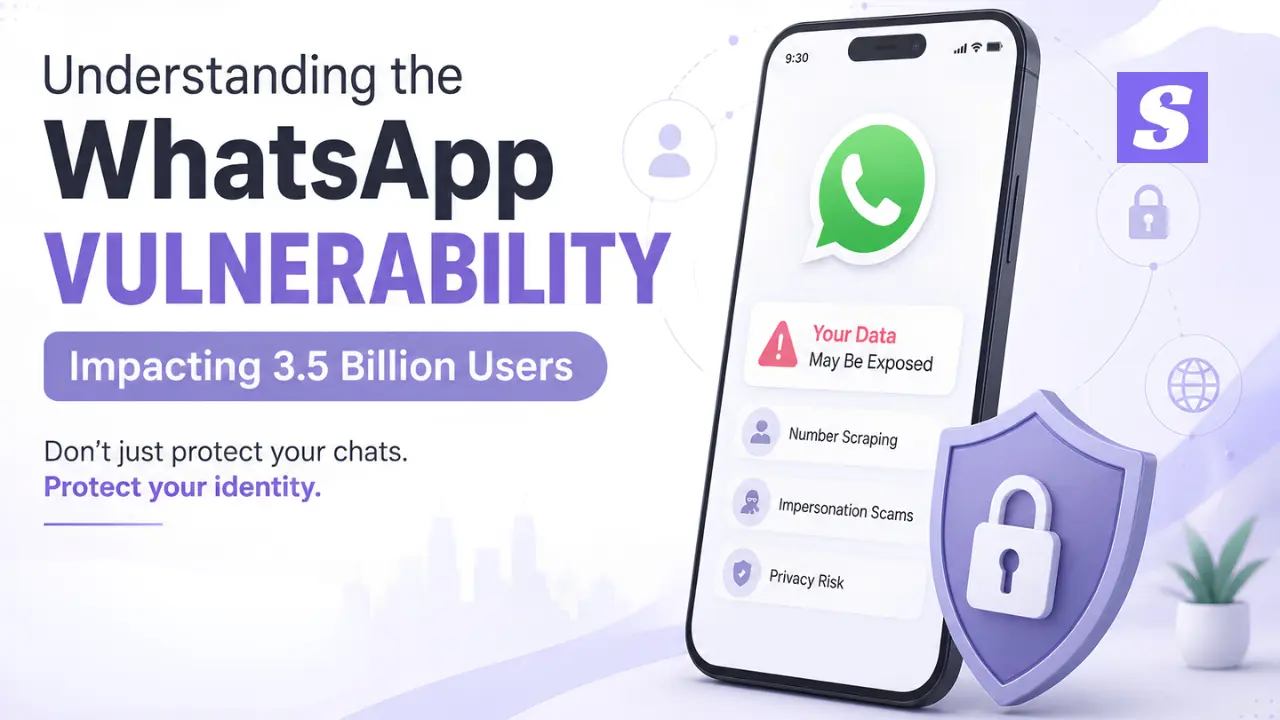

Over 3.5 billion people send end-to-end encrypted chats every single day. Encryption protects your message content in transit, but it never hides your identity. A structural WhatsApp vulnerability in default platform features continuously exposes your personal contact information.
When bad actors get your primary mobile number, they launch targeted phishing, identity theft, and corporate fraud campaigns. At Siyanoav, we help organizations seal these hidden security gaps before they turn into major breaches.
A WhatsApp vulnerability occurs when platform features—such as contact discovery APIs, directory enumeration, or permissive default privacy configurations—allow bad actors to systematically scrape active phone numbers, metadata, profile pictures, and online presence without explicit user consent.
-
WhatsApp encrypts message contents, but default settings publicly expose your active phone number and metadata.
-
Automated enumeration scripts harvest active contact lists, fueling targeted phishing scams across India.
-
University of Vienna researchers demonstrated how enumeration leaks personal profile attributes at scale.
-
IT admins must enforce mobile threat defense to prevent desktop and mobile data profiling.
-
Adjusting privacy toggles to “My Contacts” significantly reduces your exposure to impersonation fraud.
A fundamental security challenge in modern messaging architecture is balancing user discoverability with data isolation. While end-to-end encryption shields the payload of communication, metadata availability remains a distinct vector. On WhatsApp, the reliance on real-world phone numbers as primary identifiers allows automated enumeration tools to confirm account existence, extract public metadata, and aggregate phone number databases. For Indian enterprises, computer resellers, and educational institutions, Siyanoav mitigates this exposure to prevent targeted social engineering, financial fraud, and credential harvesting without breaching cryptographic protocols.
How Contact Syncing Exposes Your Personal Data
When you install a messaging app, it asks to read your contact list. Contact syncing checks every saved number against active server databases.
Scammers run automated scripts to upload millions of randomly generated Indian mobile numbers. Whenever the server finds a match, bad actors tag that line as an active account.
Warning for IT Admins: Scraping scripts don’t need your password. They ping public lookup endpoints to map entire corporate organizational structures through linked employee numbers.
CTA Button: [Scan Your Exposure with Siyanoav]
Anatomy of a Data Leak: From Public Profiles to Impersonation Scams
Once bad actors isolate an active mobile number, they start harvesting your data. They capture your profile photo, “About” bio, and online presence timestamps.
+--------------------------------------------------------------------------+
|                       EVOLUTION OF A WHATSAPP ATTACK                     |
+--------------------------------------------------------------------------+
| 1. Number Scraping  -> Script identifies active +91 phone numbers        |
| 2. Metadata Mining  -> Extracts profile photos, status, and activity     |
| 3. Cross-Referencing -> Matches data with historical Facebook data leaks |
| 4. Spear Phishing   -> Launches targeted CEO scams or UPI fraud attacks  |
+--------------------------------------------------------------------------+
What University of Vienna Researchers Discovered
Academic studies from University of Vienna researchers proved that enumeration attacks harvest personal metadata across massive populations within hours.
By matching harvested numbers with leaked database dumps, cybercriminals construct precise profiles of their targets.
The Threat to IT Admins and Corporate Networks
For Indian schools, colleges, and Windows-heavy offices, exploiting a WhatsApp vulnerability leads directly to:
-
CEO Scams: Fraudsters steal executive profile photos to request immediate UPI transfers from staff.
-
Targeted Phishing: Custom lure messages sent directly to specific employees using scraped internal details.
-
Identity Theft: Bad actors open unauthorized financial or telecom accounts using harvested records.
According to official advisories from CERT-In and privacy research by the Electronic Frontier Foundation, tackling this threat requires both strict user settings and Siyanoav managed endpoint protection.
Step-by-Step Fix: How to Protect Yourself and Your Business
Securing your communication channels requires immediate privacy configuration adjustments and centralized endpoint management.
Hardening Consumer WhatsApp Privacy Settings
Apply these configurations on your mobile device immediately:
-
Profile Photo & About: Change visibility from “Everyone” to “My Contacts”.
-
Last Seen & Online: Match your “Last Seen” status to “My Contacts” or “Nobody”.
-
Group Additions: Set “Who can add me to groups” to “My Contacts Except…”.
-
Two-Step Verification: Activate a 6-digit security PIN in your Account Settings.
Enterprise-Grade Countermeasures for Windows & Mobile
Device setting changes cannot stop contact book enumeration on compromised machines. Deploying Siyanoav Mobile Threat Defense tools stops rogue scraping attempts before they hit your network.
To safeguard corporate endpoints against impersonation attacks, review our guide on preventing CEO impersonation scams or install the Siyanoav Windows Endpoint Security Suite.
Comparing WhatsApp Default Security vs. Siyanoav Managed Security
| Security Layer | Default WhatsApp | Siyanoav Managed Defense | Benefit to Organizations |
| Data Encryption | End-to-End (In Transit) | AES-256 (At-Rest & Transit) | Complete lifecycle protection |
| Contact Discovery | Open API Enumeration | Isolated Address Book | Stops unauthorized phone scraping |
| Desktop OS Protection | Basic Sandbox | Real-time Windows Memory Scan | Prevents malware keylogging |
| Phishing Defense | Native User Reporting | AI Automated Link Filtering | Blocks malicious URLs instantly |
| Central Admin Control | None | Web Management Console | Full visibility for IT admins |
Frequently Asked Questions
Q: What is the primary WhatsApp vulnerability exposing phone numbers?
A: The primary issue stems from contact discovery APIs. Scammers query millions of potential phone number variations to scrape active accounts, profile photos, and status info.
Q: How to protect yourself from WhatsApp data profiling in India?
A: Go to Settings > Privacy. Change “Last Seen & Online”, “Profile Photo”, and “About” options to “My Contacts”. Enable Two-Step Verification immediately.
Q: Are business accounts more susceptible to WhatsApp data leaks?
A: Yes. WhatsApp Business accounts often broadcast contact details publicly on directory databases, making them prime targets for automated scraping, CEO scams, and targeted phishing.
Q: Can scammers steal my identity using just my WhatsApp number?
A: Yes. Combining your active phone number with leaked data from historical data breaches allows cybercriminals to craft believable impersonation scams and social engineering attacks.
Q: Which is better for enterprise security: standard WhatsApp or enterprise security suites?
A: Enterprise security suites like Siyanoav offer centralized Endpoint Mobile Management (EMM), custom data leak prevention (DLP) policies, and encrypted communication vaults beyond consumer-grade WhatsApp.
Q: How to download Siyanoav endpoint protection software in India?
A: Visit siyanoav.com/download, select your OS (Windows, Android, iOS), enter your corporate email, and click “Start 14-Day Free Trial” to install instantly.
Q: Does Siyanoav offer mobile threat defense for WhatsApp for Windows?
A: Yes. Siyanoav provides real-time anti-phishing, link scanning, and unauthorized process blocking specifically tailored for WhatsApp Desktop on Windows machines.
Leave a Comment