

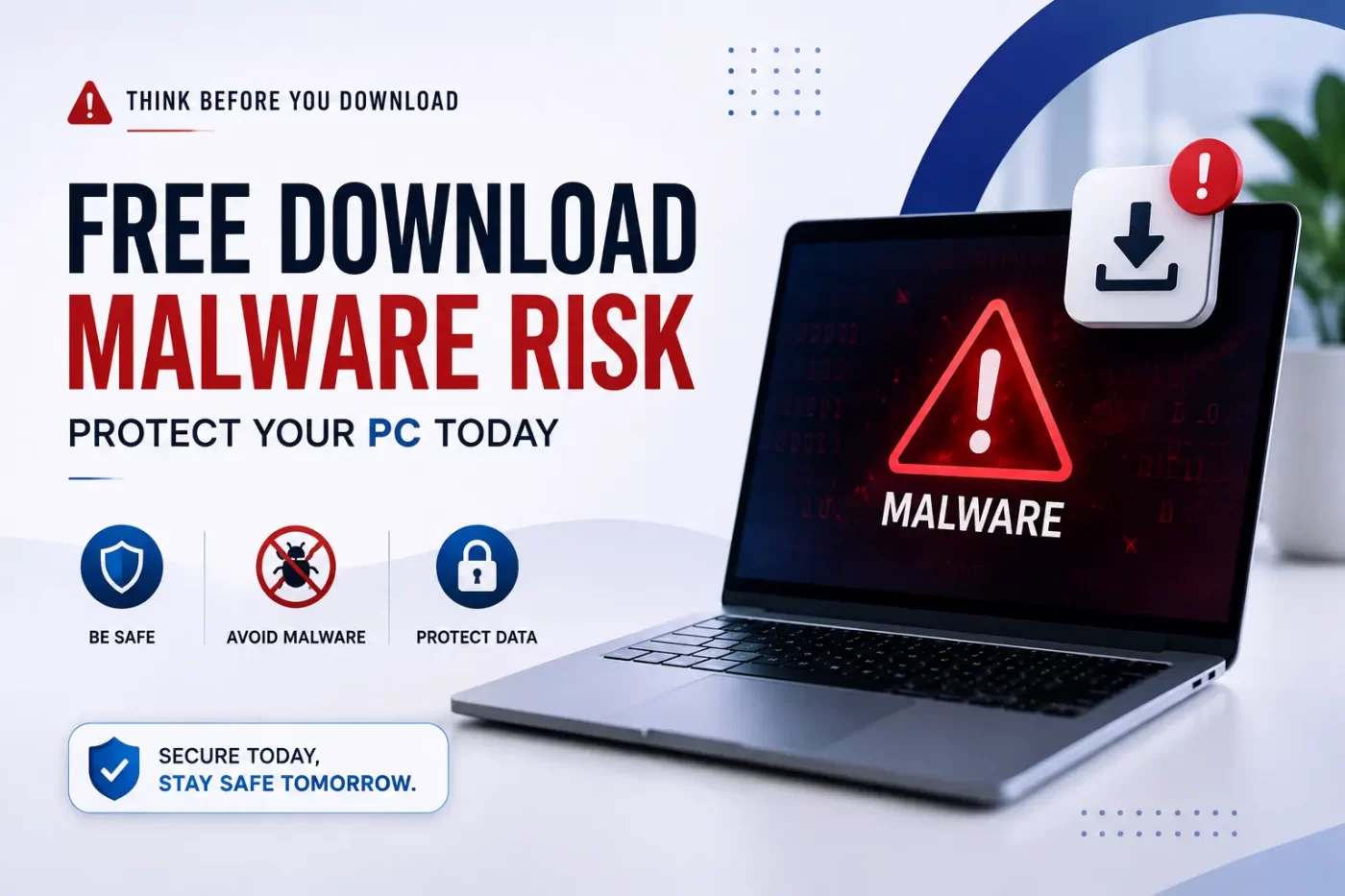

The free software download malware risk is one of the fastest-growing cybersecurity threats facing computer users, schools, and business networks today. Unverified software installers and pirated software frequently contain hidden malicious payloads designed to steal personal banking credentials and corrupt vital system files.
Understanding the free software download malware risk helps you recognize that unpaid setup files often bundle dangerous Trojans, keyloggers, and ransomware engineered to bypass baseline OS security. Addressing the free software download malware risk requires active monitoring and multi-layered endpoint protection.
Understanding the Free Software Download Malware Risk
Free downloads look tempting when you need quick software utilities, creative tools, or media players. However, opening unverified setup executables directly exposes home PCs and corporate networks to severe cyber attacks.
Third-party download portals monetize free offerings by wrapping installers with extra malicious scripts. Clicking “Next” during installation without checking setup options often installs unwanted browser hijackers or direct malware.
Businesses, IT admins, and educational institutions face massive exposure when network computers run unverified software files. A single malicious installer can spread across network shares, exposing confidential files and infrastructure. Mitigating the free software download malware risk should be a top priority for system administrators.
Scan Your System Free with SiyanoAV
Dangers of Downloading Unverified Setup Files
Infected download packages bypass basic browser checks by disguising payloads as system dependencies or activation keys. The free software download malware risk increases significantly when users disable native operating system protections to run software cracks.
Bundled Malware, Trojans, and Adware Threats
Unlicensed download files often use silent background installers. These installers drop Potentially Unwanted Programs (PUPs), hijack search engines, and run cryptominers without user consent.
Trojans mask themselves as legitimate media tools or office applications. Once launched, they open hidden access backdoors for remote attackers.
Keyloggers and Financial Data Theft
Keyloggers operate invisibly inside system memory, recording keyboard activity every time you type online banking passwords or credit card numbers.
How malware steals bank details after software download:
-
User launches an unverified setup executable.
-
Infected files inject keylogging hooks into operating system memory.
-
Background scripts capture login keystrokes on banking portals.
-
Stolen credentials transmit directly to remote hacker servers.
Why You Need Real-Time Antivirus Protection
Cyber threats evolve continuously. Real-time protection ensures every downloaded byte gets analyzed before writing to system memory.
Windows Defender vs Paid Antivirus Protection
Windows Defender handles basic background scans effectively. However, paid security tools like SiyanoAV deliver specialized defenses against zero-day exploits, rootkits, and phishing sites to counter the free software download malware risk.
Paid security tools isolate suspect downloads inside a sandbox environment, protecting active storage drives from damage.
For official guidance on handling file download threats and malware mitigation, refer to the CERT-In Cybersecurity Guidelines and the official CISA Security Tips.
Signs Your PC Is Infected After Downloading Files
Identify warning signs early to prevent data loss across home or business setups:
-
Unusual system slowdowns and sudden CPU usage spikes.
-
Unwanted browser pop-ups and desktop redirects.
-
Unknown extensions installed in your web browser automatically.
-
Disabled Task Manager or Windows Registry tools.
-
Locked personal files demanding ransom payments to open.
Modern security tools mitigate the overall free software download malware risk by evaluating file behavior on launch. Learn more about protecting your organization on our SiyanoAV Endpoint Security Solutions page.
Step-by-Step Response: What to Do If Malware Strikes
If an unverified file behaves strangely upon execution:
-
Unplug Ethernet cables and disconnect Wi-Fi immediately.
-
Restart your computer into Windows Safe Mode.
-
Launch an offline scan using a dedicated SiyanoAV Malware Removal Tool.
-
Remove all flagged installation files and temporary system data.
-
Update account passwords from a secondary, clean device.
The free software download malware risk remains high across unverified sources. Always check digital signatures before running software installations. To completely eliminate the free software download malware risk, view our complete SiyanoAV Security Pricing & Plans to protect all your devices.


Leave a Comment