

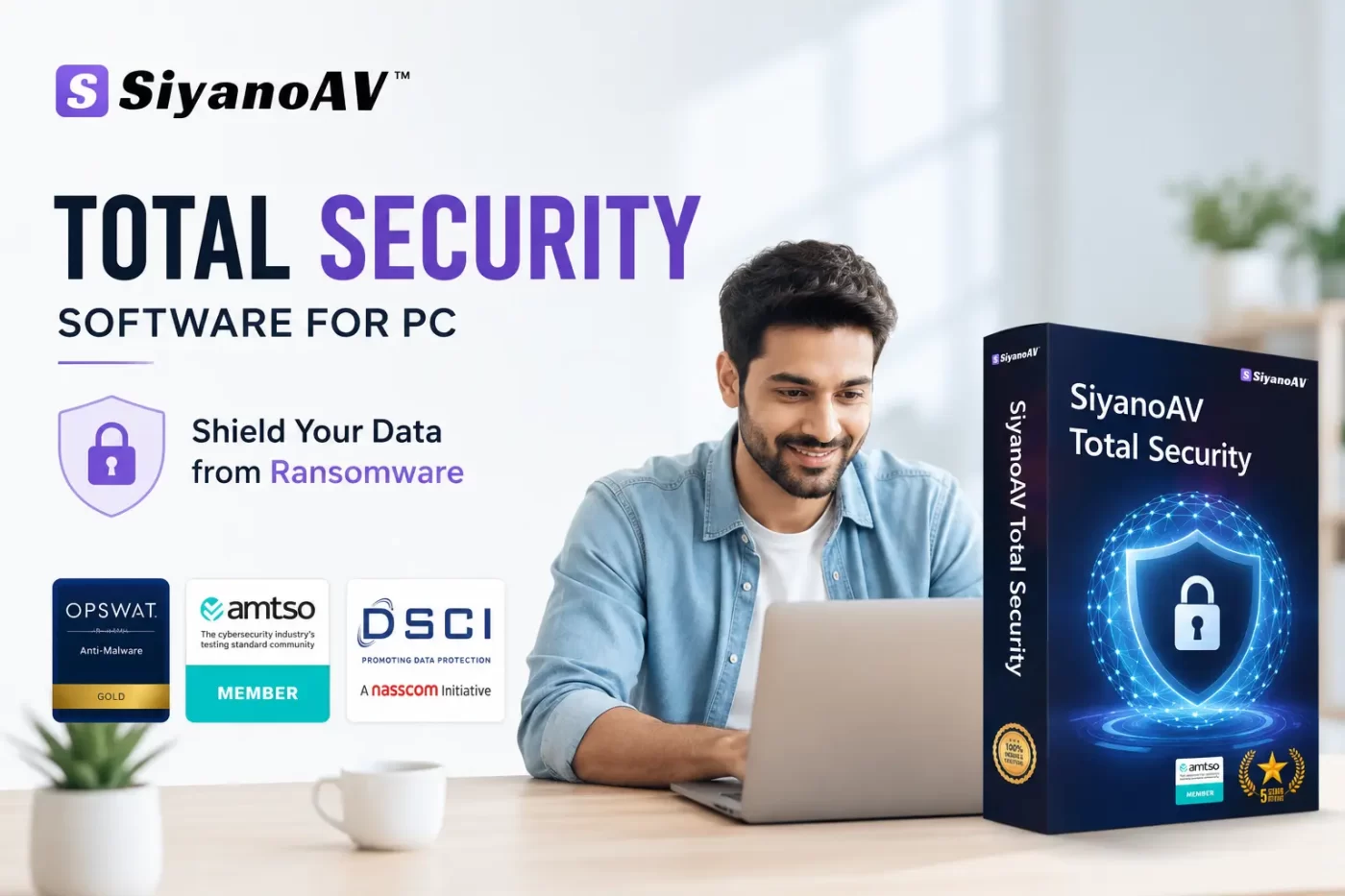

A single misclick on an innocent-looking email link, fraudulent download, or corrupted file can lock your computer instantly. Cybercriminals demand heavy ransom payments just to unlock your personal photos, business spreadsheets, or financial documents.
Installing dedicated total security software for PC protects your system before threats cause irreversible damage. Whether managing personal laptops, running a small enterprise, handling reseller inventory, or securing school computers, real-time protection shields your systems against modern cyber threats.
What is Total Security Software for PC?
Total security software for PC is a comprehensive cybersecurity’s suite designed to protect computers from advanced malware, ransomware, phishing attempts, and unauthorized network intrusions. Unlike basic antivirus software, it combines real-time malware protection, a two-way firewall, data encryption software, safe browsing tools, and system optimization to secure your data and system privacy.
The Growing Threat of Single-Click Ransomware in India
Ransomware attacks are rising steeply across India. The Indian Computer Emergency Response Team (CERT-In) regularly issues alerts regarding dangerous phishing campaigns and file-encrypting trojans targeting home users, small businesses, and educational institutes.
Hackers no longer rely on complex execution scripts. They send trick emails, fake software updates, or malicious PDF attachments. Clicking once initiates silent background encryption of your hard drive.
-
Small Businesses: Unprotected endpoints suffer business downtime and client data exposure.
-
Schools & Colleges: Shared student computer labs present quick spread points for network worms.
-
Home Users & Resellers: Stored financial credentials and personal records risk permanent loss or public leak.
Using robust ransomware protection software in India safeguards your infrastructure against zero-day threats.
CTA Button: [Protect Your Systems Now]
Key Takeaways
-
Complete Protection: Total security software for PC delivers complete protection beyond basic antivirus utilities.
-
Instant Defense: Automated real-time behavioral monitoring stops ransomware attacks instantly before file encryption occurs.
-
India-Specific Security: Built-in network safeguards help institutions follow CERT-In security protocols effortlessly.
-
Business Multi-Device Support: Flexible licenses protect laptops, desktop PCs, and organizational endpoint networks simultaneously.
-
Affordable Safeguards: Annual plans start at budget-friendly INR pricing (from ₹1788) tailored for Indian households and businesses.
Key Features of SiyanoAV Total Security Antivirus
Our total antivirus ecosystem blends OPSWAT-certified proactive threat defense with minimal system impact.
                   [ SiyanoAV Threat Engine ]
                               │
    ┌───────────────────────────┼───────────────────────────┐
    ▼                           ▼                           ▼
Real-Time               Two-Way Network             Data Shield &
Ransomware Shield       Firewall Protection         PC Optimizer
Real-Time Ransomware Protection Software
Our signature engine analyzes program behaviors constantly. If an unknown file attempts to rewrite or encrypt personal documents, SiyanoAV blocks the process instantly and creates an automatic rollback copy of affected files.
Firewall and Antivirus Combo
Built-in two-way firewall filtering monitors inbound and outbound network traffic. It blocks unauthorized remote access attempts, keeping hackers out of your private Wi-Fi network.
Data Encryption and Endpoint Protection
Secure your private files with military-grade data encryption software PC tools. Network administrators and IT managers can manage endpoint protection India across multiple workstation nodes from a central dashboard.
Total Security vs Antivirus: Which One Do You Need?
Many users wonder if a standard free antivirus utility provides sufficient safety. Here is a direct breakdown:
| Security Feature | Standard Antivirus | SiyanoAV Total Security |
| Virus & Trojan Removal | Yes | Yes |
| Real-Time Malware Scanning | Basic | Advanced Behavioral |
| Ransomware Rollback Shield | No | Yes |
| Two-Way Network Firewall | No | Yes |
| Data Encryption & File Vault | No | Yes |
| Phishing & Safe Banking | Limited | Comprehensive |
| PC Optimizer & Cloud Drive | No | Yes (20GB SiyanoAV Drive) |
If you browse online banking platforms, shop digitally, or store sensitive business information, upgrading to total antivirus protection is essential.
SiyanoAV Total Security Software for PC is an integrated cybersecurity solution developed by Siyano Labs to defend Windows desktops, laptops, and enterprise network endpoints against modern cyber threats. By combining real-time signature scanning with dynamic heuristic monitoring, it stops zero-day malware, single-click ransomware campaigns, phishing scams, and network intrusions before system corruption occurs. The suite features a two-way firewall, data encryption vaults, safe online banking tools, webcam safeguards, parental controls, and automated file rollback capabilities. It provides lightweight, OPSWAT-certified digital defense suitable for individual users, educational institutions, computer resellers, and small businesses seeking reliable system protection.
How to Protect PC from Ransomware in 4 Simple Steps
Preventing file-encrypting malware requires minimal setup when using the right software tools:
-
Install SiyanoAV Total Security: Download the official setup installer for your laptop or desktop PC.
-
Enable Real-Time Shields: Activate real-time behavioral analysis and automatic virus database updates.
-
Configure the Firewall: Turn on stealth network mode to keep open ports hidden from remote network scanners.
-
Schedule Weekly Scans: Set quick automated background scans to ensure clean storage drives.
CTA Button: [Download Total Security Now]
1: What is the difference between antivirus and total security?
Antivirus software targets traditional viruses, spyware, and known malware signatures. Total security software for PC provides comprehensive protection by combining antivirus defenses with advanced features such as two-way firewalls, ransomware rollbacks, identity theft protection, safe online banking tools, webcam privacy controls, and data encryption utilities.
2: Can ransomware be removed without paying?
Yes, ransomware can frequently be removed without paying ransoms. Isolating the infected system, terminating malicious tasks through safe mode, and utilizing specialized ransomware removal tools can clean the device. Encrypted files can often be restored using secure backups or free decryption tools released by security research institutions.
3: How do hackers install ransomware on a PC?
Hackers typically deliver ransomware through phishing emails containing malicious attachments or links, compromised software downloads, malicious online advertisements (malvertising), or unpatched operating system vulnerabilities. Once clicked, the payload executes silently, installing background encryption modules on target drives.
4: Is Total Security necessary if I already have Windows Defender?
Yes, total security software provides essential layers of defense beyond Windows Defender. While Defender handles baseline malware protection, dedicated total security suites offer enhanced zero-day ransomware shields, automated file rollback, advanced network firewall controls, anti-phishing extensions, and centralized endpoint management for devices.
5: What happens if my PC gets ransomware?
When ransomware infects your PC, it rapidly encrypts personal files, documents, photos, and databases. A ransom screen appears demanding payment in cryptocurrency for a decryption key. If backed up or protected by real-time security software, the attack is blocked and compromised files are automatically restored.
FAQs
Q: What is total security software for PC and how does it work?
A: Total security software for PC is a digital defense suite that protects computers against malware, spyware, phishing, and ransomware. It operates by scanning files in real time, monitoring background software behavior, blocking unauthorized network connections via an intelligent firewall, and encrypting sensitive personal data.
Q: Is total security software better than standard free antivirus options?
A: Yes, total security software provides significantly broader protection than basic free antivirus utilities. While free antivirus handles basic malware removal, total security includes advanced two-way firewalls, ransomware rollback engines, identity protection, safe banking shields, and complete endpoint control needed to combat modern cyber threats.
Q: How do I download and install SiyanoAV total security antivirus?
A: Visit the official SiyanoAV website, choose your preferred licensing plan, and click the download button. Open the downloaded installer file, follow the simple on-screen setup instructions, enter your product activation key, and launch your first comprehensive background system scan.
Q: Where can computer resellers in India buy bulk total security licenses?
A: Computer resellers can sign up on the SiyanoAV Partner Portal. Registered partners get access to discounted bulk pricing rates, official GST invoices, marketing collateral, localized customer support options, and custom multi-device licensing controls for business clients.
Q: Does SiyanoAV offer total security software for Windows PC legacy versions?
A: Yes, SiyanoAV supports a broad range of Windows environments. It is fully compatible with Windows 11, Windows 10, Windows 8.1, Windows 8, and Windows 7, maintaining light system resource usage across both older computers and modern laptops.
Q: What happens if my PC gets hit by a ransomware attack?
A: If ransomware attempts to execute, SiyanoAV detects the suspicious activity immediately, terminates the hostile process, blocks encryption attempts, and uses its automated rollback system to restore any modified files from secure temporary local snapshots.
Q: How to protect PC from ransomware if an infected USB drive is inserted?
A: SiyanoAV includes an automatic USB Device Guard. When an external flash drive or hard disk is plugged into your PC, the software scans its storage sectors immediately before autorun files execute, stopping concealed ransomware trojans from launching.





5 Comments