

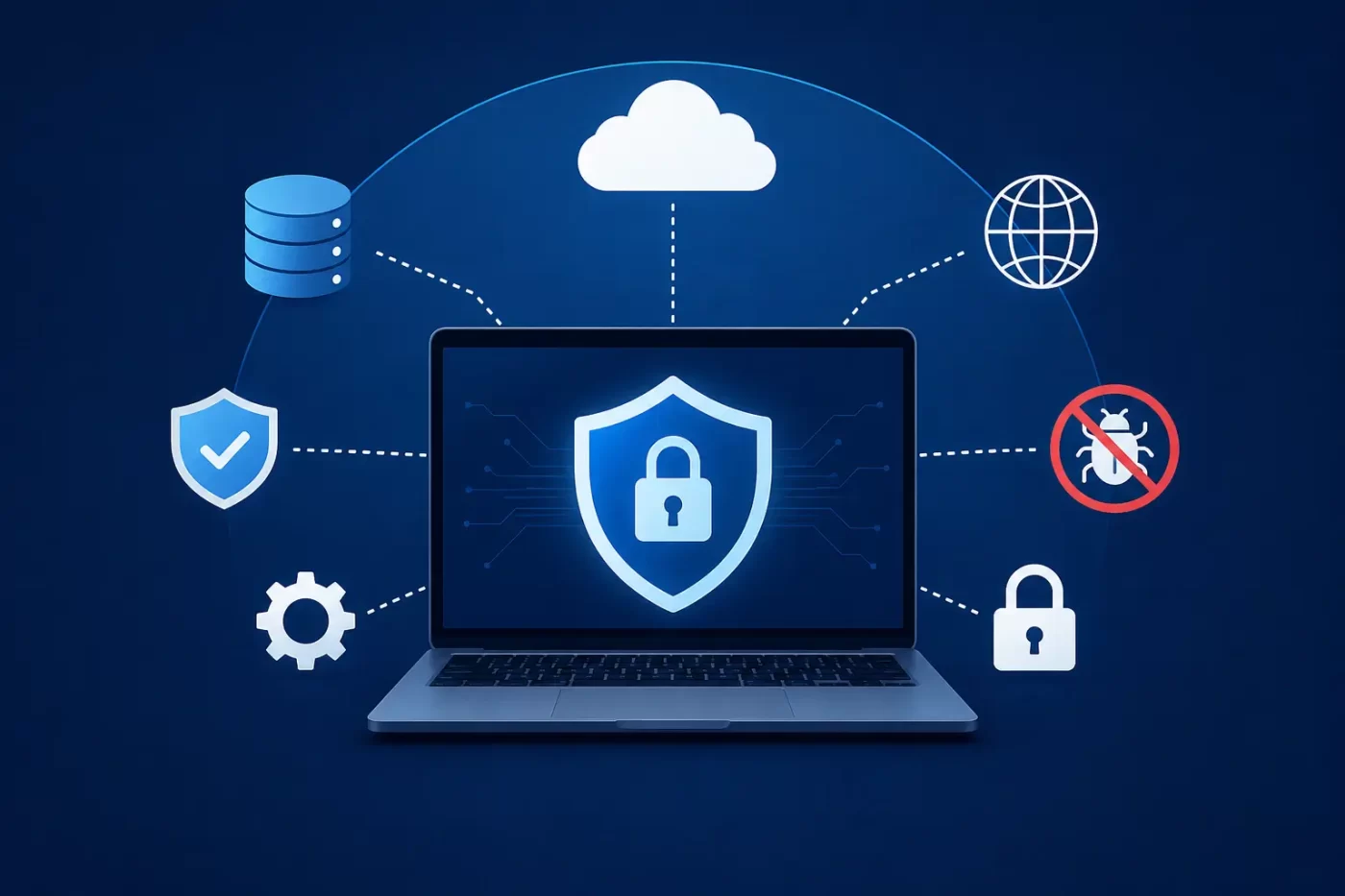

Securing your developer workstations, local databases, and cloud environments is no longer just an IT box-checking exercise—it is the foundation of business survival. As a technology service provider, you hold the keys to your clients’ networks. This makes your firm a prime target for sophisticated threat groups, which is why deploying modern endpoint protection for IT companies is essential to safeguard your operational integrity.
At its core, endpoint protection for IT companies is a centralized cybersecurity system designed to monitor, secure, and defend user devices—such as developer laptops, virtual machines, and office servers—from cyberthreats. It uses behavioral analysis, automated isolation, and rapid patch management to stop malicious actions like ransomware encryption and zero-day exploits before they disrupt your business operations.
The Growing Cyber Threat Facing Indian IT Companies
Threat actors are targeting tech hubs across India, with Bangalore, Pune, and Hyderabad seeing unprecedented levels of cyberattack volume. A single security breach can compromise your code repositories, leak intellectual property, and expose customer data. This severely damages your brand’s trust and invites heavy regulatory fines, making specialized endpoint protection for IT companies an absolute necessity.
Ransomware-as-a-Service (RaaS) and Identity Exploitation
You are no longer up against lone hackers. Today, Ransomware-as-a-Service (RaaS) operations act like tech enterprises, sharing infrastructure and hiring affiliates to launch high-pressure extortion attacks.
Worse yet, bad actors are changing their tactics. According to empirical threat reports, the vast majority of ransomware attacks in India now start with compromised identities and stolen credentials rather than complex code exploits. Hackers use automated phishing campaigns to compromise developer accounts and gain unrestricted access to your internal network.
Zero-Day Attacks and Unpatched Vulnerabilities
A zero-day exploit targets software flaws that have no public fix or patch available yet. With automated tools, the time between a vulnerability being disclosed and hackers launching active exploits has shrunk to less than half a day.
If your team struggles with unpatched vulnerabilities on legacy operating systems or remote-work devices, you leave your entire network vulnerable. While baseline consumer virus scans are no longer enough for fast-growing IT environments, deploying an advanced security suite like SiyanoAV Total Security provides the critical real-time enterprise behavioral monitoring and threat detection needed to counter these zero-day threats.
What is Endpoint Protection for IT Companies?
Many IT firms rely on basic, legacy antivirus programs. However, traditional tools only check files against a database of known threats. They are completely useless against fileless malware, credential theft, and brand-new zero-day attacks.
This is where true endpoint protection for IT companies comes in, acting as an intelligent, continuous watchdog on every workstation, laptop, and server. It uses lightweight agents to track system-level events in real-time. It monitors process executions, network links, registry changes, and memory allocations to detect and block abnormal behavior immediately.
How Modern EDR Software Stops Ransomware and Zero-Day Exploits
To prevent ransomware attacks and stop zero-day attacks, you need more than passive scanning. You need an active defense system that stops threats at the moment of entry. Implementing robust endpoint protection for IT companies delivers a multi-layered shield against these persistent vectors:
1. Real-Time Threat Mitigation and Sandboxing
When a user accidentally downloads a malicious file disguised as a system update, advanced endpoint protection for IT companies instantly isolates that file in a secure sandbox. The system monitors what the file tries to do. If it starts attempting unauthorized file encryption, the system kills the process, rolls back any altered files to their original state, and quarantines the device.
2. Proactive Patch Management for Zero-Day Vulnerability Protection
You cannot protect what you do not see. Modern endpoint tools scan all installed software on your endpoints to identify unpatched vulnerabilities. They automatically match your systems against global threat feeds, highlighting high-risk bugs that require immediate attention.
A built-in patch engine lets you deploy security updates silently across hundreds of remote developer workstations with a single click, closing security gaps before hackers can exploit them.
Compliance and Regulations: Meeting CERT-In Mandates
Operating an IT business in India comes with strict regulatory expectations. The Indian Computer Emergency Response Team (CERT-In) has established tight expectations for responding to and containing security incidents.
Under active guidelines, Indian businesses must work to identify, contain, or remediate known exploited vulnerabilities (KEVs) on internet-facing and critical production systems within a 12-hour window. Trying to meet this standard manually is nearly impossible.
Modern endpoint security simplifies compliance. It provides continuous logging, automated threat containment, and instant vulnerability scanning. If a critical flaw is detected on an active workstation, the platform helps you quarantine the risk or apply compensating controls in minutes, keeping you fully aligned with CERT-In standards.
Selecting the Right Architecture for Your IT Infrastructure Security
An optimal endpoint protection for IT companies setup must seamlessly address the complex security challenges faced by modern, remote-first IT organizations. The system should combine robust endpoint protection, live behavioral detection, and automated patch management into a single, cloud-managed dashboard.
The right solution keeps your systems secure, simplifies regulatory audits, and protects your customers from supply-chain risks—all without slowing down your developers’ machines.
-
Identity First: Stolen credentials cause the majority of Indian ransomware attacks; implementing strong endpoint protection for IT companies is your first line of defense.
-
AI Speed: The gap between vulnerability discovery and active exploitation has shrunk, requiring automated defense tools.
-
CERT-In Compliant: Helps your business meet the 12-hour remediation mandate for critical vulnerabilities on exposed systems.
-
Behavioral Defense: Uses advanced heuristics to stop fileless zero-day exploits that bypass traditional signature-based antivirus software.
-
Rapid Recovery: Features automated quarantine and snapshot rollbacks to limit data damage and avoid costly business downtime.
Security Architecture Comparison
Modern endpoint security architectures offer clear performance and defensive advantages over legacy methodologies:
| Security Capability | Legacy Antivirus | Standard Consumer Suites | Enterprise EDR Platforms (e.g., SiyanoAV Business) |
| Detection Method | Signature database files | Local heuristics & scans | Real-time behavioral AI models |
| Zero-Day Protection | No protection | Exploit block rules | Instant behavioral containment |
| Ransomware Rollback | None | Folder locks | Automated local snapshot rollback |
| Patch Management | None | Local software updates | Integrated, automated patch engine |
| Network Isolation | Cannot isolate | Firewall alerts | Automated network quarantine |
| CERT-In Compliance | No logging support | Standard local logging | Continuous automated compliance |
Secure Your Business Today
Protect your code, your clients, and your reputation with SiyanoAV’s industry-leading security tools.
FAQs
Q1: What is endpoint protection for IT companies and how does it work?
A1: It is a centralized security system that monitors and defends individual user devices like laptops, desktops, and servers. It works by running a lightweight agent on each machine that monitors system actions, detects suspicious activities, and blocks potential threats in real time.
Q2: How does endpoint security software protect our remote developers?
A2: It secures remote developers by monitoring their active sessions, scanning local code repositories, and blocking unauthorized access to production databases. This ensures that even if a developer’s home router is compromised, the workstation remains fully secure.
Q3: Is it worth upgrading from standard antivirus to full EDR software?
A3: Yes. Traditional antivirus only blocks known malware files. Endpoint Detection and Response (EDR) is essential because it monitors live system behavior, letting you spot and block fileless ransomware, stolen credential use, and zero-day exploits before they execute.
Q4: Which endpoint protection for IT companies is best for small tech firms in India?
A4: The best option is a unified platform that combines behavioral threat detection with built-in automated patch management. It should be lightweight, easy to run without a dedicated security team, and support local logging requirements.
Q5: How do we download and install an enterprise security agent?
A5: You can sign up on your chosen security portal, access the central cloud console, and download the lightweight installer. The agent can then be pushed to your endpoints via Active Directory, Microsoft Intune, or simple command-line scripts.
Q6: Where can we buy certified endpoint protection licenses in India?
A6: You can buy licenses directly through official global provider websites using NetBanking, UPI, or corporate credit cards. Alternatively, you can purchase through authorized local IT distributor channels across India.
Q7: Does modern endpoint security support older Windows Server editions?
A7: Yes. Modern business-grade endpoint protection solutions provide full security coverage and active threat monitoring for all modern Windows Server versions as well as legacy platforms like Windows Server 2016 and 2019.
Q8: What happens if a developer workstation is infected while offline?
A8: Advanced on-device machine learning models continue to run locally, allowing the agent to detect unauthorized encryption and isolate the device from other local systems even without an active internet connection.






Leave a Comment