

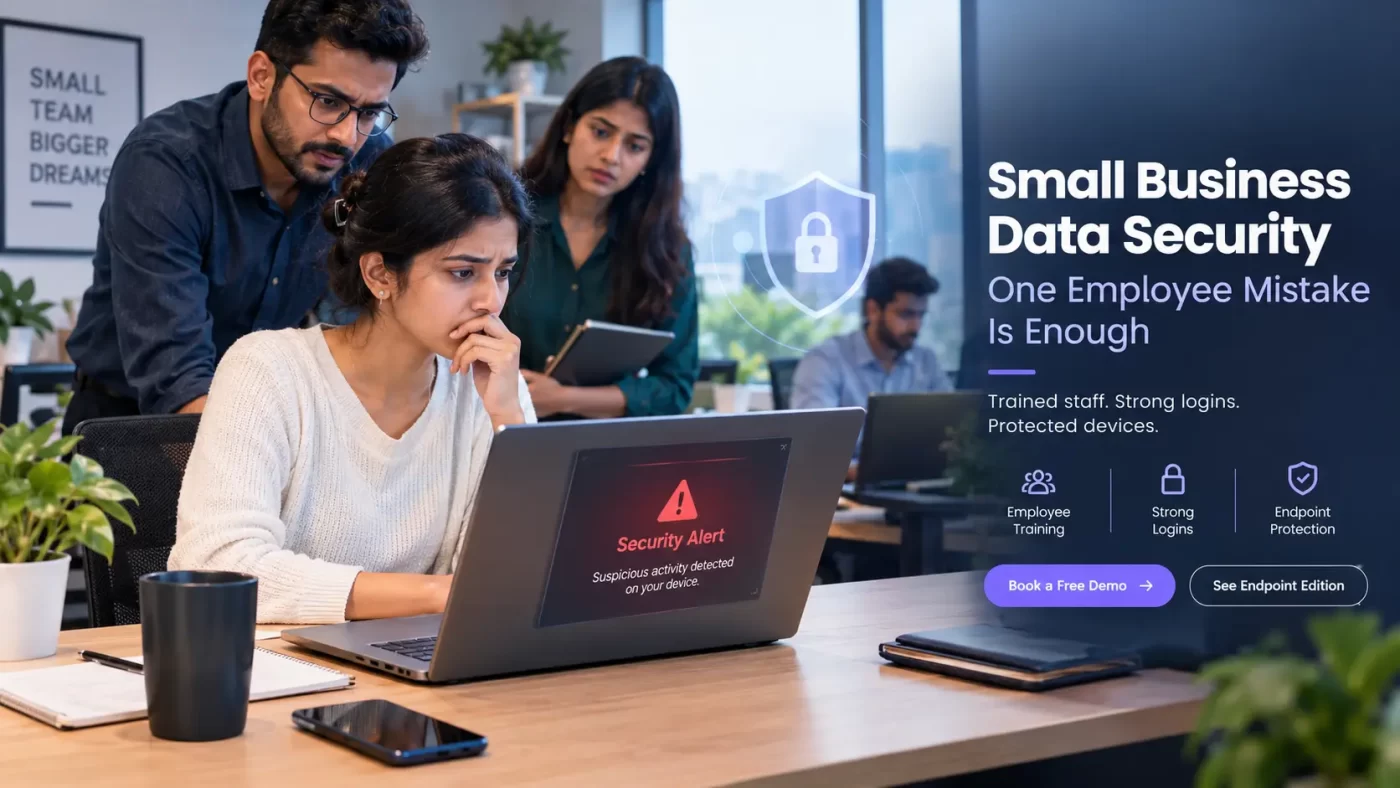

Small Business Data Security: One Employee Mistake Is Enough
One wrong click can lock your files, leak customer records and stall your work for days. Small business data security is how you stop that click from becoming a crisis.
You don’t need a large IT team. You need trained staff, strong logins and protected devices. This page shows you how to set up all three.
What Is Small Business Data Security?
Small business data security is the set of habits, tools and policies that protect a company’s customer records, financial data and files from theft, leaks and loss. It covers employee training, strong logins, backups and endpoint protection on every device. For small firms, it focuses on stopping human mistakes before they become breaches.
Why an Employee Data Breach Starts With Ordinary Habits
Attackers go after people because people are easier than firewalls. A fake invoice takes ten minutes to write. Breaking into a protected server takes far longer.
Small teams feel this the most. You rarely have a security officer. Staff use office PCs and personal phones. Everyone is in a hurry.
That is human error in cyber security. It is seldom carelessness. It is speed, trust and habit.
An employee data breach also rarely looks like a breach at first. A file opens slowly. A login asks for the password twice. By the time anyone notices, the damage is done.
Phishing Attacks Your Team Sees Every Week
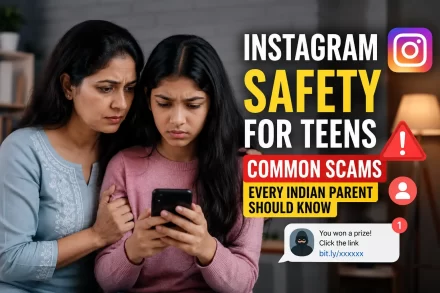
Phishing attacks no longer stop at email. They arrive on WhatsApp, SMS and job portals.
Watch for these:
- A courier “delivery failed” link
- A “KYC expired” alert from a bank
- An “urgent invoice” from a vendor you know
- A GST or income tax notice with a link
Teach your team one rule. If a message creates panic, stop and call the sender on a number you already have.
5 Small Business Data Security Mistakes to Fix First
Most leaks trace back to the same five slips.
- Reusing passwords. One breached website exposes your email, bank portal and cloud drive together.
- Installing cracked or unknown software. Free “PDF mergers” and cracked editing tools are a common way malware enters Windows PCs.
- Skipping updates. Many attacks use flaws that already have a fix.
- Using public Wi-Fi for billing or banking. Café and airport networks are open to anyone nearby.
- Staying quiet after a click. Embarrassment delays reporting. Delay lets the damage spread.
Picture a ten-person logistics firm. A dispatcher installs a free PDF tool on his work laptop. Weeks later, he logs into the billing portal from that same laptop. A hidden program records his keystrokes. The firm finds out when a client pays the wrong account.
(This is an illustrative scenario, not a real case.)
Every step felt normal. That is the danger.
Small Business Data Security Checklist: 8 Steps for This Week
You can start today. You don’t need a big budget. This cyber safety checklist covers the basics.
- Use a unique password for every account
- Turn on multi-factor authentication for email, banking and cloud tools
- Give each person access only to the files their job needs
- Run a 15-minute awareness session each month on one real scam
- Keep backups on a separate drive or cloud account
- Update Windows, browsers and apps within a week of release
- Allow only approved software on work devices
- Install business antivirus with endpoint protection on every PC
Unique Passwords and Multi-Factor Authentication
Strong small business cybersecurity starts at the login. Give every account its own long password. Store them in a trusted password manager.
Then add multi-factor authentication. Even if a password leaks, the attacker still can’t get in.
Data Breach Prevention Beyond Passwords
Small business data security also means limiting who sees what. Your intern doesn’t need payroll files. Your accountant doesn’t need the design server.
Less access means less damage when one account falls. Review access every quarter.
Endpoint Protection: The Safety Net Under Your Team
Training lowers risk. It can’t remove it. People are human.
Every laptop, desktop and server in your office is an endpoint. Each one is a possible way in. Endpoint protection watches those devices and blocks threats when someone slips.
That is why strong small business data security needs both trained staff and protected devices. SiyanoAV‘s Corporate/Endpoint Edition is built for teams that want to protect many devices without a full IT department. Ask our team for the current feature list and set-up options for your office size.
Business Antivirus for IT Admins and Resellers
IT admins want fewer tickets and one place to check device status. Resellers want a product they can explain in two minutes and support after the sale. SiyanoAV’s business antivirus range is built with both in mind.
Resellers can contact us to confirm current partner terms.
CTA: Talk to Our Partner Team
Endpoint Protection for Schools and Colleges
Schools and colleges run mixed labs, staff PCs and student devices. One infected lab machine can spread malware across the network. Centralised endpoint protection helps keep lab and admin systems covered.
Running a single Windows PC or a Mac? Choose from Antivirus Pro, Internet Security, Total Security or Mac Antivirus.
DPDP Act: What Indian Businesses Should Do Now
Small business data security is now a legal topic too. India’s Digital Personal Data Protection Act puts duties on any organisation that handles personal data. Size doesn’t exempt you.
If you store customer phone numbers, addresses, payment details or staff records, you need reasonable security safeguards. The Act allows penalties of up to ₹250 crore for failing to maintain them. CERT-In directions also expect certain cyber incidents to be reported within six hours.
Confirm timelines and applicability with a qualified legal advisor. Then treat protection as a running cost of doing business, not a one-time purchase.
CTA: Get a Free Security Check-up
Which Layer of Small Business Data Security Does What?
Each layer covers a gap the others leave open. Use this table to decide where to start.
| Security layer | What it stops | Who handles it | Effort for a small team |
|---|---|---|---|
| Awareness sessions | Phishing clicks, risky downloads | Owner or HR | Low: 15 minutes a month |
| Unique passwords and password manager | Credential reuse attacks | Every employee | Low: one-time set-up |
| Multi-factor authentication | Logins with stolen passwords | IT admin or owner | Low: enable per account |
| Endpoint protection (business antivirus) | Malware, ransomware, malicious sites on devices | IT admin or reseller | Medium: install and manage |
| Separate backups | Data loss after ransomware | IT admin | Medium: schedule and test |
| Access control | Spread of damage after one account is hacked | Owner or IT admin | Medium: review every quarter |
Key Takeaways
- Small business data security depends on three layers: trained staff, strong logins and protected devices.
- Human error drives many employee data breaches, mainly through phishing, reused passwords and unsafe software.
- Multi-factor authentication and unique passwords sharply reduce account takeovers from leaked credentials.
- Endpoint protection adds a device-level safety net when an employee clicks a malicious link.
- India’s DPDP Act expects reasonable security safeguards; penalties can reach ₹250 crore, and CERT-In expects six-hour incident reporting.
FAQs
Q: What is small business data security?
A: Small business data security is how a company protects customer records, financial files and staff data from theft, leaks and loss. It combines employee training, strong logins, backups and endpoint protection so one mistake does not become a full breach.
Q: How does an employee data breach happen?
A: Most employee data breaches start with a simple action, like clicking a phishing link, reusing a password or installing unsafe software. The attacker gets a foothold on one device or account, then moves to shared files, email or billing systems. Often nobody notices for days.
Q: Why is human error in cyber security so common?
A: Human error is common because attackers design scams around speed, trust and routine. Staff are busy, messages look genuine and urgency feels real. People make quick decisions, not careless ones. Short training, clear reporting rules and device-level protection reduce the impact.
Q: How does endpoint protection work?
A: Endpoint protection runs on each computer or device, scanning files, blocking malicious websites and stopping suspicious behaviour in real time. IT admins can usually manage many devices from one place. It acts as a safety net when an employee clicks something unsafe.
Q: Which is the best antivirus for small business in India?
A: The best antivirus for a small business is one with business-grade endpoint protection, central management, India-based support and clear INR pricing. Compare device limits and features before buying. SiyanoAV Corporate/Endpoint Edition is built for small teams, and you can book a demo to test the fit.
Q: Is business antivirus worth it for a 10-person company?
A: Yes, because one infected PC can expose customer data, lock files and halt work for days. A licence usually costs far less than downtime, recovery and reputation damage. It also helps you show reasonable security safeguards under the DPDP Act.
Q: Which is better for a small business: free antivirus or paid endpoint protection?
A: Paid endpoint protection is better for businesses, because free antivirus is made for personal use and often lacks central management, support and business-grade controls. Free tools may cover basic scans, but they give you no single view of every device in your office.
Q: Is SiyanoAV Total Security worth it for a family or home office?
A: It is worth considering if you want one suite for several personal devices, covering malware, unsafe websites and online banking threats. Check the current feature list, device limits and INR price on the product page before you decide. Business teams should look at the Endpoint Edition instead.
Q: How to download SiyanoAV Antivirus Pro?
A: Visit the official SiyanoAV website, choose Antivirus Pro, and pick the trial or purchase option shown on the page. After checkout you get a licence key and a download link. Run the installer on your Windows PC, enter the key and let the first scan finish. Download only from the official site.
Q: How to use multi-factor authentication on business email?
A: Open your email account’s security settings, choose two-step or multi-factor verification, and link an authenticator app or phone number. Use an authenticator app where possible, since SMS codes can be intercepted. Save the backup codes somewhere secure, and roll it out to every employee.
Q: Where to buy SiyanoAV Endpoint Edition for my company?
A: Contact the SiyanoAV team through the website to buy the Corporate/Endpoint Edition, or request a demo first. You can also buy through an authorised IT reseller if you already work with one. Share your device count so you get the right licence quote.
Q: How to install antivirus on multiple office computers?
A: List all your devices, pick a licence that covers that count, then install the client on each PC from your admin console or installer file. Enable automatic updates and scheduled scans. If you have no IT staff, ask your vendor or reseller to handle the roll-out.
Q: Does SiyanoAV offer a Corporate/Endpoint Edition?
A: Yes, SiyanoAV offers a Corporate/Endpoint Edition for businesses that need to protect multiple devices. It is aimed at SMBs, schools and teams without a large IT department. Contact the team for the current feature list, licence options and a free demo.
Q: Is SiyanoAV available for Mac?
A: Yes, SiyanoAV has a Mac Antivirus product for macOS users. Check the product page for supported macOS versions and licence options. Windows users can choose Antivirus Pro, Internet Security or Total Security.
Q: Does SiyanoAV offer protection for schools and colleges?
A: Yes, schools and colleges are a key segment for SiyanoAV, and the Corporate/Endpoint Edition suits lab and staff systems. Contact the team to discuss institutional licensing, device counts and deployment support for your campus.
Q: Does SiyanoAV work with IT resellers?
A: Yes, IT resellers are a core audience for SiyanoAV. Contact the team through the website to confirm current partner terms, demo access and sales support. Resellers can offer the Endpoint Edition to their SMB and school clients.
Q: What is the price of business antivirus in India in INR?
A: Business antivirus pricing in India depends mainly on the number of devices and the licence length, and it is quoted in rupees per device per year. For SiyanoAV Endpoint Edition, request a quote with your device count to get exact INR pricing.
Q: Is SiyanoAV available across India?
A: Yes, SiyanoAV is built for Indian users and serves customers pan-India through its website and partners. Software licences are delivered digitally, so your location does not limit access. Contact the team for support and local reseller options in your city.
Q: What if an employee clicks a phishing link?
A: Disconnect that device from the network, change the affected passwords and tell your IT admin straight away. Run a full antivirus scan and check email and bank accounts for unusual activity. Report serious incidents to CERT-In, and do not punish the employee, so others report fast.
Q: What happens when ransomware locks your office computers?
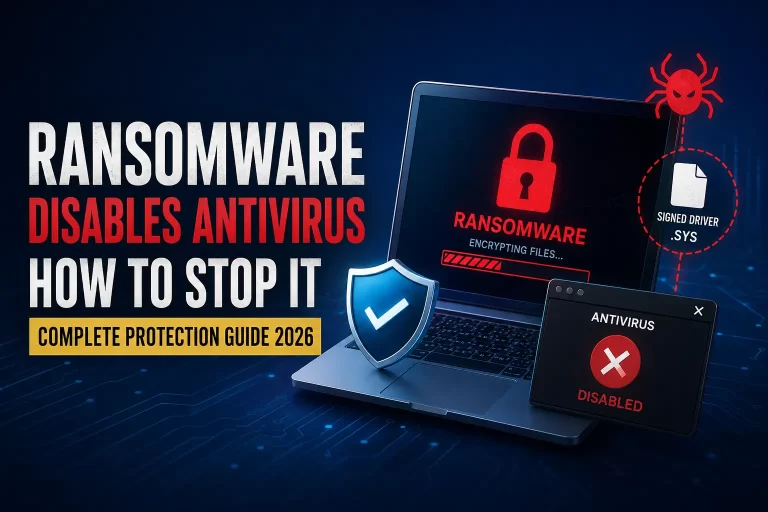
A: Files become unreadable and the attacker demands payment. Isolate affected machines, switch off shared drives and restore from clean backups. CERT-In directions require reporting certain incidents within six hours. Paying does not guarantee recovery, so prevention, separate backups and endpoint protection matter most.
Leave a Comment