


Most entrepreneurs get cybersecurity completely wrong. They simply jump on Google, search for a top-rated scanner, pick whatever has a high star rating, and assume their office is secure. However, if you are running a workspace—even a compact office with just five to ten workstations—this hands-off approach is a massive gamble.
Understanding how to choose antivirus for business networks is entirely different from buying software for a family laptop. Corporate environments demand multi-device coordination, deal with unpredictable web activity from various employees, and most importantly, carry major legal liabilities and brand reputations on the line.
The digital threat landscape is expanding quickly. Today, small and mid-sized businesses face an relentless wave of focused ransomware threats, social engineering via WhatsApp or email, and sophisticated banking scams. According to official CERT-In cybersecurity advisories, modern enterprise architecture requires proactive defense metrics instead of old-school, reactive scanning. A single security breach can easily drain an SMB of ₹10 lakh to ₹1 crore in sudden operational losses and disaster recovery fees.
Let’s skip the marketing buzzwords and break down what your business actually needs to stay secure.
Why Consumer Antivirus Fails the Business Test
A lot of people think that corporate security packages are just a clever marketing trick to get businesses to pay higher prices. That is simply a myth. The underlying technology and administration systems are fundamentally distinct.
Retail security is built to safeguard a single individual on a single machine based on a single user’s browsing pattern. Conversely, commercial solutions are engineered to look over an entire grid of connected computers across a workplace—or even multiple remote locations—where ten different team members might click on ten different high-risk items simultaneously.
Core Architecture of Business-Grade Platforms:
-
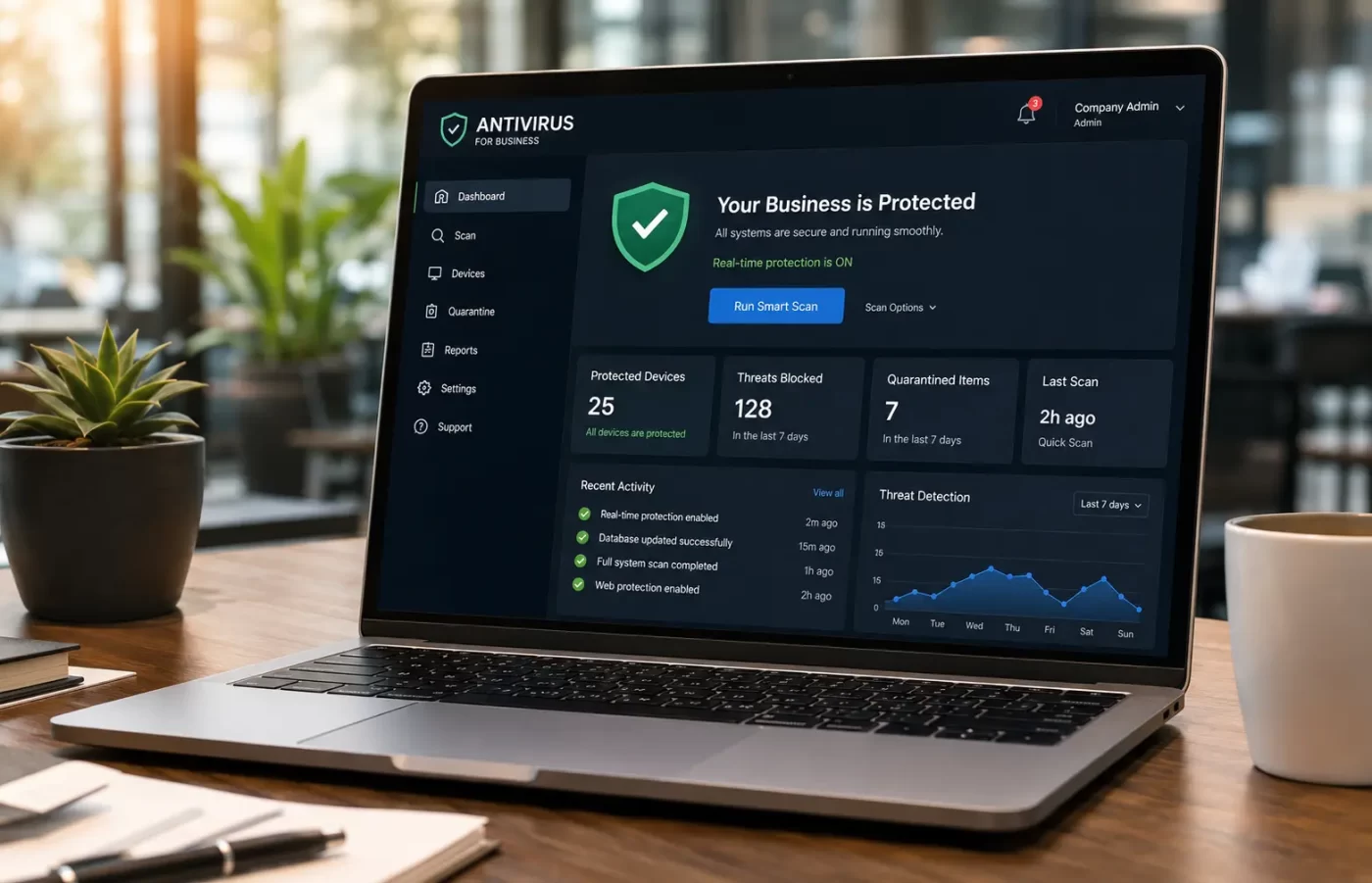
Central Administration Console: No more running around to manually inspect individual monitors. You or your IT provider can oversee the health of every single machine from a unified control panel.
-
Bulk Licensing Models: Buying security seats in bulk for 10, 25, or 50+ endpoints is drastically more cost-effective per device than purchasing individual consumer subscriptions.
-
Customizable Group Policies: Administrators can easily block specific downloads, program installations, or dangerous websites across the organization to eliminate risk at the root.
-
Instant Threat Notification: If an endpoint encounters malicious code or exhibits suspicious behavior, an urgent alert goes straight to the administrator.
-
Remote Lockdown Actions: If a remote worker’s laptop gets compromised on the road, your technical lead can isolate that machine digitally from the central network before the malware spreads to your main servers.
Relying on standard out-of-the-box system security or residential subscriptions for commercial assets leaves a dangerous vulnerability in your daily operations.
How to Choose Antivirus for Business: 5 Features That Matter
Security companies love to overwhelm buyers with complex feature lists. When figuring out how to choose antivirus for business security, cut past the noise and look for these five crucial pillars:
1. Active Continuous Scanning
This is your foundational shield. Your system must evaluate files, active applications, and incoming scripts the exact split-second they are launched. Security tools that wait around for “scheduled night-time scans” are completely defenseless against modern, fast-moving scripts.
2. Specialized Ransomware Rollback
Ransomware is the ultimate company killer. Attackers lock up your local files and demand massive payments to release them. Your software must feature behavioral analysis that spots ransomware actions instantly, alongside a system rollback function that can restore your original files if things go sideways.
3. Dedicated Phishing Filters
The majority of corporate breaches occur because a team member inadvertently opens an infected link or a deceptive email attachment. Enterprise protection monitors active email communication and drops fraudulent web pages before your team can ever open them.
4. Consolidated Firewalls
While typical protection screens local files, a firewall actively guards the incoming and outgoing traffic traveling across your workspace network. Combining both tools under one control panel vastly simplifies how you manage your data rules.
5. Cloud-Enabled Deployment
With modern flexible hours and hybrid working models, a cloud-managed security console guarantees that critical updates drop on every remote laptop immediately, whether an employee is inside the building or typing from a local café.
The Practical Office Security Checklist
Before pulling out the company credit card, use this operational checklist to guide your decisions on how to choose antivirus for business environments:
-
How many total endpoints require protection right now, and what will that number look like over the coming year?
-
Do we have the capacity to manage everything from a centralized dashboard, or are we going to waste hours checking individual devices?
-
Which operating systems are running across our workflows? (Are we strictly a Windows shop, or do we mix in macOS and mobile platforms?)
-
Does our sector require tracking and logging compliance to satisfy local data handling regulations?
-
If a major breach hits us at midnight, will we receive live, responsive customer support in our own timezone?
-
Does the prospective software suite offer automated recovery tools to fight back against file encryption?
Demystifying “Endpoint Protection”
As you explore corporate security tools, you will constantly see the phrase Endpoint Protection pop up alongside traditional antivirus terms.
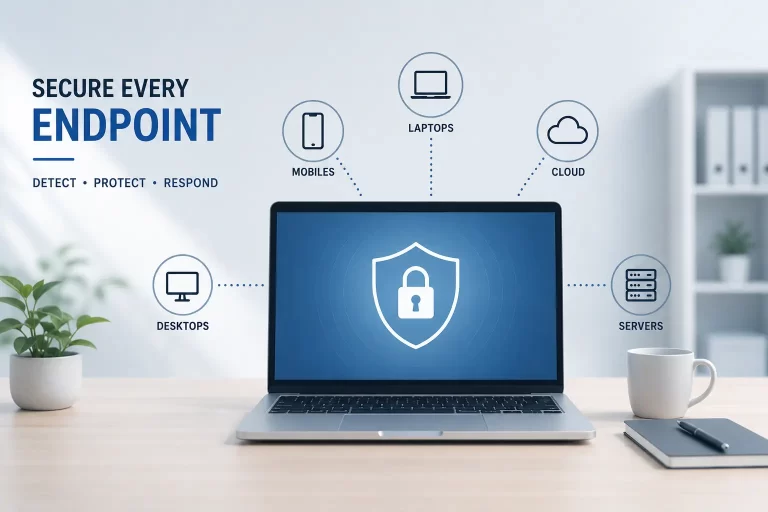
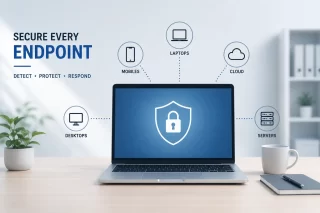
To break this down simply: an “endpoint” refers to any individual machine that connects to your business network—including office desktops, employee laptops, smartphones, and local servers. Endpoint protection goes a step further than basic virus removal. It looks at the wider health of each device, applies strict group policies, audits network traffic, and lets an administrator isolate an infected device from the rest of the company network with a single command. Remembering this system structure makes evaluating how to choose antivirus for business frameworks much simpler.
Head-to-Head: Personal vs. Business Antivirus
Frequently Asked Questions
Q: Is it safe to run a free antivirus across a growing small business? A: Absolutely not. Free products are legally licensed only for non-commercial, private use. From a practical standpoint, they completely skip essential central dashboards, group policy locks, and behavioral threat detection. The money saved on software fees will disappear instantly if a single virus freezes your production line.
Q: What differentiates an antivirus application from full endpoint protection? A: Standard antivirus programs are reactive—they seek out and eliminate known bad files on a single computer. Endpoint protection is a broad, proactive system that continuously tracks the behavior, data traffic, and system vulnerabilities of all devices connected across your corporate architecture.
Q: What is a reasonable security software budget for an SMB? A: Total costs vary depending on seat sizes and compliance depth. Choosing a flexible, nimble security vendor that offers responsive localized support and dedicated SMB tiers will help you get enterprise-grade defense without the massive price premium of older legacy brands. For a clear look at local options, check out the SiyanoAV pricing page to evaluate competitive local business rates and figure out how to choose antivirus for business tiers that match your budget.
The Bottom Line
Figuring out how to choose antivirus for business protection does not require a massive IT department or millions in tech spending. It simply requires a shift away from consumer-grade habits.
Analyze your existing device count, look at your active operating systems, and put a centralized commercial defense plan in place. Knowing how to choose antivirus for business endpoints keeps your primary assets safe from unexpected exposure. It only takes one unpatched workstation or a single accidental click by an employee to turn an ordinary workday into a catastrophic financial challenge.


Leave a Comment