

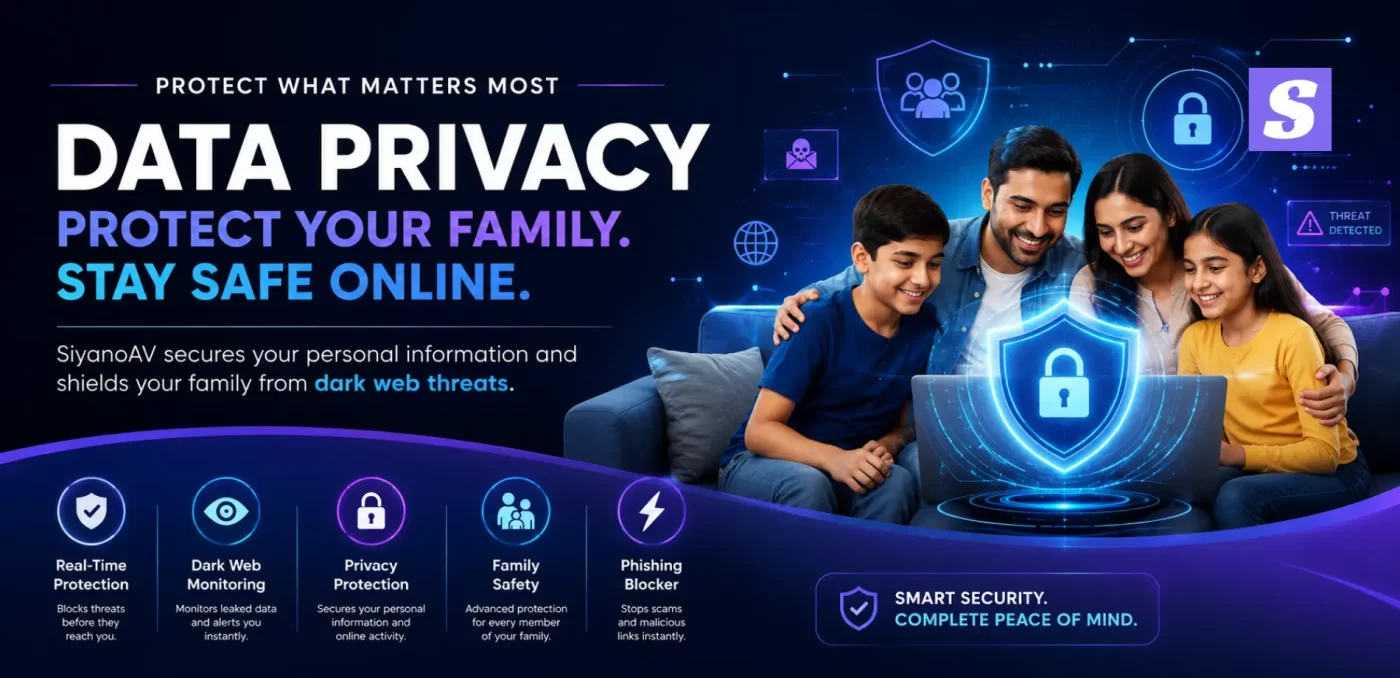

Imagine your teenager, without realizing it, clicking a random WhatsApp link promising free game skins. Before you know it, their login details are already being displayed on a hacker’s screen.
Taking care of data privacy for each member of your family can seem like a never-ending, tiresome task. You are always running after kids’ privacy settings, erasing online history, escaping daily phishing scams. However, on the other hand, threats are constantly changing. Such ongoing fear of safeguarding personal information is really wearing out parents.
There’s no need for another typical pile of fancy device settings which you’d have to review every weekend. What you require is a silent, invisible protection. We will tell you in this article how scammers leverage your digital footprint and why SiyanoAV is the most reliable way to keep your family safe online without making it one of your daily chores.
Data Privacy Explained
What is data privacy?
Data privacy is about feeling confident that you have a say in what happens to your personal information when you go online and how effectively it is protected. It is an assurance that your very personal data – like your bank details and private pictures – will remain secure and not fall into the hands of unauthorized persons or criminals on the dark web.
The Hidden Truth About How Data-Driven Companies Work
You regularly feed a covert factory every time you click that “accept” button on a website cookie. Most people don’t bother looking at the data collection policies so apps in the background secretly track your location and habits.
That’s how data-driven firms operate: you are the product. They develop a full profile of your digital footprint to bombard you with ads. Your consumer privacy is sacrificed daily for targeted advertising and occasionally, your data is auctioned off to the highest bidder.
Why Manual Privacy Settings Always Fail
You may be willing to clear your search activities or disable location services once in a while. You may even download personal data just to check out what social media platforms know about you.
However, these manual operations are mere stopgaps. Hackers and requests for third-party data evolve at a speed that manual privacy setting updates can hardly keep. Deleting manually can therefore expose you to security threats.
Top Tips for Managing Your Kids’ Privacy Online
In India, kids are the easiest victims for online fraudsters. Kids’ protecting privacy tips should include more than just refraining from talking to strangers.
Mobile games or quiz “fun” apps may have hidden malicious codes that can stealthily gain access to your microphone or contacts after evading you basic parental controls (smart speakers/apps). This is why you have to stop apps getting to your children’s personal info through actively monitoring those permissions with the help of one dedicated security software.
How SiyanoAV Automates Personal Information Protection
It is humanly impossible for you to be awake all the time to watch what your family clicks. On the other hand, SiyanoAV serves as your paramount shield against data tracking.
- Dark Web Surveillance: Always operate in the background, periodically checking the dark web to determine if your family’s passwords or emails have been leaked in a data breach.
- Phishing Blocker, Instant: Stops phishing scams sent through SMS or emails dead in their tracks before your child can even click.
- Application Shield with Smart Features: It keeps detailed records of third-party data requests and rejects suspicious ones, so only the very necessary will be accessible to the apps.
How to Manage Your Privacy Settings the Smart Way
Stop wasting your time with individual settings for every app and think about a more unified approach to your family’s digital safety.
- Single Sign-On (SSO) as an option: Creating passwords for 50 websites is not a good idea. You should instead use a secured SSO method under SiyanoAV’s secure environment for your convenience and security.
- Deletion Automation: Don’t waste your time by manually deleting your search history. Instead, configure your security software to automatically clean up tracking cookies.
- insist on your data rights: Use automated tools to indicate that you are legally very much opposed to companies selling your data without your explicit consent and other similar things.
There’s no doubt that your consumer privacy is being infringed upon right now. Why not take back the power while SiyanoAV does the hard work for you and you get to relax knowing your privacy is secure?
FAQ Section
How to limit your digital footprint?
Using a security software like SiyanoAV is the most effective way to limit your digital footprint because it blocks tracking cookies actively. Besides that, it’s a good habit to clear your search history regularly and try not to share too much personal information even on social media.
Why should I use safe single sign-on (SSO)?
Another reason to use safe single sign-on (SSO) is that you reduce the chances of your primary email and password to be exposed to different websites. Also, when you have a strong antivirus, even during a data breach, hackers will not be able to steal your credentials from all the different platforms that you use.
How do I stop companies selling data?
The first step is to change your privacy settings within app accounts separately and then also actively choose not to share with third parties. To make things easier, if you use a privacy-focused software, it can automate your opt-out requests as well as block data brokers from tracking you.
How does SiyanoAV prevent phishing scams?
Phishing scams are prevented by SiyanoAV through a very sophisticated system of live link scanning. In case a member of the family clicks on a suspicious link in an email or SMS, the software will immediately stop the website from opening, thus completely eliminating the possibility of data theft.
What is the best way to manage kids’ privacy settings?
When kids’ privacy settings are managed by parents in the best possible way, it involves use of centralized parental controls (smart speakers/ apps) and comprehensive security software altogether. This combination will make sure that the children’s location is not tracked and it will also stop unverified apps from getting the device data.


Leave a Comment