

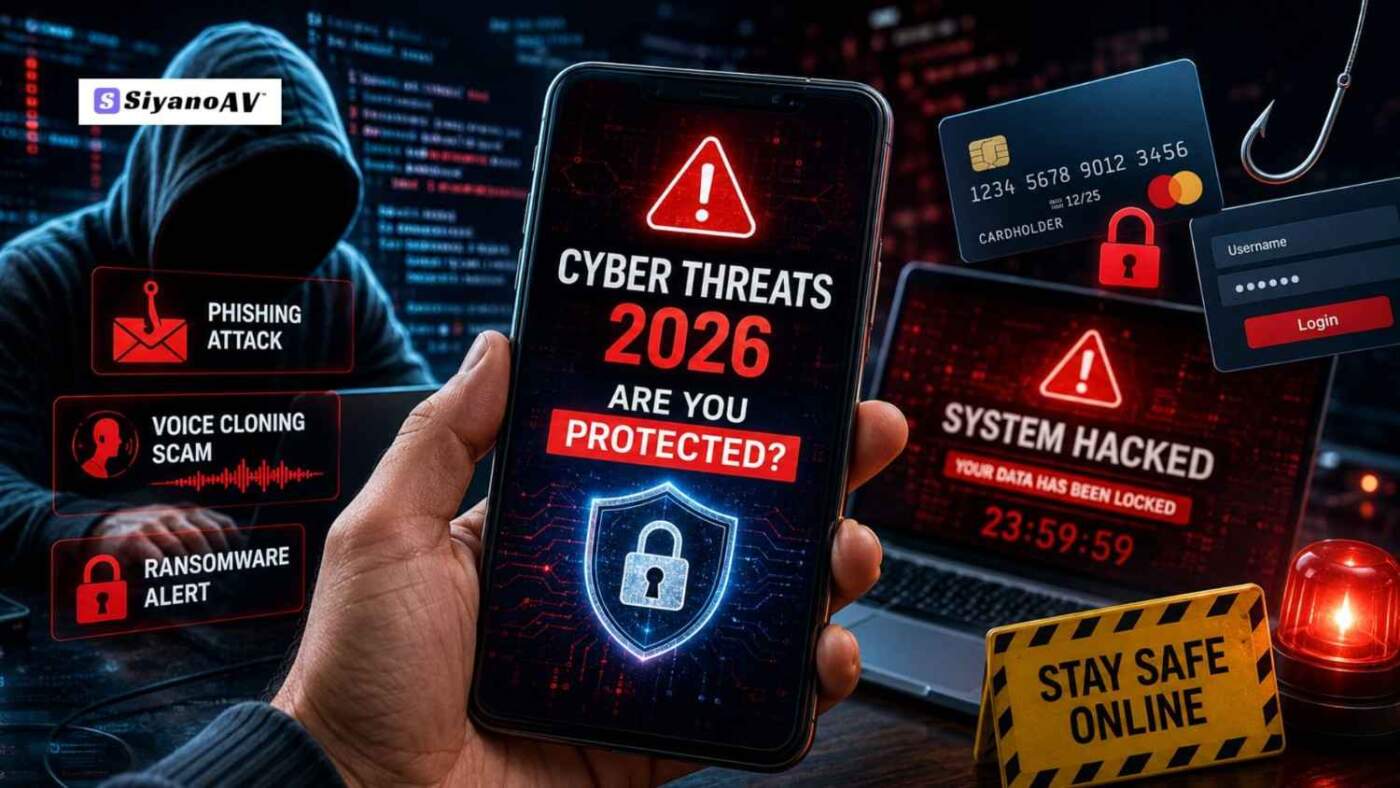

Imagine opening WhatsApp and hearing an urgent voice note from your brother. He sounds completely panicked, asking you to send an immediate UPI transfer for an emergency. The voice is a perfect match, so you send the money without a second thought. It is only later, when you call him back, that you realize he never contacted you. You have just fallen victim to an AI voice cloning scam—one of the fastest-growing digital hazards out there today.
The internet landscape has shifted rapidly. The digital security risks we face daily are highly automated, targeted, and hyper-realistic. Understanding the top cyber threats 2026 presents is the first step toward reclaiming your digital peace of mind.
Regular users are now prime targets for data theft, ransomware extortion, and financial scams. This guide breaks down the latest cyber threats hitting everyday users and shows you exactly how to protect your personal details, money, and identity using advanced safety tools like SiyanoAV.
Cyber threats 2026: What Are Cyber Threats in 2026?
Cyber threats in 2026 are highly sophisticated, AI-driven malicious activities designed to steal sensitive data, extort money, or compromise digital identities through automated hacking techniques 2026, bypassing traditional security measures.
Cyber threats 2026: 10 Biggest Cybersecurity Threats
1. Hyper-Realistic AI Phishing Attacks 2026
It’s no longer easy to catch phishing emails just by noticing bad grammar or spelling mistakes. Scammers now deploy generative AI to craft flawless, highly customized emails that perfectly mimic your workplace communication, hobbies, or daily routines. Because these attacks slip into personal and corporate inboxes unnoticed, using advanced antivirus for phishing protection has become a baseline necessity.
2. Deepfake Voice and Video Fraud
As deepfake technology matures, scammers clone voices from a mere three-second audio clip scraped from social media. They often use these fake identities to carry out serious online banking scams, pretending to be a family member or a bank official through phone calls or messaging apps to trick people into sending money.
3. Automated, Smart Ransomware Attacks
Modern ransomware attacks don’t just lock down enterprise servers; they actively hunt for personal cloud backups and connected home network storage. Once inside, they encrypt your family photos, tax documents, and personal files, demanding steep crypto payments for their release. Learn [LINK: how to prevent ransomware attacks] to safeguard your archives.
4. Zero-Day Exploits in Daily Apps
A zero-day attack happens when hackers find a security weakness in software before the developers even know it exists or have a chance to fix it. In 2026, the volume of these threats has spiked, targeting everything from mobile web browsers to smart TV operating systems, leaving unpatched devices exposed.
5. Smart Home and IoT Network Hijacking
Your smart refrigerator, security camera, or automated lights are convenient, but they are also major internet security risks. Hackers exploit weak default passwords on Internet of Things (IoT) devices to build massive botnets or spy directly on your household activities.
6. Stealware Targeting Digital Wallets
With UPI and digital wallet adoption skyrocketing across regions like India, malware protection must focus on transactional security. Modern stealware silently intercepts copy-pasted payment addresses, altering the destination account numbers right before you hit ‘approve’.
7. Session Hijacking and Cookie Theft
Even if you use strong passwords, hackers can bypass login screens entirely by stealing your browser’s session cookies. This gives them instant access to your social media, email, and streaming accounts without needing your password or two-factor authentication code.
8. Malicious QR Code Scams (Quishing)
Quishing involves replacing legitimate QR codes in public places—like parking meters, restaurants, or payment counters—with malicious ones. Scanning the code redirects you to a cloned website that silently downloads malware onto your device.
9. Public Wi-Fi Social Engineering Attacks
Hackers deploy sophisticated social engineering attacks by setting up free, unsecured Wi-Fi hotspots in airports or cafes named “Free_Airport_WiFi”. Once you connect, they use middleman tactics to capture everything you type, including credit card numbers.
10. Digital Identity Theft Online
By combining leaked data from various corporate breaches, bad actors piece together your full digital profile. They use this data breach prevention failure to open unauthorized credit lines, order goods, or create fake profiles under your legal name.
Cyber threats 2026: Why Traditional Antivirus is No Longer Enough
Is antivirus enough for online safety? Not really—especially when the antivirus still depends only on outdated signature-based scanning methods. Yesterday’s tools only look for known files. Today’s fileless malware executes directly in your computer’s memory, completely invisible to basic scanning tools.
To counter hacking techniques 2026, you need proactive, behavioral defense. This is why antivirus is important in 2026; it has evolved from a passive scanner into an active, intelligent shield.
Cyber threats 2026: How to Stay Safe with Siyanoav
Defending against modern data protection threats requires a multi-layered strategy. Siyanoav antivirus acts as an all-in-one security suite, engineered specifically to counter the complexities of the current threat landscape.
| Threat Type | Siyanoav Defense Layer |
| AI Phishing & Scam Sites | Real-Time Web Protection |
| Memory-Based Malware | Advanced Endpoint Security |
| Home Network Vulnerability | Smart IoT Scanning & Shielding |
- Activate Real-Time Threat Protection: Siyanoav keeps a constant watch on your system to catch malicious activity before it causes harm. If an unverified program tries to alter system files or lock down data, the software halts it instantly, stopping ransomware attacks in their tracks.
- Deploy Advanced Endpoint Security: Whether you are browsing on a mobile phone or a laptop, Siyanoav runs untrusted applications within an isolated virtual environment, keeping your core data safe.
- Secure Your Transactions: Protect your banking details online using Siyanoav’s specialized secure browser layer. This tool actively blocks hidden keyloggers and cookie-snatching scripts during online checkouts.
- Practice Good Digital Hygiene: Combine Siyanoav protection features with strong, unique passwords built via a dedicated password manager, and always turn on multi-factor authentication (MFA) across your personal accounts.
Conclusion
The data protection threats of 2026 are complex, but keeping your digital life secure doesn’t have to be overwhelming. By staying aware of how phishing attacks work in 2026 and maintaining strong behavioral habits, you eliminate the vast majority of digital security risks. For the rest, rely on robust, automated protection. Secure your devices today by installing the best cybersecurity software 2026 has to offer—download Siyanoav antivirus and browse with confidence.
FAQ Section
How can you keep your personal data safe online in 2026?
The best way to protect personal data online is to use a modern all-in-one security suite like Siyanoav. Combine it with a dedicated password manager, enable multi-factor authentication on all accounts, and routinely update your device’s operating system.
How do cyber attacks happen to normal internet users?
Cyber attacks typically happen when users inadvertently click malicious links in email phishing scams, download infected files from unverified websites, use public Wi-Fi networks without protection, or reuse weak passwords across multiple online accounts.
What are the main signs your computer is hacked?
Clear signs your computer is hacked include sudden and extreme slowdowns, frequent browser redirections, unfamiliar applications appearing on your desktop, unexpected pop-up windows, and your security software being disabled without your permission.
How can I protect my banking details online from fraud?
To protect your banking details online, always verify that payment pages use encrypted URLs, never save credit card info on shopping sites, use virtual cards when available, and ensure your system runs real-time threat protection to block credential stealers.
What is phishing attack mitigation in the age of AI?
AI-era phishing mitigation requires deploying internet protection software that uses machine learning to analyze the structural behavior of incoming links and emails, effectively filtering out dangerous messages before they reach your inbox.
Leave a Comment