

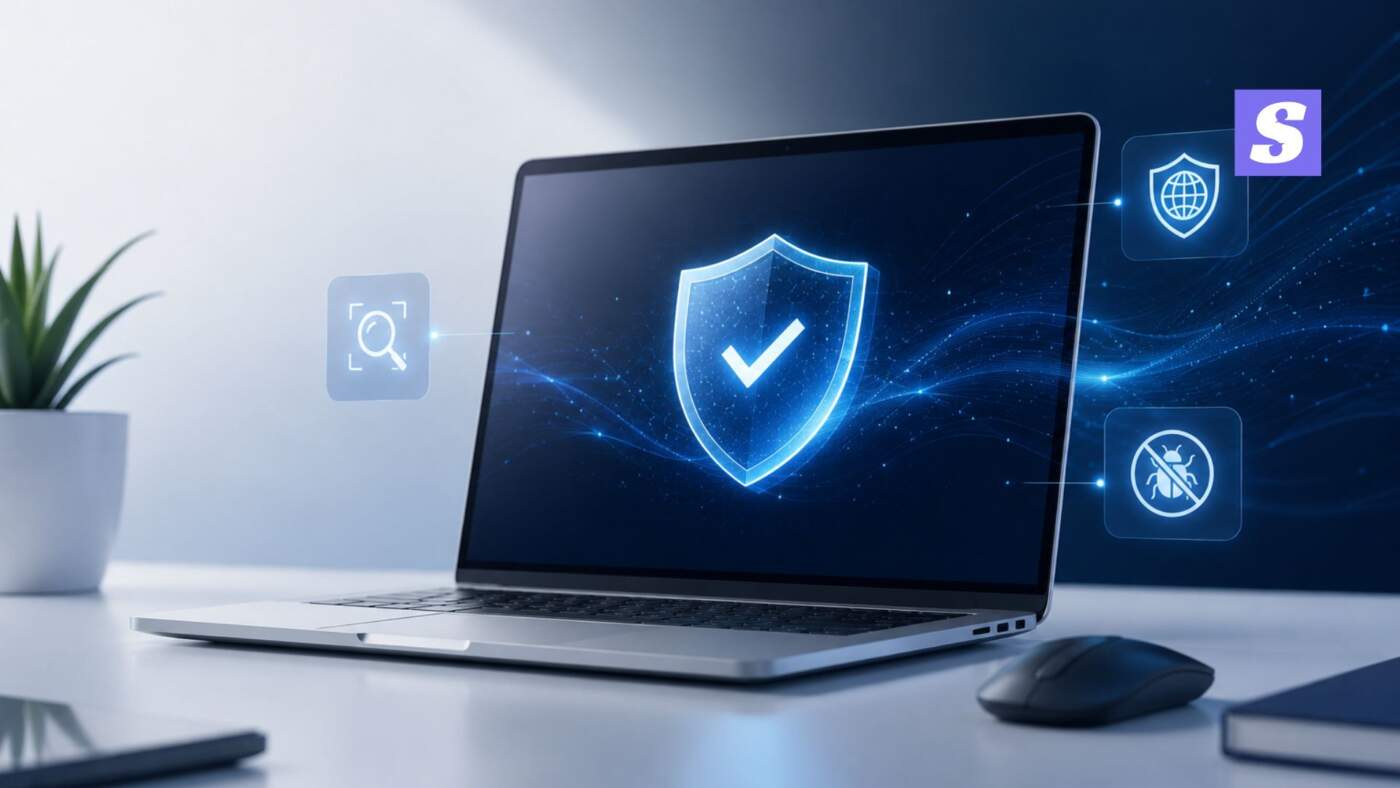

What Is Antivirus Software? A Simple Definition
So, what is antivirus software, really? If you’ve ever seen a “Run a scan now” pop-up and just clicked it away without a second thought — you’re not alone. Most people use antivirus software every single day and have zero idea what it’s actually doing in the background.
Here’s the no-fuss version: antivirus software is a program that scans your computer, finds harmful files — viruses, malware, ransomware, spyware — and removes or blocks them before they cause damage. That’s basically the whole job. No magic, no mystery, just constant checking running quietly while you work.
How Does Antivirus Software Work?
Most people picture antivirus as some kind of digital security guard standing at the door. Honestly, that’s not too far off.
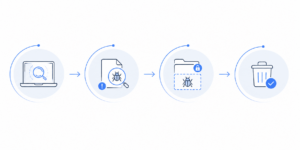
Here’s roughly how it works, step by step:
- Scanning – files, downloads, and apps get checked against a database of known threat signatures.
- Detection – anything matching a known virus, or behaving oddly even if it’s brand new, gets flagged.
- Quarantine – the flagged file gets isolated so it can’t spread to other files.
- Removal – it’s deleted or cleaned, either automatically or after you approve it.
That “behaving oddly” part is where it gets interesting, actually. Older antivirus tools only caught threats they’d already “seen” before. Newer ones use heuristic detection and behavior-based detection — basically watching what a file does, not just comparing it to a list. That’s how zero-day attacks (malware nobody’s ever seen before) get caught too.
Types of Antivirus Software
This is where people usually get a bit lost, so let’s keep it simple.
- Standalone antivirus – basic virus and malware scanning, nothing extra.
- Internet security suites – antivirus plus a firewall, phishing protection, sometimes a VPN thrown in.
- Endpoint protection (EDR) – built for businesses managing dozens or hundreds of devices from one dashboard.
- Cloud-based antivirus – lighter on your system since most scanning happens on remote servers.
For most home users, standalone or a security suite covers it fine. Businesses, though, should really be looking at endpoint protection — more on that in a bit.
Why You Actually Need Antivirus Software in 2026
A lot of people still say “I only visit safe websites, I don’t need antivirus software.” Fair point — but that’s not really how infections happen anymore.
Phishing emails, fake job offers, cracked software downloads, even shady ads on otherwise legit websites — these are the usual entry points now. Ransomware attacks on Indian businesses have gone up noticeably over the past couple of years too, and small companies get hit just as often as the big ones, sometimes more.
Windows Defender is decent, to be fair. It’s free, it’s built-in, and it handles the basics well enough. But it tends to be reactive, and it doesn’t give you the layered protection — firewall management, phishing filters, ransomware rollback — that dedicated antivirus software brings. If your business handles any sensitive data, relying only on Defender is a bit like locking the front door and leaving a window wide open.
Antivirus vs Anti-Malware vs Firewall: What’s the Difference?
This one trips up almost everyone, so let’s sort it out quickly.
- Antivirus mainly handles known and unknown malicious files — viruses, trojans, worms.
- Anti-malware is broader, covering spyware, adware, and ransomware too. Most modern antivirus software is anti-malware as well now — the lines blurred years ago.
- Firewall is a different thing entirely. It controls what traffic enters or leaves your network in the first place.
Think of antivirus as checking what’s already inside the house, and a firewall as the guard standing at the gate. You really need both. One without the other leaves a gap.
How SiyanoAV Protects Your PC
This is where I’ll talk a bit about SiyanoAV, since that’s the antivirus software we work closely with.
SiyanoAV combines real-time scanning, ransomware protection, and phishing detection into one package, built with Indian users and small businesses in mind. It’s OPSWAT Gold Anti-Malware Certified — not every antivirus brand can say that — and being an AMTSO member means it follows recognised, independently tested standards rather than just marketing claims.
What stands out to me personally is that it doesn’t hog system resources the way a lot of older antivirus tools do. For schools, small offices, and anyone running an average laptop, that matters more than most people realise until their machine slows to a crawl.
FAQs
What is antivirus software in simple words?
It’s a program that detects, blocks, and removes harmful software like viruses and malware from your computer, usually running quietly in the background.
How does antivirus software work step by step?
It scans files, compares them against known threat databases, flags anything suspicious — including new threats based on behaviour — then quarantines and removes them.
Do I really need antivirus if I have Windows Defender?
Defender covers the basics fine. But dedicated antivirus software adds layered protection like phishing filters and ransomware rollback, which matters a lot more for businesses.
What’s the difference between antivirus and anti-malware?
Antivirus traditionally focused on viruses; anti-malware covers a wider range including spyware and ransomware. Today, most antivirus software does both.
Can antivirus remove all viruses?
No antivirus can promise 100% protection — new threats show up daily — but a good one catches the vast majority, including unknown ones, through behaviour-based detection.
Does antivirus slow down your PC?
Older or poorly optimised antivirus tools can. Lighter, cloud-based options like SiyanoAV are built specifically to avoid that.
Is free antivirus enough?
For very light personal use, maybe. For anyone handling sensitive data or running a business, paid antivirus software offers a lot more protection layers.
At the end of the day, antivirus software isn’t some optional add-on anymore — it’s basic digital hygiene, same as locking your door at night. Whether you’re a student, a business owner, or managing IT for a school, knowing what antivirus software actually does — and picking one that fits your situation — makes a real difference. Don’t wait for an infection to start taking it seriously.


Leave a Comment