

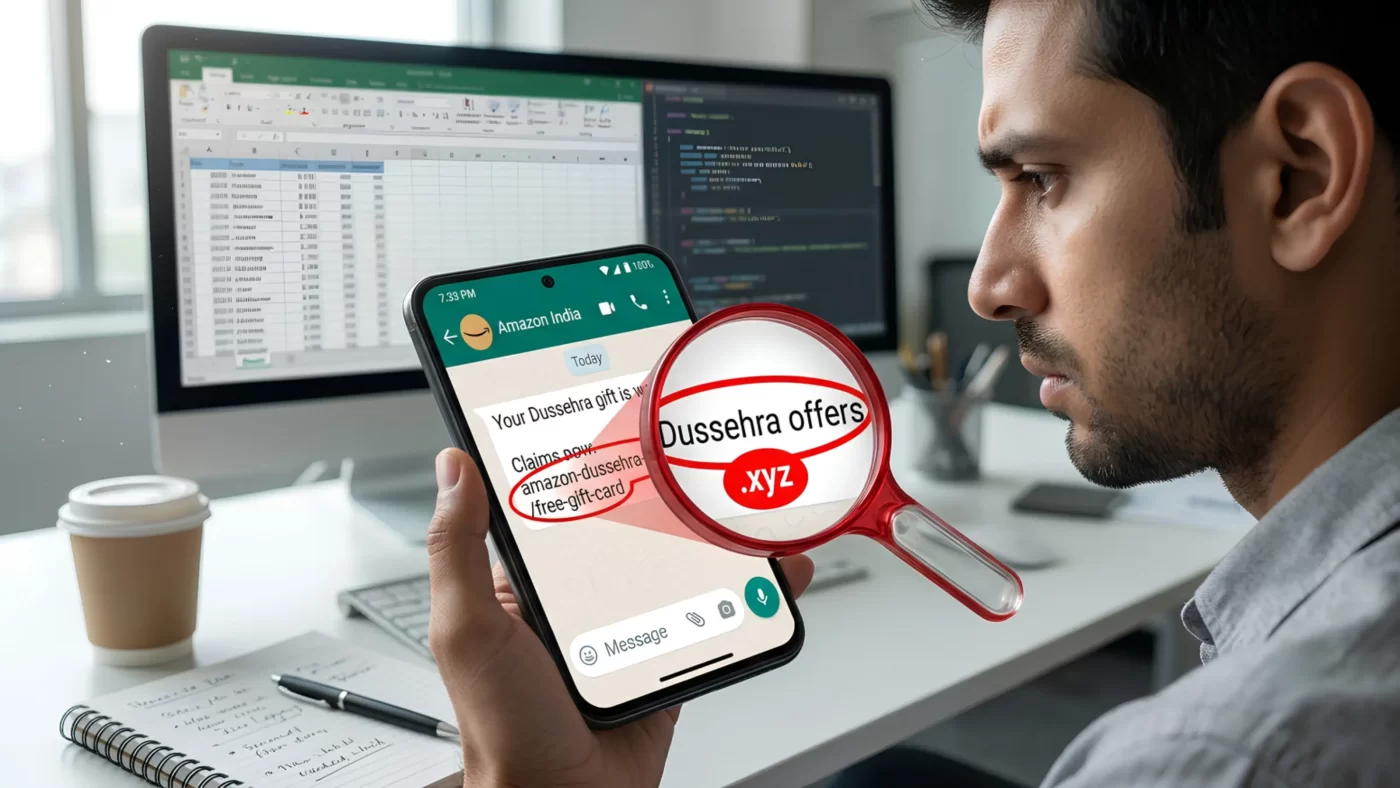

The festive season brings joy, family gatherings, and irresistible online shopping sales across India. Unfortunately, cybercriminals use this exact time to flood messaging apps with malicious messages disguised as festival gift cards, lottery wins, and brand giveaways. Knowing how to detect fake WhatsApp links keeps your personal data, bank balance, and computer networks safe during Vijayadashami celebrations.
What is a WhatsApp Festival Offer Scam Involving Fake WhatsApp Links?
A fake WhatsApp link scam is a phishing tactic where fraudsters share deceptive URLs promising free Dussehra gifts, shopping vouchers, or massive discounts. Clicking these links redirects users to spoofed web pages designed to harvest UPI credentials, personal details, or install silent malware onto mobile phones and Windows computers. Whenever a promotional message lands in your chat, knowing how to identify fake links and spot a fake shopping website is your first line of defense against online shopping fraud India.
-
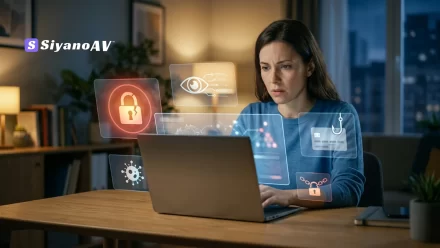
Scammers exploit Dussehra festive excitement using spoofed e-commerce links promising unrealistic discounts on messaging apps.
-
A typical Dussehra offer scam or festival offer scam uses fake domain names, missing SSL certificates, or unusual extensions like
.xyzor.top. -
Direct consequences of tapping a phishing link or fake discount link include instant credential theft, unauthorized UPI debit transactions, and background malware deployment.
-
Disconnect internet access immediately and learn what to do if I clicked a fake link on WhatsApp to prevent full system compromise.
-
Enterprise protection stops a WhatsApp phishing attack before it can spread to school, college, or corporate IT networks.
Red Flags: How to Identify Fake Links on WhatsApp
Spotting a cyber fraud festive season campaign requires paying close attention to link details before tapping your screen. Scammers rely on speed and trust, sending a fake Dussehra sale WhatsApp message through forwarded group chats or compromised contacts.
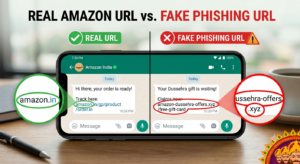
1. Suspicious Domain Names and Typosquatting
Legitimate e-commerce portals use clean, identifiable web domains. Fake links alter single letters to trick your eyes. For instance, a fake Amazon Flipkart offer link on WhatsApp might direct you to amaz0n-dussehra-deals.site instead of official apps. Always learn how to check if a website is fake before buying.
2. Promises of Unrealistic Rewards
If a message claims you won a free smartphone through a WhatsApp gift link scam India campaign simply by sharing with 10 groups, it is WhatsApp fraud. Brands never require mandatory message forwarding to claim legitimate festive discounts or a fake cashback link WhatsApp deal.
3. High-Pressure Tactics and Countdown Timers
Cybercriminals create artificial urgency. Scams display countdown clocks claiming “Only 3 gifts left!” or “Offer expires in 2 minutes!” This psychological pressure stops you from asking is this Dussehra offer link real or fake.
Step-by-Step: What to Do If You Clicked a Phishing Link
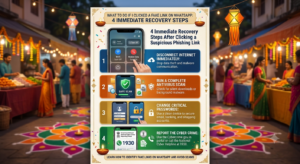
Accidentally clicking a fake WhatsApp links deal happens in a split second. Taking fast action prevents further damage to your device and financial accounts.
-
Disconnect From the Internet Immediately: Turn off Wi-Fi and Mobile Data to stop ongoing data transfers or malware downloads.
-
Scan Your Device: Use the best antivirus to block phishing links on mobile and desktop to search for silent downloads.
-
Change Critical Passwords: Use a separate, clean device to change passwords for online banking, email accounts, and shopping profiles.
-
Report the Cyber Crime: Follow official steps for how to report WhatsApp scam in India via cybercrime.gov.in report online fraud or call 1930.
Festive season phishing scams in India heavily target messaging platforms like WhatsApp during Dussehra and Diwali. Cybercriminals deploy fake WhatsApp links and fake Dussehra discount links on WhatsApp that mimic popular e-commerce websites like Amazon and Flipkart to harvest financial credentials and distribute spyware. Identifying these threats requires knowing how to check if a WhatsApp link is safe, ignoring forward-to-win mechanics, and deploying real-time endpoint security like SiyanoAV Anti-Phishing Protection. Organizations, computer resellers, and educational institutions must combine active cybersecurity awareness with automated web filtering to prevent unauthorized data access across network endpoints.
Protecting Businesses, Schools, and Computer Systems Across India from Fake WhatsApp Links
Online fraud during the festive season is not limited to individual mobile phones. When employees, IT admins, students, or family members connect compromised personal devices to institutional Wi-Fi, malicious scripts spread quickly across local networks.
| Fraud Threat Type | Common Attack Vector | Immediate Impact |
| Fake Cashback Link | WhatsApp Group Forwards | Unauthorized Banking/UPI Debits |
| Typosquatting Site | Spoofed URL (.xyz, .top) | Account Credential Theft |
| Survey & Win Webpage | Forced Forward Messaging | Adware & Spyware Installation |
| Malicious APK Attachment | Direct Chat Attachments | Background Data Infiltration |
Computer resellers, school IT departments, and corporate offices across India require defense-in-depth strategies. Recognizing signs of a fake discount website and blocking deceptive URLs at the endpoint level ensures that even if a user clicks a malicious link, the connection is instantly cut before payload delivery. For broader safety standards, reference guidelines published by CERT-In.
Real-Time Phishing Defense with SiyanoAV
Learning WhatsApp festival offer scam how to avoid strategies is essential, but automated security tools provide 24/7 protection.
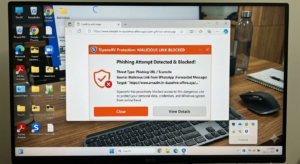
SiyanoAV delivers lightweight, real-time protection designed specifically for Windows environments. It continuously checks incoming web traffic against dynamic threat databases, intercepting malicious scripts and spoofed domains before they load in your browser.
-
Real-time anti-phishing protection against deceptive URLs
-
Behavioral protection against zero-day malware downloads
-
Low system footprint for uninterrupted performance on home and business PCs
CTA Button: [Protect Your Device – Try SiyanoAV Free]
Frequently Asked Questions About Fake WhatsApp Links
Q: How to identify fake Dussehra offer links on WhatsApp?
A: Inspect the URL carefully before clicking. Look for spelling errors or non-standard domain extensions like .xyz. Instead of tapping fake WhatsApp links, visit the official brand website or app directly to check if the deal exists.
Q: Is it safe to forward a fake Dussehra sale WhatsApp message to friends?
A: No. Forwarding unverified links spreads a WhatsApp scam to friends and family. Scammers use viral sharing incentives—promising rewards if you share with 10 contacts—to circulate malicious phishing websites rapidly across messaging networks.
Q: Which is the best antivirus to block phishing links on mobile and PC?
A: SiyanoAV offers dedicated web protection and real-time scanning that intercepts dangerous URLs, phishing scripts, and fake WhatsApp links automatically, keeping your Windows PC secure during online browsing.
Q: How much does SiyanoAV cost for home and business users in India?
A: SiyanoAV provides cost-effective cybersecurity plans tailored for Indian users, featuring a 100% free trial for Windows systems without requiring upfront credit card details.
Q: How can I download and install SiyanoAV on my computer?
A: Visit the official SiyanoAV website, click on the download trial button, and run the setup file. Follow the quick on-screen instructions to activate real-time web and malware protection in minutes.
Q: Does SiyanoAV offer business security solutions for schools, colleges, and IT admins in India?
A: Yes. SiyanoAV provides enterprise-grade endpoint security across all connected devices, preventing phishing threats from spreading across shared local networks.
Q: What to do if I clicked a fake link on WhatsApp and money was deducted?
A: Immediately block your payment card or UPI account via your banking app. Call the Indian Cybercrime Helpline at 1930 and file an official complaint on cybercrime.gov.in report online fraud within the first hour.
Q: How to check if a WhatsApp link is safe before opening it on a school computer?
A: Check the domain name carefully for spelling mistakes and verify the deal on official brand channels. Having SiyanoAV installed ensures fake WhatsApp links and malicious downloads are blocked automatically before they infect network computers.

Leave a Comment