

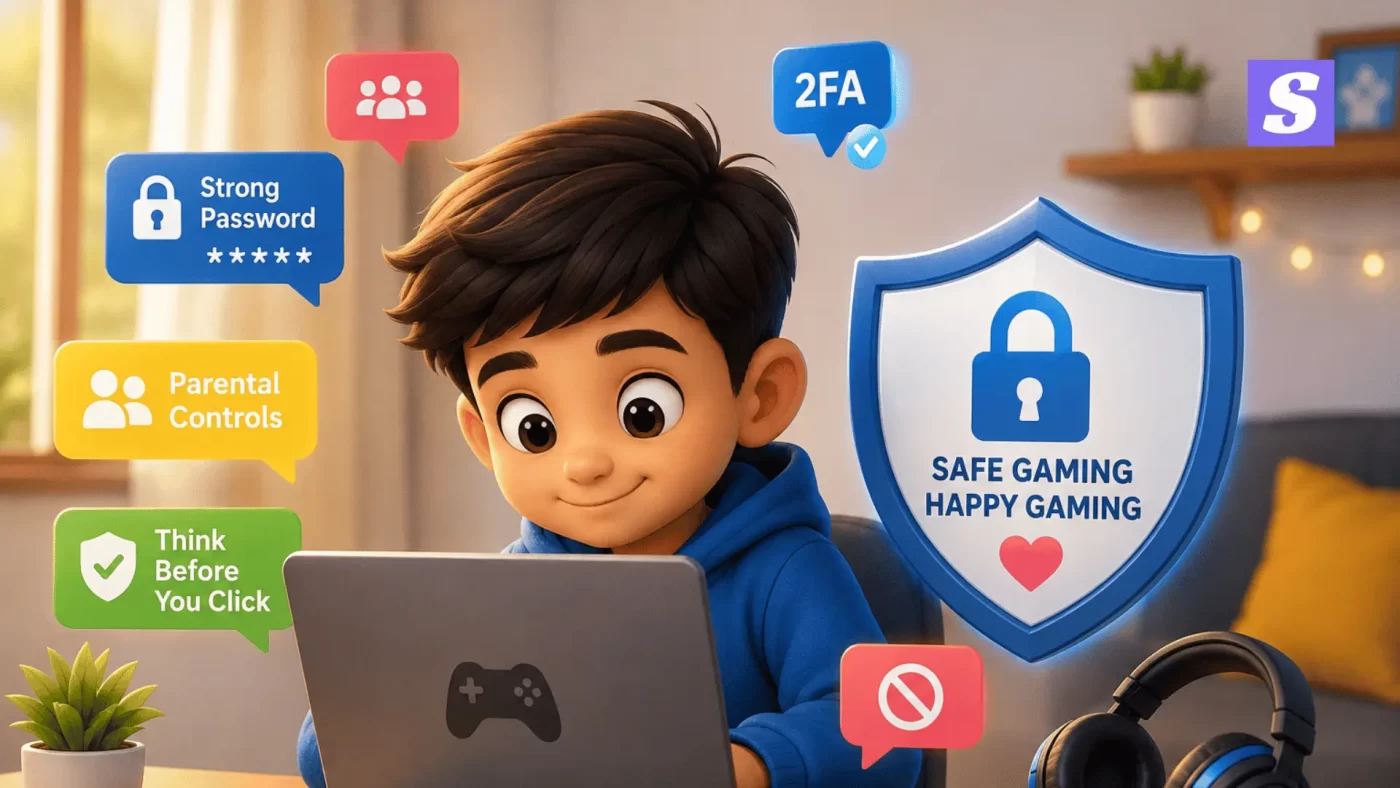

Your kid isn’t just playing a game. They’re on a platform where strangers can message them, offer them “free” stuff, and ask questions no stranger should be asking a child. Child gaming account safety isn’t about banning gaming — it’s about knowing what to watch for, so a fun hobby doesn’t turn into a real problem.
This guide walks you through exactly that, without the jargon.
What is child gaming account safety?
Child gaming account safety means protecting a minor’s gaming profile, in-game purchases, and personal data from scammers, hackers, and online predators. It covers strong passwords, parental controls, two-factor authentication, and teaching kids to recognize scams before they fall for them.
Why Gaming Account Safety Matters More Than You Think
Most parents worry about screen time. Fewer worry about who their child is actually talking to inside a game.
Games like Free Fire, PUBG, and Roblox all have built-in chat. That chat is where most of the trouble starts — not the game itself. Cyber police units in several Indian states have flagged a rise in scams that specifically target children through gaming chats and in-app offers, because kids are more trusting and less likely to question a “friendly” stranger.
The account itself also holds more than you’d think — saved payment methods, personal chat history, sometimes even linked email or phone numbers.
How Scammers Target Kids Through Free Gems and Skins
The Free Gems Scam, Explained
It usually starts with a message: “Get free diamonds, just click here” or “I’ll give you free skins if you log in on this site.” The link leads to a fake login page that looks identical to the real game. The moment your child types in their username and password, the scammer has full access to the account.
From there, they can drain in-game currency, make purchases using saved payment details, or lock your child out completely.
Maharashtra Cyber Police recently issued a public advisory specifically about this exact pattern — fake free gems and skins offers used to steal children’s gaming account details and trick them into unauthorized purchases.
Fake Tournaments and Giveaways
Another common trick: a message claiming your child has “won” a tournament prize or been selected for a special giveaway. To claim it, they’re asked to share their login, OTP, or personal details. There’s no prize. There’s only a scammer collecting information.
CTA button text: See How SiyanoAV Blocks Scam Links
Signs Your Child’s Gaming Account Has Been Hacked
Watch for:
- Sudden loss of in-game currency or items your child didn’t spend
- Login alerts or emails from an unfamiliar device or location
- Your child being unable to log in with their usual password
- New friends or messages your child doesn’t recognize
- Unexpected charges on a linked payment method
- Your child seeming anxious or secretive about the game, without explanation
If two or more of these show up together, treat it as a hacked account, not a glitch.
How to Protect Your Child’s Gaming Account
Set Up Parental Controls the Right Way
Most gaming platforms — Free Fire, PUBG Mobile, Roblox — have built-in parental control settings. Turn on:
- Purchase approval (so no in-app buy happens without your confirmation)
- Chat restrictions or “friends only” messaging
- Screen time limits tied to your account, not your child’s
Don’t rely on the platform’s default settings. Most arrive fairly open.
Teach Two-Factor Authentication Early
Two-factor authentication (2FA) means even if a scammer gets the password, they still can’t log in without a code sent to your phone. Set this up on every gaming account your child uses. It takes five minutes and blocks most account takeover attempts outright.
Talk to Your Child About Online Strangers
This matters more than any setting. Tell your child, in plain words:
- No one gives away free gems for nothing — it’s always a trick
- Never share your password, OTP, or personal details with anyone in a game, even a “friend”
- If someone online asks where you live or what school you go to, tell a parent immediately
Kids report scams far less than adults, usually out of embarrassment. Make it clear they won’t get in trouble for telling you.
CTA button text: Get Family-Safe Protection with SiyanoAV
What to Do If Your Child’s Account Gets Hacked
- Change the password immediately, from a device the scammer hasn’t accessed
- Turn on two-factor authentication if it wasn’t already active
- Check and remove any unfamiliar linked payment methods
- Contact the game’s official support team to report the takeover
- If money was lost, report it at cybercrime.gov.in or call the national cybercrime helpline 1930
- Don’t blame your child — quick, calm reporting is what actually limits the damage
Free Fire, PUBG, and Roblox — Platform-Specific Safety Tips
| Platform | Main Risk | Built-In Safety Feature | What Parents Should Do |
|---|---|---|---|
| Free Fire | Free diamonds/skins phishing links | Report & block in chat | Disable chat with strangers, enable purchase lock |
| PUBG Mobile | Fake tournament/giveaway scams | Parental control app (PUBG Mobile Guardian) | Link guardian account, set play-time limits |
| Roblox | Stranger chat, grooming risk | Account restrictions, chat filters | Turn on “Account Restrictions” for under-13 profiles |
| Instagram/Discord (linked to gaming) | Personal info requests via DMs | Privacy settings, restricted accounts | Set profile to private, monitor friend requests |
| General mobile gaming | Saved card auto-purchases | Google Play/App Store purchase approval | Require password/biometric for every purchase |
How SiyanoAV Helps Keep Your Family Safe Online
SiyanoAV’s Internet Security and Total Security plans include real-time protection against phishing links — including the exact fake “free gems” pages scammers use to steal gaming credentials. Parental control features let you set screen time, block unsafe sites, and get alerts if a device tries to reach a known scam domain.
You don’t have to monitor every message your child gets. The software flags the dangerous ones before they’re even opened.
CTA button text: Protect Your Child’s Devices — Try SiyanoAV Free
- Scammers target kids in gaming chats using fake “free gems” and “free skins” offers.
- Maharashtra Cyber Police has issued a specific advisory on this exact scam pattern.
- Two-factor authentication blocks most gaming account takeover attempts.
- Parental controls should be manually enabled — default settings are usually too open.
- Report hacked accounts and financial loss at cybercrime.gov.in or via helpline 1930.
Child gaming account safety refers to the steps parents take to protect a minor’s gaming profile, saved payment details, and personal data from online scams and predators. The most common threat is the “free gems” scam, where fraudsters send fake links promising free in-game currency, which actually steal login credentials. Indian cyber police units have issued public advisories on this exact pattern. Protection involves enabling two-factor authentication, activating platform parental controls, restricting in-game chat with strangers, and having direct, judgment-free conversations with children about online safety.
FAQs
Q: What is child gaming account safety?
A: It means protecting your child’s gaming profile, saved payment details, and chats from scammers and hackers, using tools like 2FA, parental controls, and safe browsing habits.
Q: How do I know if my child’s gaming account has been hacked?
A: Watch for missing in-game currency, unfamiliar login alerts, being locked out, or unexpected charges. Two or more of these together usually means a takeover.
Q: Is SiyanoAV good for protecting kids while gaming online?
A: Yes. SiyanoAV blocks phishing links (including fake “free gems” pages), and its parental control tools let you manage screen time and site access from one dashboard.
Q: What parental controls should I use for Free Fire or PUBG?
A: Enable purchase approval, restrict chat to friends only, and use the platform’s built-in guardian or family settings alongside a security app like SiyanoAV.
Q: How do I download SiyanoAV to protect my family’s devices?
A: Visit siyanoav.com, choose the Internet Security or Total Security plan, and download the installer directly — setup takes under five minutes.
Q: Does SiyanoAV work on the devices my kids actually use in India?
A: Yes, SiyanoAV supports Windows and Mac devices commonly used by Indian households, with plans covering multiple devices under one subscription.
Q: What should I do if my child already shared their password with a scammer?
A: Change the password immediately from a different device, enable 2FA, check for unauthorized purchases, and report the incident at cybercrime.gov.in or call 1930.
Q: What happens if my child’s linked payment method gets misused?
A: Contact your bank to block further transactions, remove the payment method from the gaming account, and file a complaint through the National Cyber Crime Reporting Portal.
Leave a Comment