

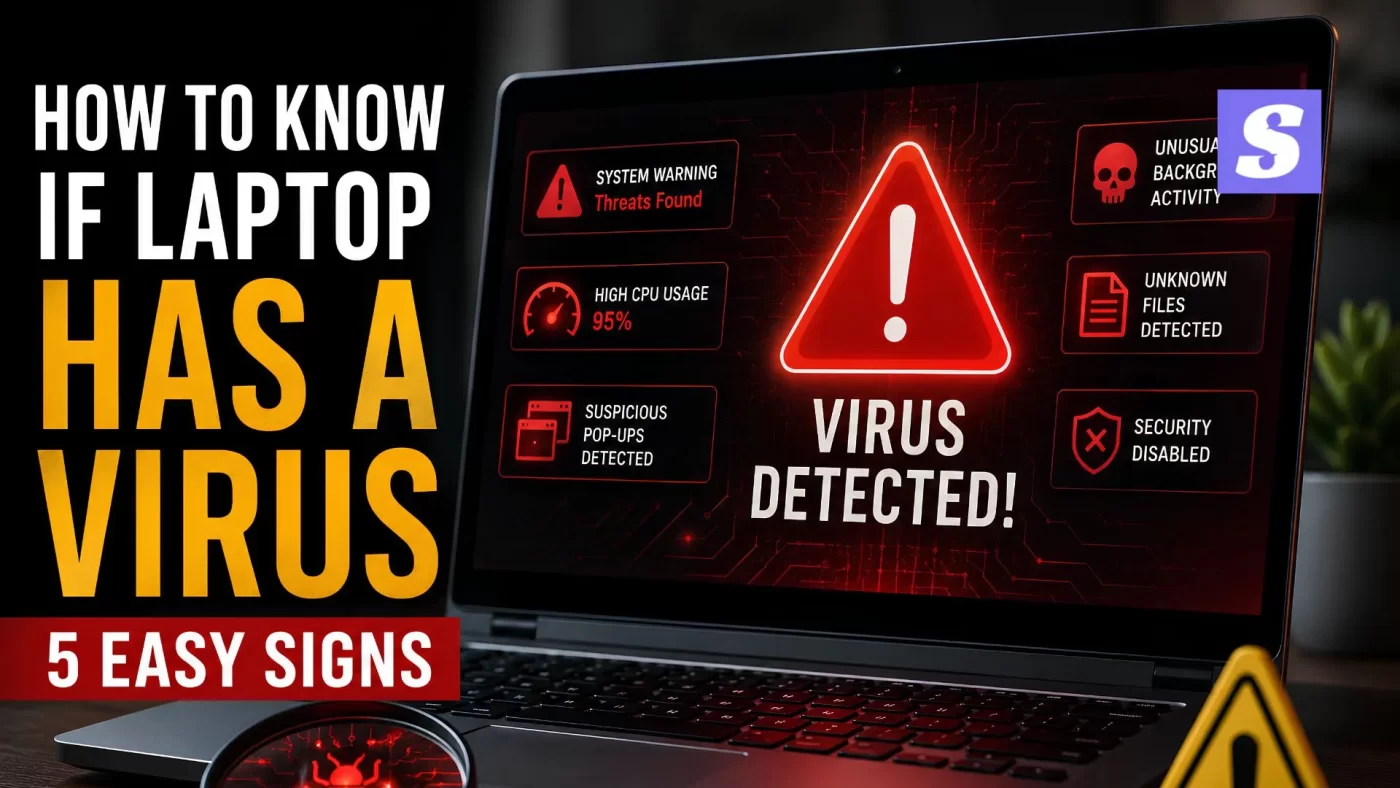

How to know if laptop has a virus is something almost everyone freaks out about at some point. Picture this: you are right in the middle of a massive project or just relaxing with a show, and out of nowhere, everything locks up. Then your internal fan starts screaming like a jet engine preparing for takeoff. Your immediate thought is probably, Great, there goes my entire weekend. Before you start panic-shopping for a replacement machine, we need to dig into what is actually happening.
Here’s the thing. Most people guess wrong. They assume a slow computer just means the hardware is getting old and tired. The truth is, your internal parts might be completely fine, but you could be dealing with an unwanted digital squatter. Let’s figure out what is happening under the hood without losing your sanity or your data.

Real-World Signs Your Laptop Has a Virus
Honestly, some warnings are incredibly loud, while others just quietly ruin your day. If your system is lagging because a piece of malware is choking it, it won’t just feel slightly sluggish—it will feel like wading through deep mud.
Watch out for these specific red flags:
-
The Desktop Pop-Up Explosion: Random, sketchy advertisements keep jumping onto your screen even when your browser is completely closed.
-
The Mystery Battery Drain: Your laptop dies in an hour because malicious background tasks are running full blast 24/7.
-
Ghost Software: You glance at your desktop or apps folder and find programs you absolutely never installed.
-
Extreme Temperatures: Your keyboard feels like a hot stove because hidden processes are constantly maxing out your processor.
If you are sitting there wondering if your machine is just acting strange or if it’s an actual infection, look at your running processes. When a bunch of unknown, weirdly named software is hogging your system resources, your machine is definitely compromised. That is the classic definition of a sick computer.
Quick Guide: How to Know If Laptop Has a Virus for Free
Now let’s be real for a second. You don’t need to hand over your credit card just to figure out what’s broken. If you want to master how to know if laptop has a virus, you should start with the free diagnostic tools that came with your operating system.
If you use Windows, just type “Windows Security” into your bottom search bar, open the dashboard, and click on “Virus & threat protection.” You can read more about navigating these native system protections directly on the Microsoft Support Portal. Run a quick scan right there—it takes less than five minutes and automatically snags the most common threats.
Expert Insight: “Malware thrives by hiding in plain sight. If your default browser homepage changed itself or your search results look weird, stop entering passwords immediately. Your system is screaming for help.” – Senior Systems Specialist at SiyanoAV
Glitchy Hardware vs. Actual Malware
It is easy to mix up a dying hard drive with a cyber attack. Let’s break down how to spot the difference between a physical hardware failure and a malicious script.
| What is Happening | Likely a Hardware Issue | Likely a Virus / Malware |
| System performance drops | Only when opening massive files or running intense editing apps. | All the time, even when you are just staring at the empty desktop. |
| Strange physical sounds | Clicking, grinding, or rattling coming directly from the drive or fan. | Fan spins loudly because hidden mining software is pushing the CPU to 100%. |
| Web browser behavior | Slow page loading caused by a terrible Wi-Fi connection. | Random tabs flip open on their own to sketchy adult or gambling sites. |
| Files disappearing | Accidental deletion or a corrupted physical sector on the drive. | Your personal files are suddenly locked or replaced with weird file extensions. |
Finding a Threat Without Antivirus Software
What if you are completely locked out? Sneaky malware can block your security tools from opening in the first place. Hunting down an infection without a scanner takes a little bit of detective work. Look for strange behavioral quirks, like your friends messaging you to ask why you are sending them spam links or weird emails.
Another major red flag that catches Windows users off guard is when your system defense tools completely shut themselves down. If you notice your built-in shields are suddenly disabled and won’t turn back on, an automated script is definitely behind it. If a deep infection totally freezes your screen, you might need to boot into safe mode using guides from cybersecurity resources like BleepingComputer to clean things out manually.
Getting Your Machine Clean Again
If you ran through these steps and realized your machine is infected, don’t panic. Step one is running a dedicated tool like SiyanoAV to catch what is hiding deep inside your root system folders. A solid laptop virus removal protocol will scrub out the junk and stop background data tracking.
You can easily download a free scanning tool online to wipe out the surface threats immediately. Once it is clean, set those software updates to automatic. It saves you from dealing with a broken machine and trying to guess how to know if laptop has a virus all over again down the road.
Frequently Asked Questions
Why does my laptop randomly restart on its own?
It could be a hardware meltdown or a bad update, but malware frequently forces sudden reboots to inject malicious files deep into your system core.
How do I check my running processes manually?
Open your Task Manager and sort by CPU usage. If an unidentifiable program is eating up 95% of your power, right-click it and search the name online to see if it’s a known threat.
Is there a fast way to check my laptop for a virus right now?
Yes. Look for three immediate warnings: a system that suddenly slows down to a crawl for no reason, new browser toolbars you never installed, and a security app that completely refuses to open when you click it.
Can malware survive a complete factory reset?
Standard viruses are completely wiped out by a reset. However, some highly sophisticated rootkits can hide inside your motherboard’s firmware or hidden recovery partitions.
Why does my browser keep redirecting to random search engines?
This is standard browser hijacking. Scammers change your default browser settings to force you onto ad-heavy sites so they can pocket the click revenue.
Time to Take Action
Ignoring a glitchy computer won’t make it fix itself; it just gives malicious scripts more time to dig through your private data. Figuring out how to know if laptop has a virus comes down to paying attention to sudden, bizarre performance drops. Run a clean scan today, dump your temporary internet files, and get your machine back to working the way it is supposed to.






Leave a Comment