

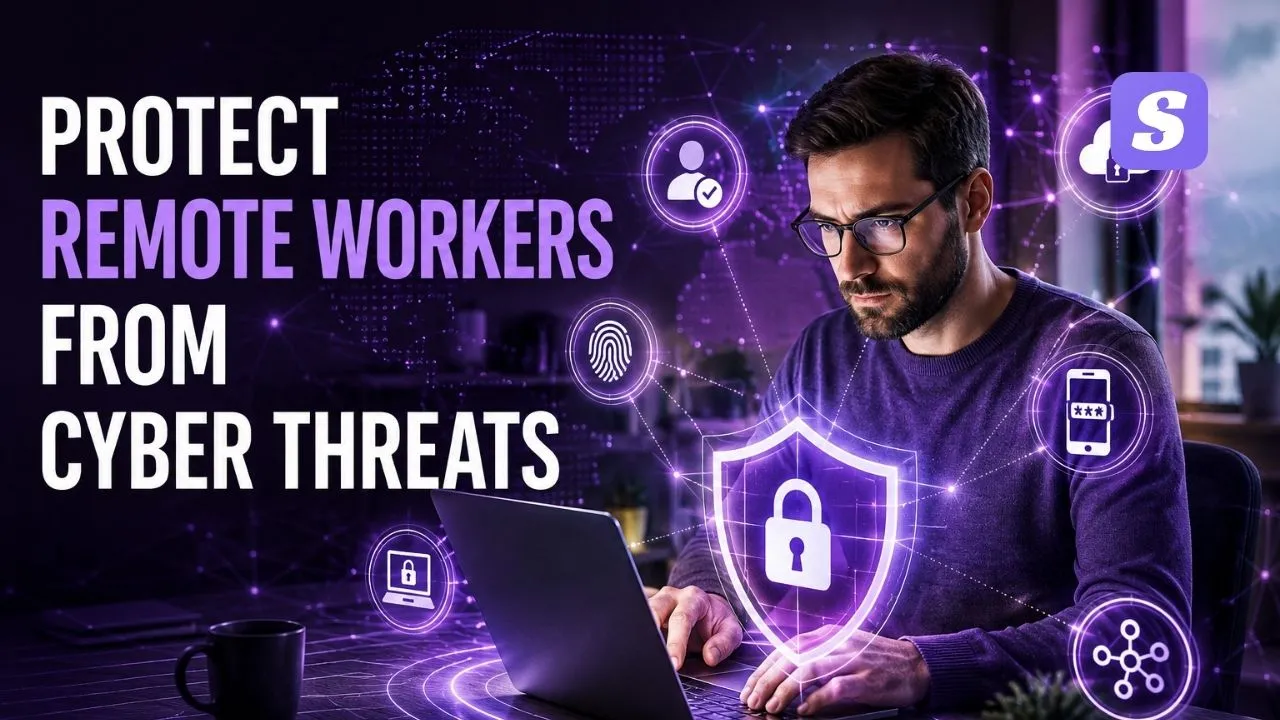

Managing a distributed workforce changes how IT teams handle network perimeters. When your staff accesses company servers from residential locations, traditional office firewalls no longer keep malicious actors out. Businesses must build a proactive defense system to safeguard company endpoints.
To protect remote workers from cyber threats, security teams must address vulnerabilities across personal internet connections, employee-owned devices, and sophisticated social engineering schemes.
To protect remote workers from cyber threats, companies must implement a multi-layered security strategy. This includes deploying managed endpoint security, enforcing multi-factor authentication (MFA), using Zero Trust Network Access (ZTNA) instead of basic legacy VPNs, and conducting continuous anti-phishing training to secure distributed personnel.
Remote Digital Workspaces and System Vulnerabilities
Shifting operations away from a centralized branch removes the traditional defenses that internal systems rely on. When professionals log in using domestic infrastructure, they expose new access paths that modern threat actors aggressively target.
Structural Weaknesses of Off-Site Operations
Controlling corporate assets becomes difficult when workflows happen on domestic setups. Allowing company tasks on unmonitored personal hardware means system administrators lose visibility over active software versions, missing security patches, and hidden system processes. When monitoring fails, malicious actors easily slip into corporate repositories, triggering severe data leakage events that permanently ruin how clients trust your business name. Without immediate modernization, companies cannot protect remote workers from cyber threats over the long term.
Proactive Blueprints to Secure Distributed Workforces
Defending a scattered digital framework demands highly automated enforcement systems rather than just counting on employee alertness. To protect remote workers from cyber threats effectively, companies must configure active defenses across every corporate connection point.
Deploy Robust Endpoint Security for Remote Teams
Every workstation interacting with business databases acts as an entry point into your cloud environment. Enforcing automated oversight across these devices is mandatory. You need endpoint security for remote teams capable of identifying suspicious file adjustments, filtering malicious web connections, and isolating infected machines immediately.
For enterprises supervising teams across India, opting for the best antivirus for remote workers India editions like Siyanoav Total Security delivers centralized web dashboards to track malware alerts across varying states and network speeds. This unified corporate command view remains the most practical way to protect remote workers from cyber threats on company assets.
Implement MFA for Remote Employees
Basic login details no longer offer real protection. User credentials routinely leak through credential stuffing or lookalike credential harvesting pages. Activating MFA for remote employees establishes an unyielding validation wall at every login window. Even if a cybercriminal successfully captures a password, they remain locked out without the physical hardware key or biometric approval verified on the employee’s personal smartphone. Relying on these distinct identity checkpoints helps protect remote workers from cyber threats even during credential leaks.
Transition from Traditional VPN to Zero Trust Network Access
Old-school tunnel connections have fundamental security flaws. Once an intruder breaches a standard VPN for remote workers, they receive full lateral visibility across the entire internal corporate infrastructure.
Migrating to a Zero Trust architecture fixes this issue. This framework never stops validating device health logs and active user identities, granting restricted access only to approved individual apps instead of the entire corporate setup. Following the official CISA Telework Security Standards confirms that checking every individual connection request is essential to protect remote workers from cyber threats across modern cloud platforms.
Reinforcing the Home Connectivity Layer
Securing primary cloud systems does little good if the original network node has critical gaps. To protect remote workers from cyber threats comprehensively, companies must address the vulnerabilities of home environments.
Hardening Insecure Domestic Wi-Fi Routing
A high percentage of residential internet equipment operates under original factory passwords. Outdated gateway software and obsolete security standards permit unauthorized individuals within physical proximity to spy on internal wireless traffic transmissions. These specific home risks amplify when other family members join the exact same local Wi-Fi router using infected personal mobile devices or entertainment setups. Fixing these local access points is a critical milestone to protect remote workers from cyber threats.
Stopping Social Engineering Attacks Outside the Office
Deceptive digital schemes remain the fastest way for hackers to breach systems. In a traditional office, you can easily turn around and ask your IT colleague if an email looks fishy. Working from home removes that quick second opinion, leaving isolated employees to figure out clever digital traps all by themselves. Fake alerts frequently mimic necessary cloud software patch notices or urgent cash transfer demands from corporate leadership. Security teams can study the latest NIST Mobile and Telework Guidelines to create better emergency verification protocols to protect remote workers from cyber threats.
Organizing a Resilient Business Security Model
Shielding confidential databases requires combining ironclad software tools with rigid corporate policies. To maintain standard operational safety and protect remote workers from cyber threats, organizations must enforce a structured homeworking protocol.
This technical policy must require weekly system restarts for home internet equipment, define clear storage zones for company records, and block open public hotspot use unless protected by advanced company encryption layers. Erasing configuration doubts for your staff allows your enterprise to protect remote workers from cyber threats globally using a managed remote employee cybersecurity checklist.
-
Distributed endpoints require cloud-managed security software to maintain complete system visibility.
-
Multi-factor authentication stops credential leaks from transforming into full network breaches.
-
Zero Trust Network Access isolates internal resources better than traditional legacy VPNs.
-
Securing home Wi-Fi hardware prevents local network exploitation by external actors.
-
Regular automated data backups isolate company operations from destructive ransomware demands.
Shielding a modern distributed staff from complex online dangers requires abandoning old perimeter-based security logic. Organizations need to deploy a synchronized defense shield featuring cloud-connected endpoint protection tools, strict credential validation, and verification-first network architectures. Securing vulnerable machines and cross-checking every log-in request allows businesses to halt data exploitation, neutralize phishing traps, and block encryption-based ransomware attacks. This ensures high compliance marks across every household setup without disrupting daily employee tasks.
Security Infrastructure Matrix
| Security Tool Layer | Core Threat Addressed | Remote Implementation Effort | Essential Feature Requirement |
| Endpoint Antivirus | Ransomware & Local Malware | Low (Silent Remote Push) | Cloud Dashboard & Real-Time Scanning |
| MFA Protection | Stolen Login Credentials | Medium (User Enrollment) | Biometric or Push Notification Options |
| ZTNA Gateway | Network Lateral Movement | High (Architecture Shift) | Continuous Device Health Validation |
| DLP Software | Local Data Exfiltration | High (Policy Mapping) | USB Blocking & Cloud Upload Controls |
| Security Training | Phishing & Social Engineering | Low (Monthly Campaigns) | Automated Attack Simulation Modules |
Frequently Asked Questions
Q: What is cybersecurity for remote workers?
A: Cybersecurity for remote workers is a collection of tools, policies, and practices designed to secure corporate data and endpoint devices when employees operate outside traditional office networks. It combines managed endpoint software, access control policies, and secure network pathways to limit data breach exposures.
Q: Why does work from home cybersecurity require more than a standard firewall?
A: Residential locations operate outside the physical boundaries of corporate network hardware. Home internet configurations feature varying security levels, making endpoints vulnerable to local network snooping, out-of-date router firmware exploits, and lateral malware transmission from unsecured home devices.
Q: What is the best antivirus for remote workers India businesses can buy?
A: SiyanoAV Total Security provides the best protection for distributed Indian teams. It delivers centralized corporate cloud monitoring, automated ransomware rollback engines, and localized light footprint optimization that keeps systems fast even on restricted broadband connections across Tier-2 cities.
Q: Is corporate endpoint security better than standard consumer antivirus for remote staff?
A: Yes, corporate endpoint systems are significantly better. Consumer antivirus software only warns the local user of an infection. Enterprise endpoint security gives your central IT team remote isolation capabilities, global policy enforcement tools, and instant cross-network threat visibility.
Q: Where to buy SiyanoAV Total Security licenses for corporate teams?
A: You can purchase enterprise licenses directly through the SiyanoAV official corporate licensing portal or from authorized system integrators across India. Contact our B2B sales team today for bulk volume discounts and custom deployment support.
Q: How to download and deploy the remote employee cybersecurity checklist across my team?
A: Click the download asset button located on our resource dashboard to save the PDF file. You can deploy this checklist directly through your corporate MDM system or email it to employees during onboarding.
Q: Does SiyanoAV offer centralized monitoring for remote workers across different states?
A: Yes, SiyanoAV includes a centralized web management console. Your IT administrator can monitor threat alerts, push software updates, and adjust security settings for all remote personnel anywhere in India via a single browser tab.
Q: Is the Siyanoav Total Security management console accessible via mobile browsers?
A: Yes, the management dashboard uses a fully responsive layout. Network administrators can safely monitor endpoints, review malware alerts, and isolate compromised remote devices using any modern mobile device browser.

Leave a Comment