

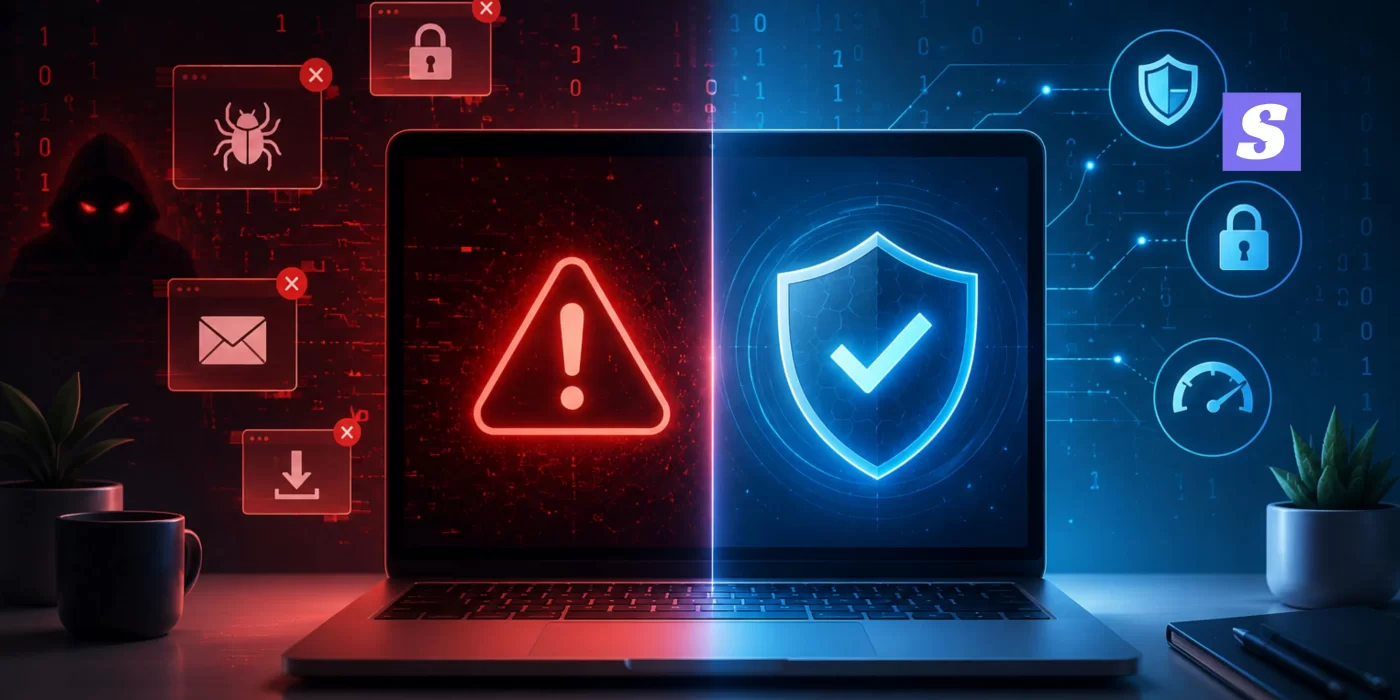

The Reality of a Compromised System
Let’s be real for a second. We tend to take our desktop setups and laptops completely for granted until things go sideways. One day you are working peacefully, and the next, your system feels like it’s drowning in quicksand. Your apps lag, windows freeze, and you immediately start wondering: is my computer infected?
Here’s the thing. Spotting the early signs of malware infection is the only real way to defend your digital life before an attacker locks you out completely. Forget those textbook definitions you read on generic tech portals. When an actual computer infected with malware starts acting up, it doesn’t look like a Hollywood movie script. It shows up as tiny, frustrating glitches that quietly snowball into a massive headache. Honestly, if you don’t know how to tell if your computer has a virus, you are essentially leaving your private keys under the doormat.
If you suspect you’ve already been hit, you should instantly look at the primary signs of malware infection to confirm your doubts. Catching these signs of malware infection early saves your local passwords. Leaving these signs of malware infection ignored just gives hackers a free pass into your banking files.
Let’s break down the exact red flags you need to watch out for today.
Top 10 Warning Signs of Malware
1. The Sudden, Dreaded System Crawl
We have all been there. Your laptop takes ten minutes just to launch a basic text file or open a single browser window. Sure, older hardware slows down over time, but a computer running slow malware sign is usually much more sudden and aggressive. If your device was running like a dream yesterday but feels completely paralyzed today, background malicious code is likely hogging your system assets. This sudden drop is one of the most common signs of malware infection everyday users report.
2. Sudden and Unusual CPU Usage Malware Indicator
Ever notice your machine’s cooling fan spinning at maximum speed when you are just staring at an empty desktop? That is a classic unusual CPU usage malware indicator. Modern cryptojackers and background script bots love to hijack your processing power to mine crypto coins or launch stealthy network attacks without your permission.
You can check this yourself in seconds:
-
Right-click your taskbar and open the Task Manager.
-
Click over to the performance tab.
-
If your CPU utilization is hovering near 90% while you have zero apps open, you have a major problem.
3. Non-Stop Popup Ads on Computer Virus Sign
Honestly, nothing tests your patience quite like this. You are right in the middle of reading an important article, and suddenly, a wave of shady, flashing windows hijacks your entire desktop view. Dealing with these non-stop popup ads on computer virus sign confirms that rogue adware has crawled deep into your system settings. To make matters worse, clicking these fake alerts usually triggers even more malicious downloads. When these popups refuse to close, they act as clear, undeniable signs of malware infection.
4. Constant Browser Redirect Malware Symptoms
You type a familiar web address like google.com into your URL bar, but you instantly land on a bizarre, unverified search engine packed with sketchy tracking links. This highlights classic browser redirect malware symptoms. Scammers hijack your default internet settings to force traffic toward their own affiliate pages, pocketing ad revenue while totally destroying your web browsing experience.
5. Your Antivirus Disabled Itself Malware Tactic
This one is incredibly slick. You decide to run a quick system scan, only to discover your core security defense program has been toggled off. You try to click the enable button, but it is completely unresponsive. When an antivirus disabled itself malware situation happens, it means an aggressive strain of code has compromised your admin privileges. It intentionally neutralizes your shield so its malicious variants can slip past the gate.
That is exactly why you need a dynamic setup like SiyanoAV, which utilizes robust self-protection code to prevent rogue applications from tampering with your security status. Without a strong shield, you will start noticing multiple dangerous signs of malware infection piling up day after day.
6. Files Missing from Computer Malware Alert
Imagine launching your primary project folder and realizing your most important data sheets have vanished. Or even worse, your document extensions have changed to an unreadable format like .encrypted. Finding files missing from computer malware strains like ransomware is an absolute worst-case scenario. Cybercriminals lock away your local data, intending to extort you for money just to get a decryption key.
7. Strange Emails Sent From My Account Virus
If your colleagues or family members start pinging you to ask why you sent them a sketchy web link in the middle of the night, pay close attention. A strange emails sent from my account virus scenario means a bad actor has cloned your active browser session tokens or hijacked your local email client. The script uses your trusted identity to distribute itself across your entire contact database.
8. The System Randomly Crashes (BSOD)
Look, operating systems crash once in a while. It’s an annoying part of digital life. But regular, unprovoked Blue Screens of Death (BSOD) are major computer virus warning signs. When malicious background scripts conflict with your official hardware drivers, your operating system completely gives up and forces a hard reboot to protect itself. If your system keeps crashing repeatedly, consider it one of the final signs of malware infection.
9. New Toolbars You Never Installed
If you open your web browser and notice three unfamiliar search bars taking up half your valuable screen estate, you likely missed a hidden checkbox during a recent installation. Shady freeware distributors frequently plant malware on PC storage drives by bundle-packing scripts alongside legitimate software downloads.
10. Your Internet Data is Vanishing
If your local network data usage is hitting monthly caps for no logical reason, a background application is likely busy uploading large directories. Attackers utilize your active web connection to exfiltrate your private image folders, stored browser credentials, and sensitive documents back to their remote command servers.
+------------------------------------+-------------------------------------------+
| Common Malicious Trigger           | Immediate Practical Result                |
+------------------------------------+-------------------------------------------+
| Stealth Cryptojacking              | Laptop sounds like a jet engine,          |
|                                    | processing power hits maximum             |
+------------------------------------+-------------------------------------------+
| Browser Hijacking                  | Redirects to spammy, fake search engines  |
+------------------------------------+-------------------------------------------+
| Administrative Lockout             | Security software refuses to launch       |
+------------------------------------+-------------------------------------------+
💡 How to Check If Your Laptop Has Virus (India Quick Guide)
If you are noticing these exact malware infection symptoms on your everyday workstation, do not panic just yet. Here is the direct strategy you should execute right now to evaluate your system’s health:
-
Boot Straight into Safe Mode: This simple step prevents malicious third-party startup scripts from launching automatically when your operating system boots up.
-
Launch SiyanoAV Total Security: Trigger a comprehensive, deep system inspection to root out deeply embedded trojans, hidden tracking rootkits, or spy scripts lurking inside your system registry keys. To understand how our cloud-based infrastructure keeps your system light while hunting threats, read our internal guide on how real-time threat detection works.
-
Isolate Your Network Connection: Pull your internet cable or turn off your Wi-Fi immediately if you suspect an active data breach is happening in real-time.
-
Purge Your Browser Add-ons: Review your active extension manager and completely delete any tools you do not explicitly remember installing yourself.
For an extensive breakdown of modern enterprise threats and how digital infrastructure defends itself on a global scale, you can review the official frameworks published by the Cybersecurity and Infrastructure Security Agency (CISA), which covers systemic network security mitigation.
Answering Your Pressing Questions
Is my computer infected if it only slows down occasionally?
Not necessarily. Devices often slow down due to cluttered storage drives, thermal throttling, or too many heavy startup programs running simultaneously. However, if that sluggish behavior is accompanied by intense fan noise or unexpected browser popups, it points directly toward the classic signs of virus on laptop setups commonly encounter.
How do I know if my computer has malware without a scanner?
Keep a close eye on behavioral anomalies. If your default desktop background changes on its own, your browser homepage swaps to an unknown portal without your permission, or your task manager suddenly closes itself when you try to open it, those are undeniable warning signs of malware. These behavioral shifts are clear signs of malware infection.
Can malware survive a factory reset?
Honestly, the vast majority of standard consumer threats are completely wiped out when you format your drive and reinstall your operating system. That said, certain sophisticated firmware rootkits can theoretically hide inside a motherboard’s flash memory, though those are incredibly rare for standard everyday users.
The Final Verdict
That’s where most people get it wrong: they blindly assume that basic built-in factory shields will catch every single threat floating around the web. The truth is, modern digital threat actors are updating their deployment methods daily, and basic, passive protection simply won’t cut it anymore.
If you are observing multiple signs of malware infection across your local machine, you need to step up your security posture immediately. Running a proactive, deep system audit with a reliable solution like SiyanoAV can intercept a malicious script before your personal identity credentials end up traded on the dark web.
If you want to read more about keeping your system completely optimized, check out our companion piece on how to remove hidden background trackers to restore your system speed. Archive your critical data to an offline external drive, deploy a dedicated security scrub, and never click questionable links from unverified senders. Stay safe out there!




Leave a Comment