

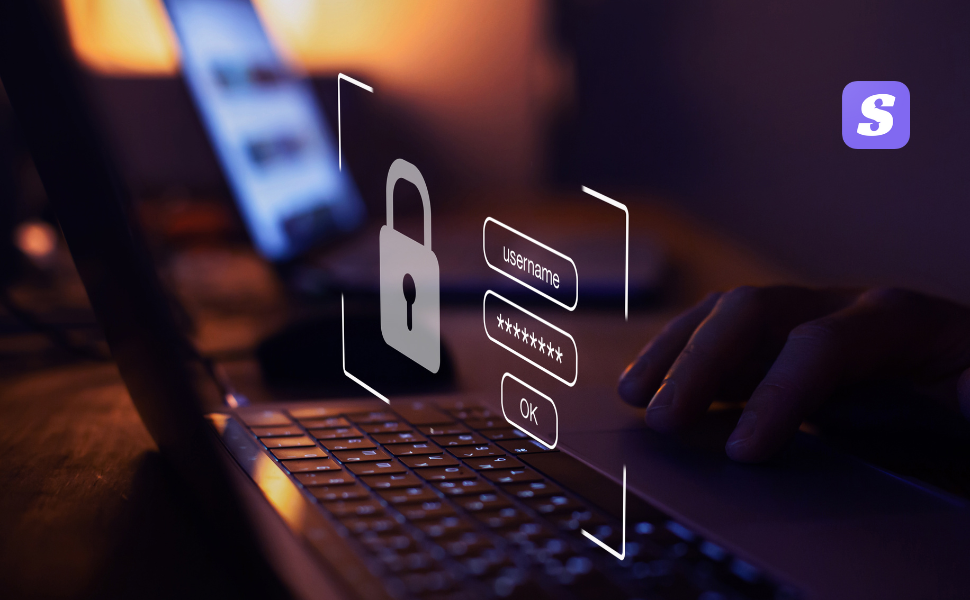

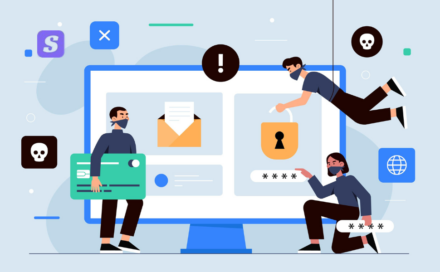
Phishing has been around forever, but attackers are getting smarter — and more convenient — about stealing your social-media credentials. In the last few months researchers and security teams have uncovered a wave of campaigns that use multi-stage redirects and realistic fake login pages (sometimes delivered through phishing-as-a-service kits) to intercept usernames, passwords, and even multi-factor authentication tokens. This post explains how the campaigns work, shows real tactics observed by researchers, and — most importantly — gives clear, practical steps to protect yourself and your organization.
What attackers are doing (quick overview)
Instead of a single obvious scam site, modern campaigns increasingly use redirect chains and legitimate services to hide malicious pages. Attackers send a plausible message (email, DM, or SMS) that lures you to click a link. That link often goes through one or more legitimate domains or link-wrapping services before finally landing on a spoofed login page that looks nearly identical to the platform you use (Instagram, Facebook, Microsoft 365, Google, etc.). These fake pages harvest your credentials and may even capture session cookies or intercept MFA codes. Security firms have recently documented campaigns using redirectors, fake Meta/Instagram notices, and turnkey phishing platforms that make it easy for criminals to run large-scale operations.
Real tactics seen in the wild
Here are common tactics researchers have observed in recent campaigns:
- Multi-layer redirects: Links are routed through reputable services or compromised sites so URL scanners and defenders have a harder time flagging them. Attackers abuse link-wrappers and redirectors to conceal the final destination.
- Phishing-as-a-Service (PhaaS): Services like VoidProxy and other PhaaS offerings provide ready-made templates (including fake login pages) and infrastructure to intercept MFA, making attacks low effort for criminals.
- Fake “suspension,” “verification,” or “copyright” notices: Messages that invoke urgency (account suspended, copyright strike, verification pending) push users to act quickly and click without verification. Researchers have seen many campaigns impersonating Meta/Instagram support to harvest credentials.
- Abuse of external-redirect or OAuth flows: Some campaigns trick users into approving malicious OAuth apps or abuse legitimate redirect behavior to capture tokens and session information
Why these attacks beat basic detection
- They look legitimate. The pages often copy logos, fonts, and wording so well that visual inspection alone won’t help.
- They bypass simple filters. Redirects through trusted domains and use of “mailto:” tricks or legitimate delivery services make automated URL-based blocks less effective.
- They target MFA. Some services capture one-time codes or session cookies during the live login flow, effectively bypassing SMS-based MFA.
Examples (what you might see)
- An email claiming “Your account has been flagged for copyright infringement — review now” with a button that first goes to a legitimate link-shortener or compromised marketing domain, and then redirects to a convincing Instagram login page.
- A message that uses a “security@mail.instagram.com”-style header (often spoofed) and asks you to “verify identity.” The visible link text looks Instagram-like but resolves to a non-Instagram domain after redirects.
- A DM that directs you to “review a document” which ends in a Google/OAuth consent page under attacker control — this then gives the attacker tokenized access.
How to spot these scams — checklist
- Don’t trust the visible link text. Hover on desktop (or long-press on mobile) to inspect the actual URL. If it uses odd top-level domains (.icu, .xyz) or long third-party redirectors, be suspicious.
- Verify the sender: official platforms send from verified domains (e.g., @instagram.com or known subdomains). Look for tiny typos or extra words.
- Watch for unusual urgency or threats. Scammers push panic (“suspended”, “act now”) to short-circuit your checks.
- Be wary of “helpful” chatbots and support pages that ask for credentials or ask you to install software. Legitimate support rarely asks for your password.
- Check the page SSL certificate (click the padlock). If the certificate is for a different organization, don’t proceed. (Note: attackers can get TLS certs for malicious domains, so this is necessary but not sufficient.)
What to do if you (or your org) are targeted
- Stop — don’t enter credentials. If you clicked a link and it looks off, close the page.
- Change your password from the official app/site (not via any link in the suspicious message) and revoke active sessions/devices.
- If you entered credentials, enable app-based MFA immediately (Google Authenticator, Authy) and revoke any OAuth apps you don’t recognize.
- Check for signs of account takeover (new posts, messages sent, unfamiliar login activity).
- Report the phishing to the platform (Instagram/Facebook have in-app report flows and help center forms).
- Scan your device with reputable anti-malware tools — some campaigns deliver infostealers or malware via follow-up actions.
Best defenses (personal and organizational)
- Use app-based MFA (TOTP) or hardware security keys (FIDO2) where possible — these are far harder for attackers to bypass than SMS codes.
- Train teams to treat all unexpected account notices as suspicious and to verify by going directly to the platform (never via the email link).
- Implement link-rewriting and advanced email filtering at the gateway level, and pair that with endpoint detection that looks for credential-harvesting behaviors.
- Apply the principle of least privilege for OAuth apps and periodically audit connected apps/tokens.
Final thought
Phishing evolves quickly, but the core rule still applies: pause and verify. If a message tries to rush you into a login or asks you to run commands on your device, treat it as suspicious. Keep your devices patched, use strong authentication, and report scams when you see them — that helps defenders take down malicious infrastructure and protect others. Recent takedowns and research show defenders can push back, but user vigilance remains the best immediate protection. Stay Protected with SiyanoAV Mobile Security
#siyanoav #mobilesecurity #digitalsecurity #news #cybersecurity #mobilesecurity



Leave a Comment