

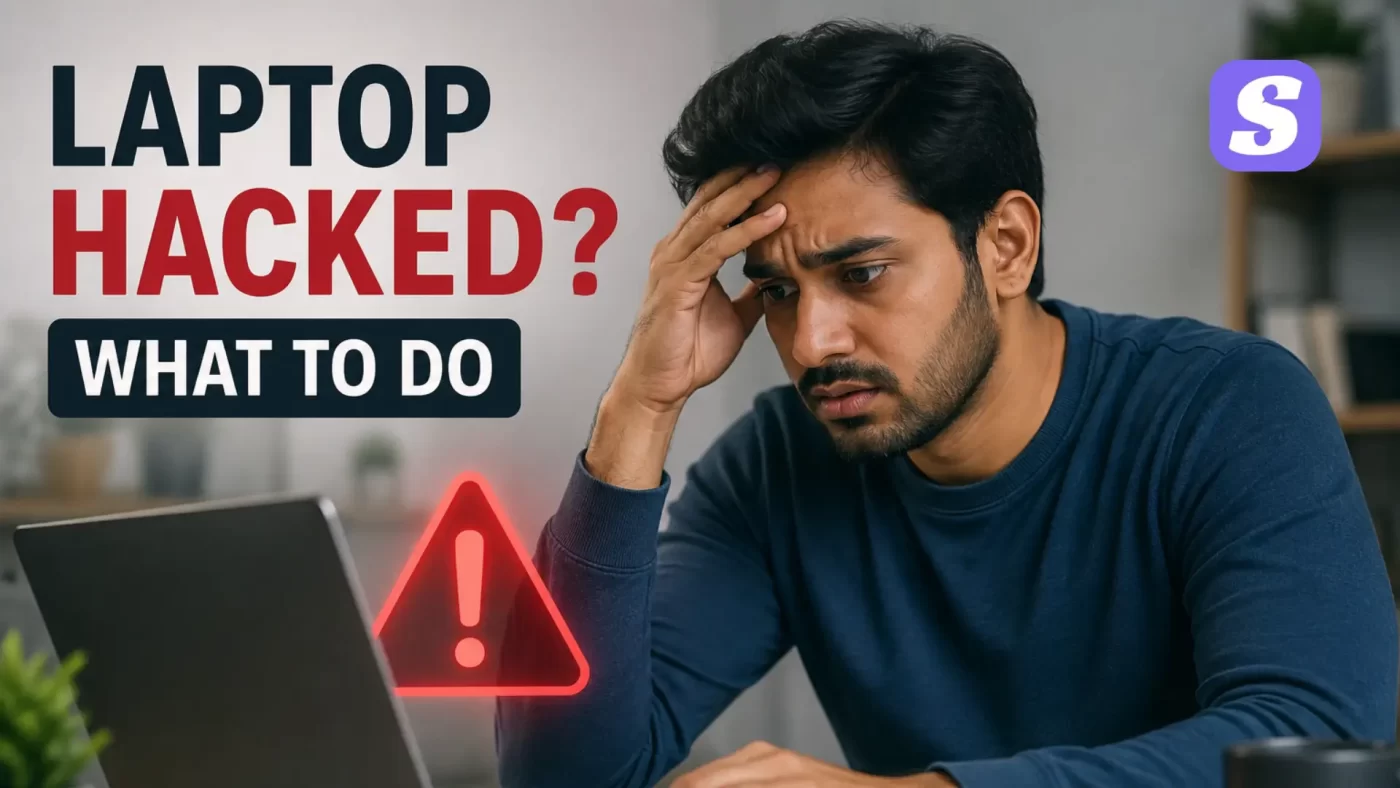

When your screen freezes mid-task, unfamiliar software icons pop up out of nowhere, or your mouse cursor begins navigating your desktop on its own, a wave of panic hits. Dealing with a laptop hacked (what to do) scenario can feel incredibly overwhelming, but the steps you take right now determine whether you safeguard your digital files or lose control of your private financial data.
If you find your laptop hacked (what to do), instantly isolate the machine by shutting off its internet connection to sever any active remote control sessions. Boot your computer directly into Safe Mode to execute a comprehensive offline malware scan using professional security tools. Finally, use a separate, secure device to change all of your online banking, email, and corporate passwords immediately.
-
Cut off all Wi-Fi or Ethernet setups instantly to terminate any active remote administrative hijack loops.
-
Look for critical warnings like self-installing software, unexpected web browser redirections, or security suites turning off.
-
Update every critical financial and personal login credential from an entirely uncompromised secondary smart device.
-
Report localized identity theft attempts or digital breaches straight through the official cybercrime.gov.in portal.
-
Deploy robust enterprise endpoint security across institutional networks to halt dangerous lateral network contamination.
Immediate Threat Identification: Is My Laptop Hacked or Just Slow?
Differentiating between a clean system that is simply losing processing power and an active cyber exploit is key to handling a laptop hacked (what to do) situation effectively. Routine hardware slowdowns happen gradually over months as old storage drives fragment, background apps pile up, or available RAM fills up during heavy tasks. A compromised laptop, however, shows sudden and erratic behavioral changes completely separate from normal processing stress. You might notice your default search engine changing without permission, files getting modified or locked, or your security software getting deactivated mysteriously. These unauthorized background processes burn through system resources and network bandwidth, creating a lag that actually hides live data exfiltration.
                  ┌───────────────────────────────┐
                  │   Is Your Laptop Compromised? │
                  └───────────────┬───────────────┘
                                  │
         ┌────────────────────────┴────────────────────────┐
         ▼                                                 ▼
┌─────────────────────────────────┐               ┌─────────────────────────────────┐
│     Normal System Slowdown      │               │     Active Security Breach      │
├─────────────────────────────────┤               ├─────────────────────────────────┤
│ • Gradual performance drop      │               │ • Security software disabled     │
│ • High RAM usage from active apps│               │ • Unexplained browser redirects │
│ • Slow boot times due to aging  │               │ • Mouse moves on its own        │
└─────────────────────────────────┘               └─────────────────────────────────┘
Critical Signs Your Laptop is Hacked
Cybercriminals try their best to slip past your defenses undetected, but malicious code always drops clues. Catching these early operational glitches early stops extensive identity and data theft before it spreads.
Signs Someone Has Remote Access to Your Laptop
When an attacker drops a remote access trojan (RAT) onto your system, they gain the power to manage your operating system from a completely different location. Watch out for these specific red flags:
-
Your mouse cursor moves across the screen intentionally, opening folders or entering commands while your hands are off the trackpad.
-
Command-prompt windows, strange applications, or web browser tabs launch and shut down entirely on their own.
-
Your operating system files vanish, or your central firewall settings are modified without your consent.
Laptop Hacked Webcam Spying Signs to Watch For
Webcam spying is an invasive threat facing corporate managers, university students, and remote employees alike. Take notice if:
-
The hardware LED indicator light next to your camera lens turns green or blinks when you aren’t using video conferencing tools.
-
You find strange video files, audio snippets, or desk screenshots saved inside your local media directories.
-
Your video applications throw an error stating your camera is currently occupied by another background task.
The Real Risks of Hacked Laptop Ecosystems in India
The true impact of a digital breach depends heavily on your geographic location. Looking closely at what happens when an individual deals with a laptop hacked (what to do) emergency in India reveals why generic, one-size-fits-all security setups usually fail against localized cyber threats.
Laptop Hacked Bank Details Stolen: Financial Fallout
Modern Indian web users handle financial tasks daily via net banking portals, credit cards, and instant UPI applications. When an aggressive keylogger infection slips onto your operating system, it quietly notes every single keystroke. Digital thieves harvest your private bank passwords, account numbers, and transaction PINs right as you enter them. This allows bad actors to drain your bank accounts or execute fraudulent transfers before you notice any unusual activity.
Identity Theft via Hacked Computer Networks
A personal data breach can expose scanned copies of your most vital identity documents, such as tax records, PAN cards, or permanent Aadhaar files. Fraudulent actors reuse these stolen credentials to apply for unauthorized loans, set up fake bank accounts, or send highly targeted phishing links directly to your professional contacts.
How Do Hackers Gain Access to Your Laptop?
Cybercriminals rely on a handful of clever entry tactics to slip right past standard user precautions:
-
Deceptive Phishing: You download what appears to be an urgent corporate invoice or university schedule, but the file secretly installs spyware on a Windows laptop.
-
Unsecured Public Wi-Fi: Logging into open networks at railway stations or public markets lets nearby threat actors intercept your live internet traffic.
-
Compromised Third-Party Downloads: Installing cracked applications, unauthorized activation patches, or unverified media files frequently introduces devastating ransomware payloads.
Step-by-Step Security Protocol: Laptop Hacked What to Do
If your device exhibits undeniable signs of an active intrusion, follow this structured recovery plan immediately to reclaim your machine.
Disconnect from the Internet
Pull your Ethernet cable or turn off your Wi-Fi card immediately. Severing the network connection instantly cuts the communication link between your device and the hacker’s external command server, stopping ongoing data theft.
Enter Safe Mode and Run Advanced Malware Removal Steps
-
Hold down the Shift key while clicking the standard Windows Restart button.
-
Navigate directly to Troubleshoot > Advanced Options > Startup Settings, then click Restart.
-
Press F4 or 4 to boot up securely in Safe Mode.
-
Run a complete offline system scan using high-grade security tools loaded from a clean, external USB storage drive.
Revoke Account Access and Update Credentials
Switch over to a completely separate, uncompromised smartphone or desktop. Access your critical email engines, workplace portals, and bank dashboards to terminate all active login sessions, turn on multi-factor authentication (MFA), and replace every single password with a strong, randomized string.
Corporate and Institutional Laptop Security India Measures
For professional IT administrators managing school labs, retail endpoints, or corporate fleets, an unprotected laptop compromised network gap can easily escalate into a widespread ransomware attack laptop crisis. Organizations must maintain tight perimeter controls:
| Security Domain | Personal Laptop Risk | Corporate/School Infrastructure Threat | Recommended Defense Metric |
| Network Control | Weak home router privacy | Lateral malware spread across internal departments | Implement strict zero-trust network access (ZTNA) |
| Credential Safety | Autofilled web browser profiles | Compromised active directory domain admin privileges | Require hardware security keys for all staff logins |
| Endpoint Auditing | Occasional user-run manual scans | Unmonitored network node software exploits | Run central endpoint detection and response (EDR) |
| Data Redundancy | Infrequent manual folder backups | Bulk file encryption across shared servers | Save immutable daily off-site cloud backups |
| Compliance Level | No specific legal report mandates | Severe fines under the Digital Personal Data Protection (DPDP) Act | Audit system event logs using certified security personnel |
Conclusion: Staying Safe Against Emerging Exploits
Successfully navigating a laptop hacked (what to do) event requires moving fast and staying calm. By cutting your internet connection immediately, running deep offline scans, and securing your financial credentials from a secondary device, you break the attacker’s grip on your data. Moving forward, protect your system by avoiding unverified public Wi-Fi, updating your software weekly, and keeping dedicated anti-malware tools running to stop threats before they take root.


Leave a Comment