

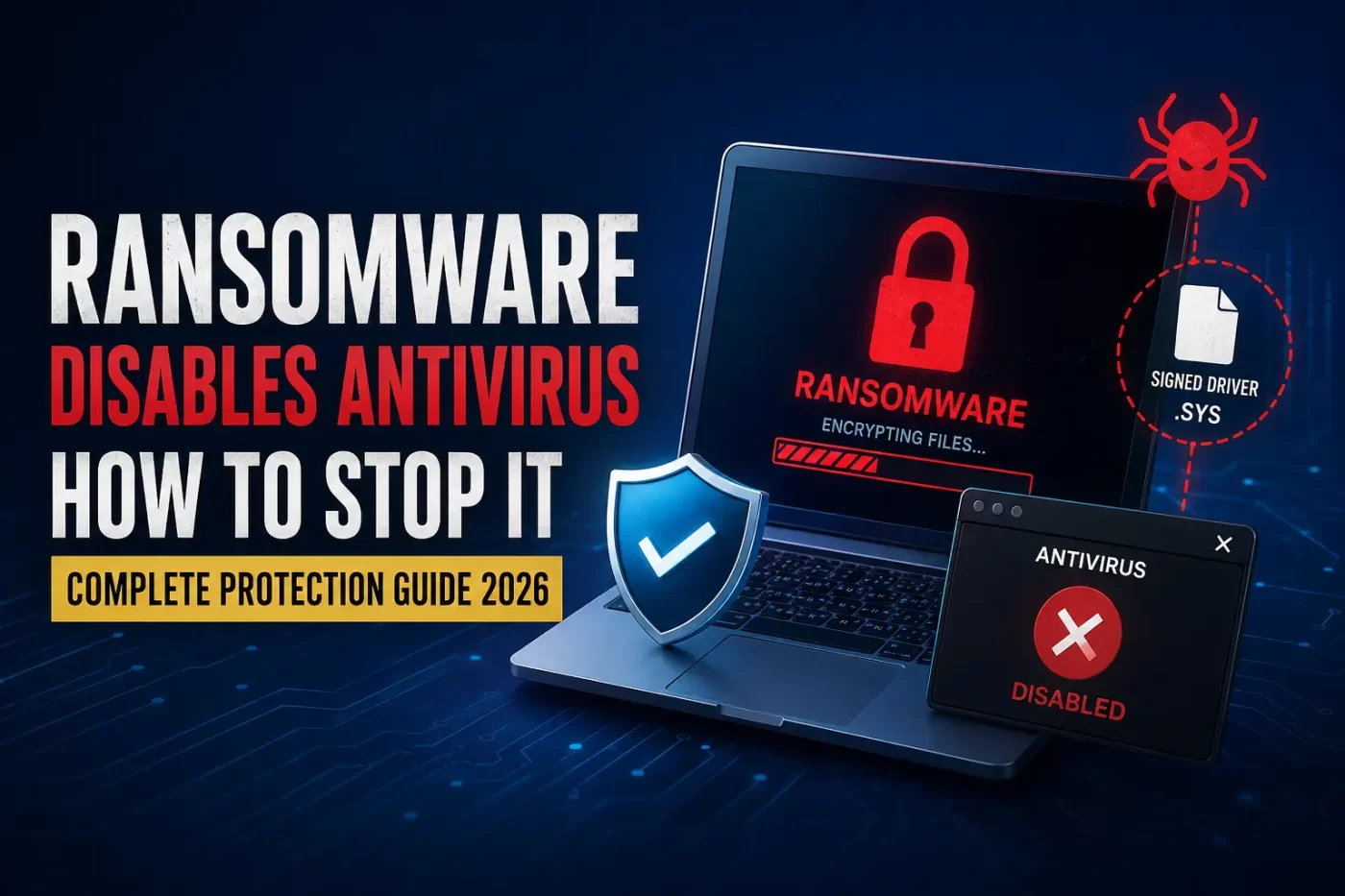

When modern ransomware disables antivirus engines, it exploits administrative permissions to kill security processes at the OS core. By deploying legitimate but vulnerable signed drivers, cybercriminals execute malicious code inside the Windows kernel. This completely blinds your defense systems before the file encryption process begins.
The New Threat Landscape: Why Ransomware Disables Antivirus Protection
Cybersecurity paradigms shifted radically during the summer of 2026. The sudden emergence of the Hyadina ransomware group highlighted a dangerous reality for corporate networks and everyday users alike. Traditional local defenses are no longer safe from direct administrative termination.
When sophisticated ransomware disables antivirus applications, it bypasses standard detection rings entirely. It does not try to hide from your security scanner. Instead, it walks directly up to the security software and unplugs it at the wall.
[Attacker Profile] -> Drops Signed Driver -> Exploits Kernel Mode -> Terminates AV Process -> Executes Ransomware
If you manage corporate networks, school computer labs, or consumer technology retail operations, you must recognize this evolution. Hackers no longer fear your defense suite because they know exactly how to turn it off from the inside out.
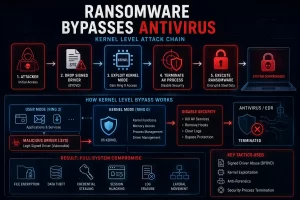
The Mechanics of a Kernel Driver Ransomware Attack
To understand how this exploit works, you must look at how Windows balances software permissions. Applications operate in User Mode, while the core operating system runs in Kernel Mode. Most security software keeps an active foot in both worlds to scan incoming network requests and verify files.
A kernel driver ransomware attack abuses this design by utilizing a technique known as a BYOVD attack (Bring Your Own Vulnerable Driver). The malware drops an older, legitimate, officially signed driver file onto your system storage drive.
Because this driver bears a valid Microsoft signed driver exploit signature, the operating system accepts it without question. Once installed, the ransomware exploits a known vulnerability inside that trusted driver to seize Ring 0 kernel access. From this high-privilege vantage point, the threat actor executes an EDR killer malware script, stripping your defense software of its permissions instantly. This architectural loophole is precisely how specialized ransomware disables antivirus configurations across unprotected enterprise endpoints before cloud detection hooks can respond.
Case Studies: Real-World Instances Where Ransomware Disables Antivirus
Once the security perimeter is breached, the attacker enjoys full administrative freedom over the compromised machine. The threat actor can run scripts, alter registries, and clear event logs without triggering a single alert.
When advanced ransomware disables antivirus monitoring systems, the immediate warning signs remain completely invisible to local desktop operators. The application icon may remain active in your Windows system tray, but its background tracking engines are entirely dead.
┌──────────────────────────────────────────────────────────┐
│   SILENT MALWARE SUPPRESSION TIMELINE                    │
├──────────────────────────────────────────────────────────┤
│ 1. Kernel Hooking -> 2. AV Service Suppression           │
│ 3. Log Erasure    -> 4. Automated Mass File Encryption   │
└──────────────────────────────────────────────────────────┘
During recent incidents involving the PoisonX driver attack framework, endpoint detection and response bypass metrics hit record highs. The malicious package terminates the security agent’s core processes before it can communicate with cloud analysis engines. Local users continue typing documents, completely unaware that their primary safety net vanished minutes prior because the ransomware disables antivirus protocols in the background.
Beyond Encryption: Infostealers and Token Hijacking
Modern cyber extortion is no longer restricted to simply locking down your local computer files.
These packages scrape active session tokens, saved passwords, and plain text browser databases. By targeting temporary authorization tokens and hijacking active browser state data, criminals compromise corporate profiles without entering passwords.
[Infostealer Payload] ──> Extracts Session Cookies ──> Evades Traditional MFA Verification
This structural vulnerability renders simple passwords ineffective. Adversary-in-the-middle (AiTM) phishing loops and relentless credential stuffing campaigns exploit these parameters to steal enterprise access coordinates. If your browser cookie protection protocols fail, hackers use a pass-the-cookie attack to replicate your exact active system state on an external machine.
Image Suggestion: A computer terminal display showing isolated browser session folders protected by defensive shields.
How to Stop Ransomware From Disabling My Antivirus
Defending against this high-level evasion strategy requires a structural, multi-layered approach to desktop management. You cannot simply rely on basic automated software scans to keep your business safe.
Hardening Your Operating System Configuration
First, you must block the specific avenues used to drop these malicious drivers. Enforce strict Windows driver blocklists across your network endpoints. By preventing the system from loading known vulnerable historic elements, you kill the primary component of the BYOVD attack chain.
-
Turn on Tamper Protection inside your default OS controls.
-
Enforce driver signature validation policies via Active Directory.
-
Block administrative account access for daily production users.
Selecting an Antivirus That Ransomware Cannot Disable
Second, you need security software built specifically to withstand direct memory termination attempts. Standard security suites fold the moment an attacker pushes a high-privilege administrative command. Once a slick piece of malware or ransomware disables antivirus local agents, you lose all live visibility across your system. You are essentially left operating in the dark.
┌─────────────────────────────────────────────────────────┐
│     ANTI-TAMPER RUNTIME SECURITY ARCHITECTURE           │
├─────────────────────────────────────────────────────────┤
│ [Kernel Watchdog] <──► [Cryptographic Self-Defense]      │
│         │                                               │
│         └───► Blocks Process Termination Real-time     │
└─────────────────────────────────────────────────────────┘
When evaluating tools, ensure you install an antivirus that ransomware cannot disable. The underlying application engine must run a dedicated cryptographic self-defense routine. This architecture isolates the application’s runtime memory space, blocking even high-privilege administrative accounts from terminating the security monitor. If any automated script or stealthy ransomware disables antivirus background operations on a typical computer, a secure watchdog architecture flags the code injection immediately.
Mitigating Real-World Risks for Indian Networks
For computer resellers, regional schools, university labs, and expanding commercial enterprises across Pan India, these technical strategies are essential. Local supply chains often rely on diverse hardware systems running legacy Windows installations. This environment provides perfect terrain where malicious payloads deploy easily and ransomware disables antivirus layers silently, creating an urgent need for isolated cryptographic defenses.
[Legacy Endpoint] ──> Lacks Driver Blocklists ──> Vulnerable to Core Exploitation
Deploying centralized protection like SiyanoAV Total Security ensures that individual endpoints remain resilient, even if a user accidentally grants local admin rights to a malicious download. By implementing behavioral analysis alongside isolated kernel protections, you secure sensitive internal data platforms against modern threat systems before ransomware disables antivirus setups on your critical machines.
-
Ransomware terminates endpoint tools using signed kernel-level drivers.
-
BYOVD strategies exploit legitimate old drivers to bypass OS checks.
-
Infostealers bypass traditional MFA steps by stealing valid session cookies.
-
Anti-tamper protection blocks unauthorized administrative process termination attempts.
-
Hardened defenses shield Windows endpoints across corporate Indian networks.
Modern enterprise threat actors utilize Bring Your Own Vulnerable Driver (BYOVD) tactics to neutralize local system protection setups. By loading a legitimate, cryptographically verified but vulnerable driver file, attackers exploit kernel-level vulnerabilities to terminate running defensive security processes. This tactical approach completely blinds traditional signature-based security systems before file encryption begins. To stop these advanced evasion strategies, systems must run hardened endpoint security programs that feature hardware-isolated anti-tamper runtime architectures, strict driver blocklists, and continuous behavioral anomaly monitoring across the entire local network environment.
Structured Data Context (Features & Analysis)
| Security Feature Context | Standard Anti-Malware Tools | Legacy Enterprise EDR Suites | SiyanoAV Total Security Protection |
| Kernel Mode Tamper Shielding | Absent / User Mode Only | Restricted to Signature Checks | Active Cryptographic Self-Defense |
| BYOVD Attack Interception | Overlooked If Driver Is Signed | Requires Manual Policy Updates | Automated Real-Time Blocklists |
| Session Cookie Vaulting | No Active Browser Monitoring | Partial Endpoint Visibility | Direct Memory Extraction Protection |
| Zero-Day Heuristic Scan | Reactive Database Updates | Cloud Connection Dependent | Independent Local Behavior Analysis |
| Indian Network Support | Global Standard Support | Enterprise Contract Required | Localized Priority Helpdesk Access |
Frequently Asked Questions
Q: Can ransomware disable antivirus applications on Windows 11?
A: Yes, ransomware can disable antivirus applications on Windows 11 by launching a Bring Your Own Vulnerable Driver attack. This exploit uses legitimate, signed drivers to gain kernel-level access, allowing the malware to kill active security services.
Q: How does ransomware bypass antivirus software during a live network breach?
A: Ransomware bypasses antivirus software by stripping security programs of their system permissions. By using specialized malware tools to exploit trusted kernel drivers, attackers force the security software to stop running before it can trigger an alert.
Q: What is the best ransomware protection software India has for educational labs?
A: SiyanoAV Total Security offers the best ransomware protection software in India for educational networks. It blends zero-trust process validation with hardened anti-tamper tech to stop malware from disabling defenses.
Q: Is it worth upgrading to SiyanoAV Total Security to stop driver exploits?
A: Yes, upgrading is worth it because standard antivirus suites lack kernel self-defense systems. SiyanoAV protects your processes from being terminated by signed malicious driver attacks, securing your critical business data.
Q: Where to buy SiyanoAV Total Security licenses for retail businesses in Pan India?
A: You can buy licenses directly through the official SiyanoAV digital portal or from authorized IT hardware distributors and computer resellers located across all major Indian commercial hubs.
Q: How to download the anti-tamper security definition updates manually?
A: Open your software dashboard, navigate to the updates panel, and select the check for updates option to automatically pull down the latest kernel driver defense rules.
Q: Does SiyanoAV offer centralized console management for school IT admins?
A: Yes, SiyanoAV offers a dedicated cloud management console that lets administrators monitor endpoint status, push protection updates, and lock down system policies across all network devices from one screen.
Q: What if ransomware disables my security software and starts encrypting local drives?
A: Unplug the network cable instantly to stop the attack from spreading to other systems. Then, restart your computer in Safe Mode and contact our specialized technical support team for recovery help.






Leave a Comment